 JSKAPPS
Ideas, guides & product news
Notes on browser tools, credits, and getting more done — from the team and our contributors.
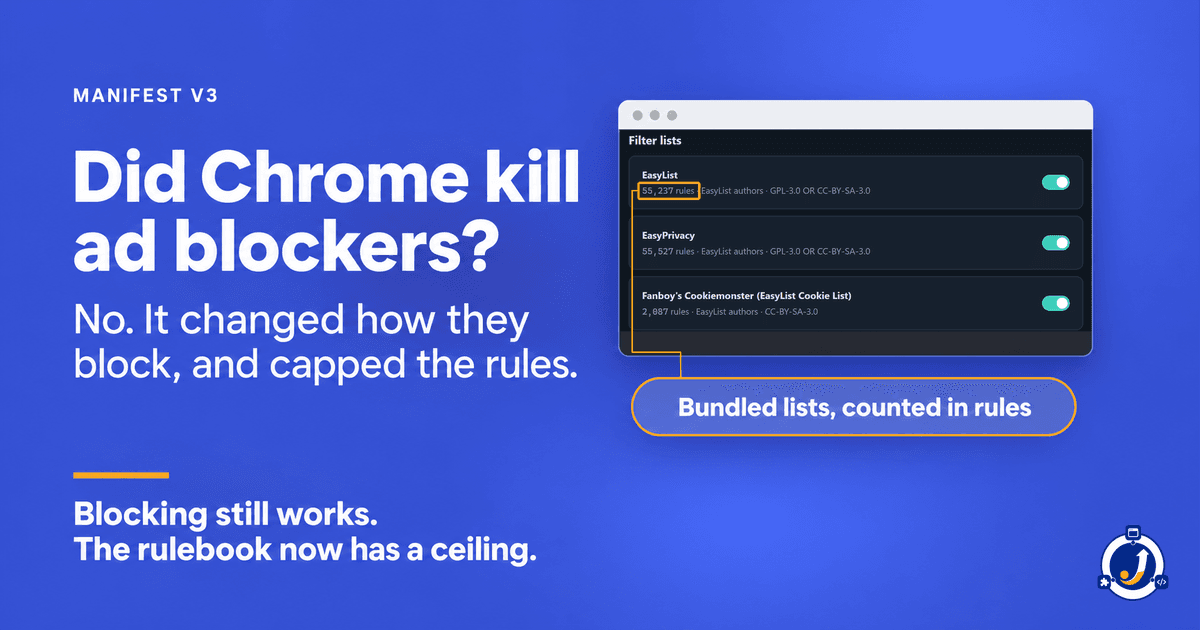
Did Chrome Kill Ad Blockers? What Manifest V3 Changed
Ad blockers still work in Chrome. Manifest V3 changed how they block and capped the rules they can add. The limits, from Chrome's own documentation.
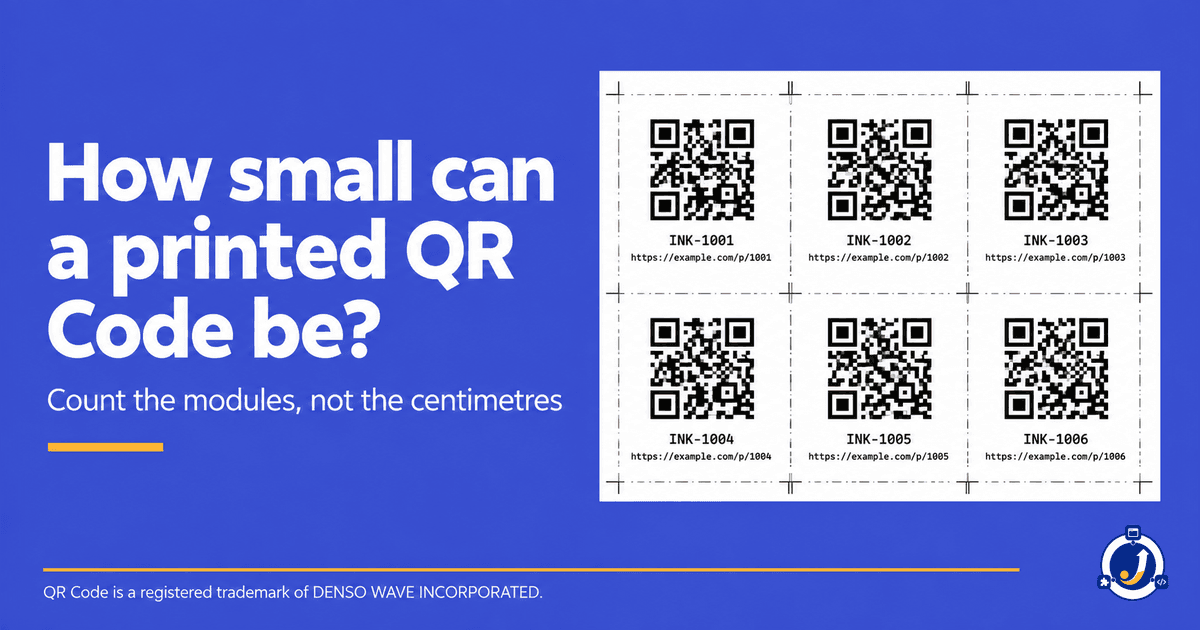
Minimum QR Code Size Is a Module Size, Not a Code Size
There is no single minimum QR Code size. What decides whether a printed code scans is the size of one module. Here is how to work yours out.
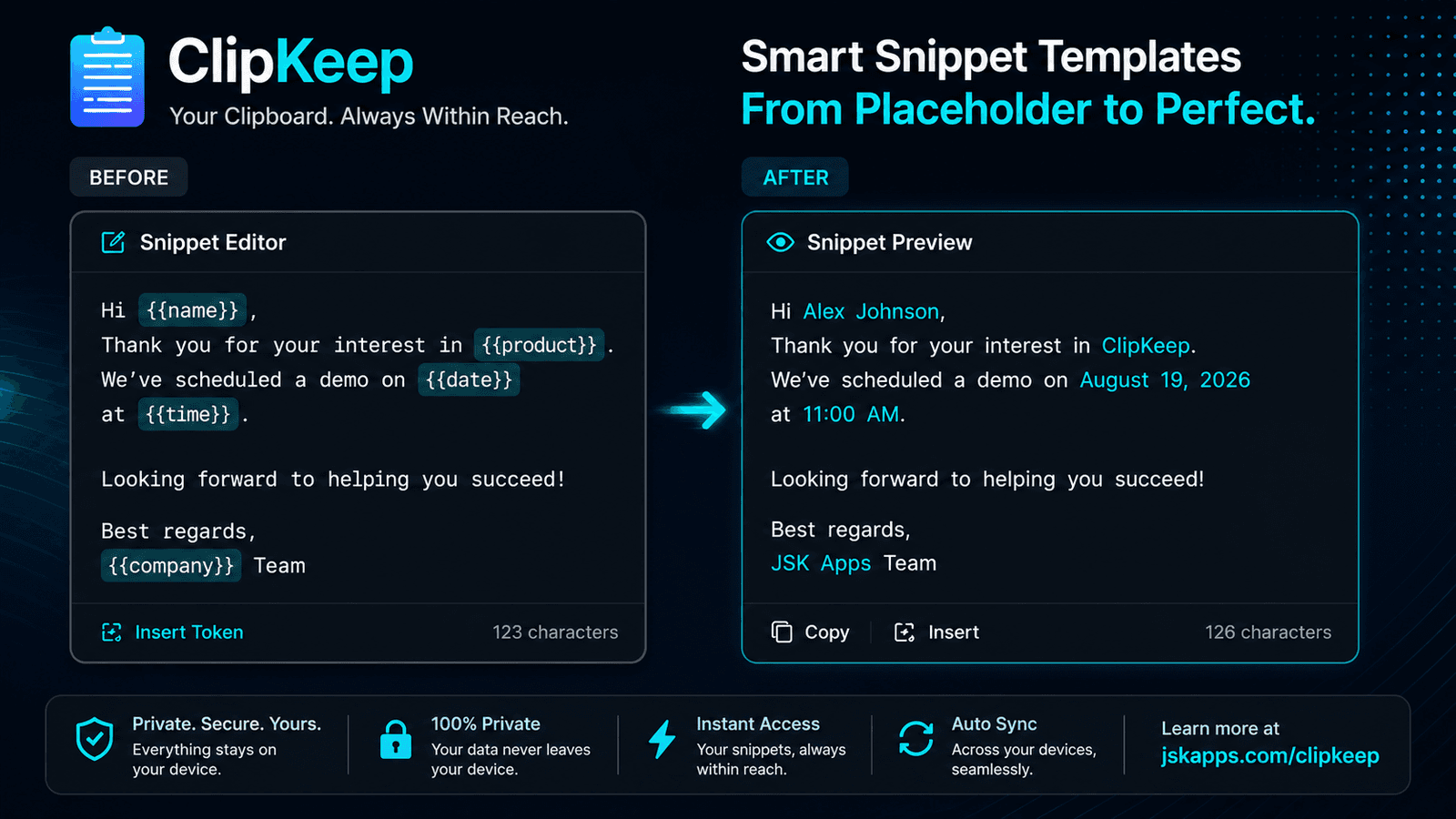
Snippets that fill themselves in: templates in your clipboard manager
Saved snippets are find-and-replace with extra steps until they can compute. Dates, the current clipboard, fill-in-the-blank fields and nested snippets turn a canned reply into something you actually use forty times a day.

The YouTube Equalizer Problem: One Curve Cannot Fit Every Tab
A curve that rescues a quiet lecture ruins a mastered album. If you keep adjusting the same equalizer every time you switch tabs, the problem is not the curve — it is that you only have one. Here is how per-site audio profiles fix it.
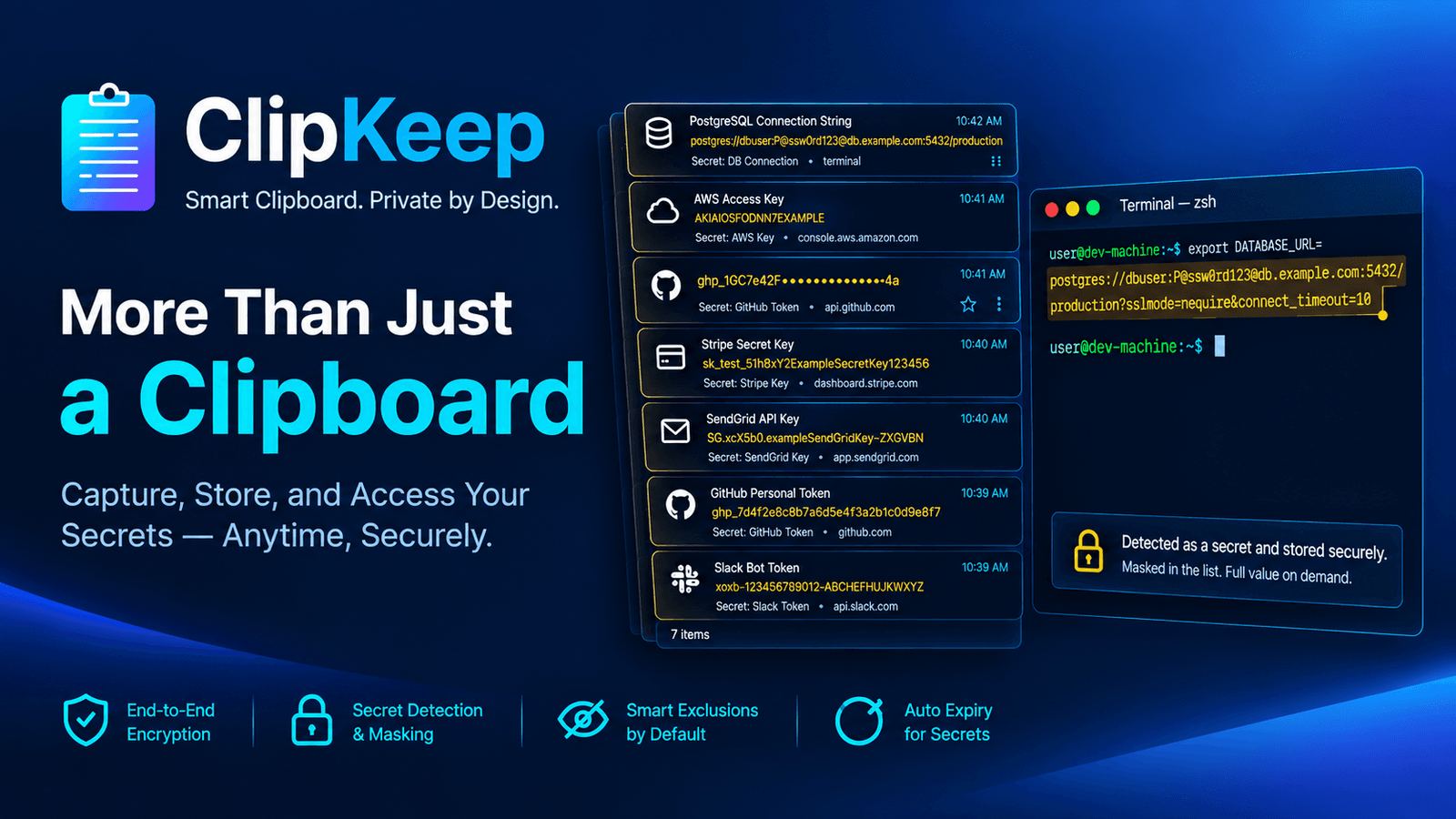
Your clipboard history is a plaintext log of your credentials
If you copy API keys, connection strings and tokens all day, your clipboard manager is quietly building a permanent, readable log of them. Here is what is actually in that file, and how to get the convenience without the liability.

The case for an ad blocker that sends nothing about you
An ad blocker sits in the path of everything you browse — so the sharpest question isn't how well it blocks, but what it sends back. Here's what a zero-collection blocker looks like when you can actually check the claim.
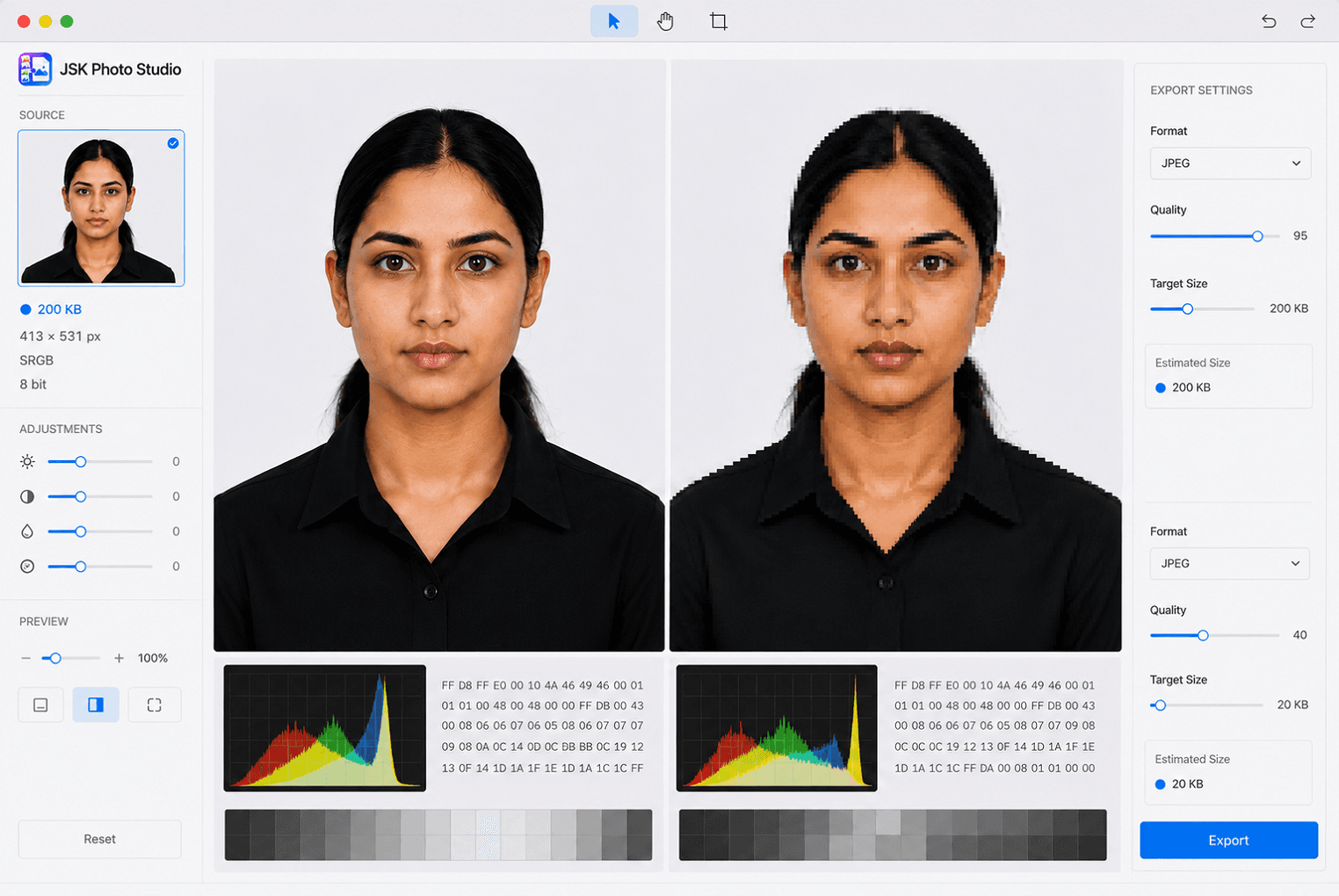
How to resize a photo to 20 KB for an exam form without wrecking it
Exam portals cap photos at 20, 50 or 100 KB and reject anything larger — or anything smaller. Here is how to land inside the band on purpose, instead of compressing until it fits and hoping nobody looks closely.
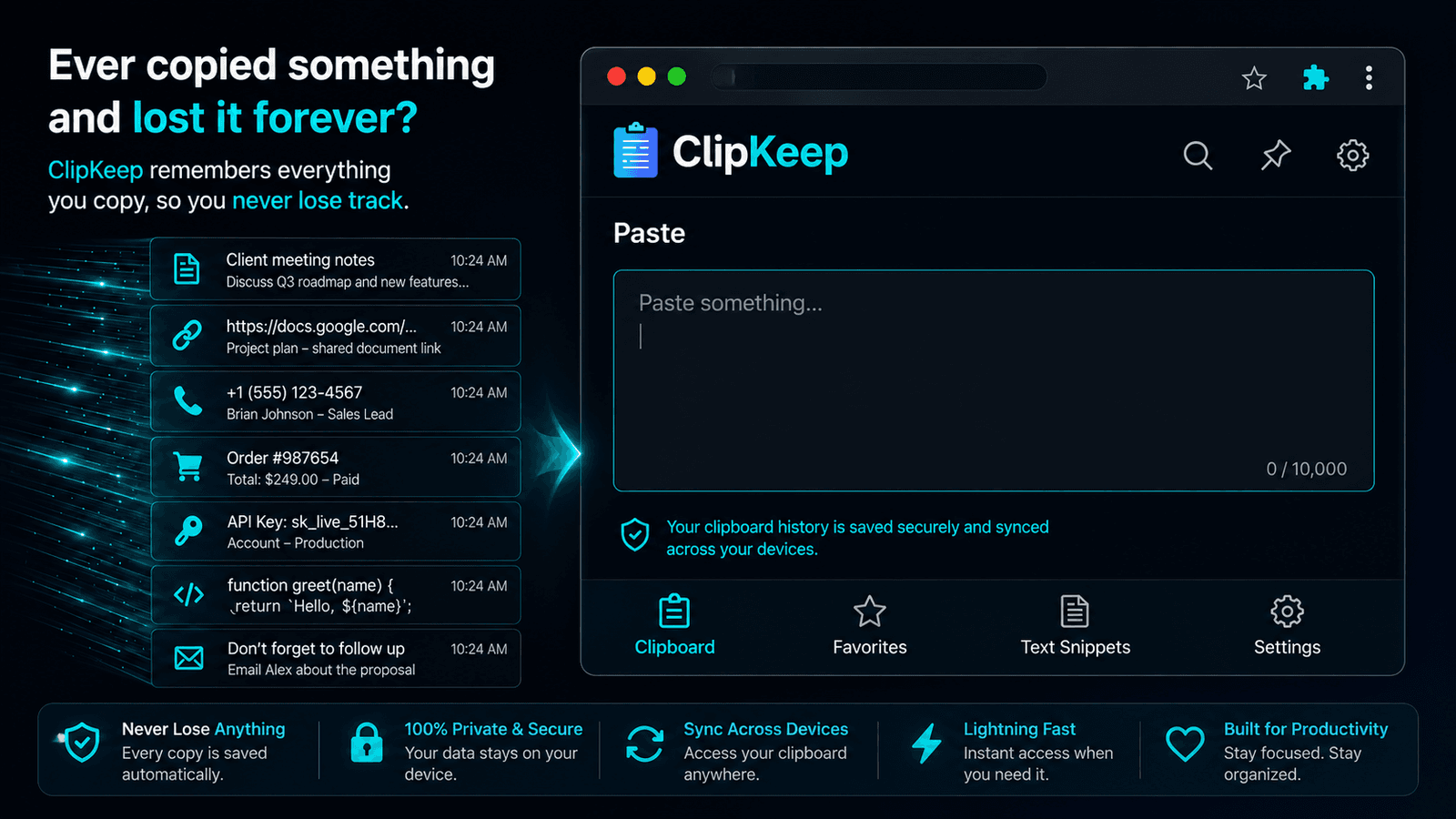
How to see your clipboard history in Chrome
Chrome has no clipboard history of its own — Ctrl+V only ever gives you the last thing you copied. Here is what actually exists on Windows, Mac and ChromeOS, and how to get real history inside the browser itself.
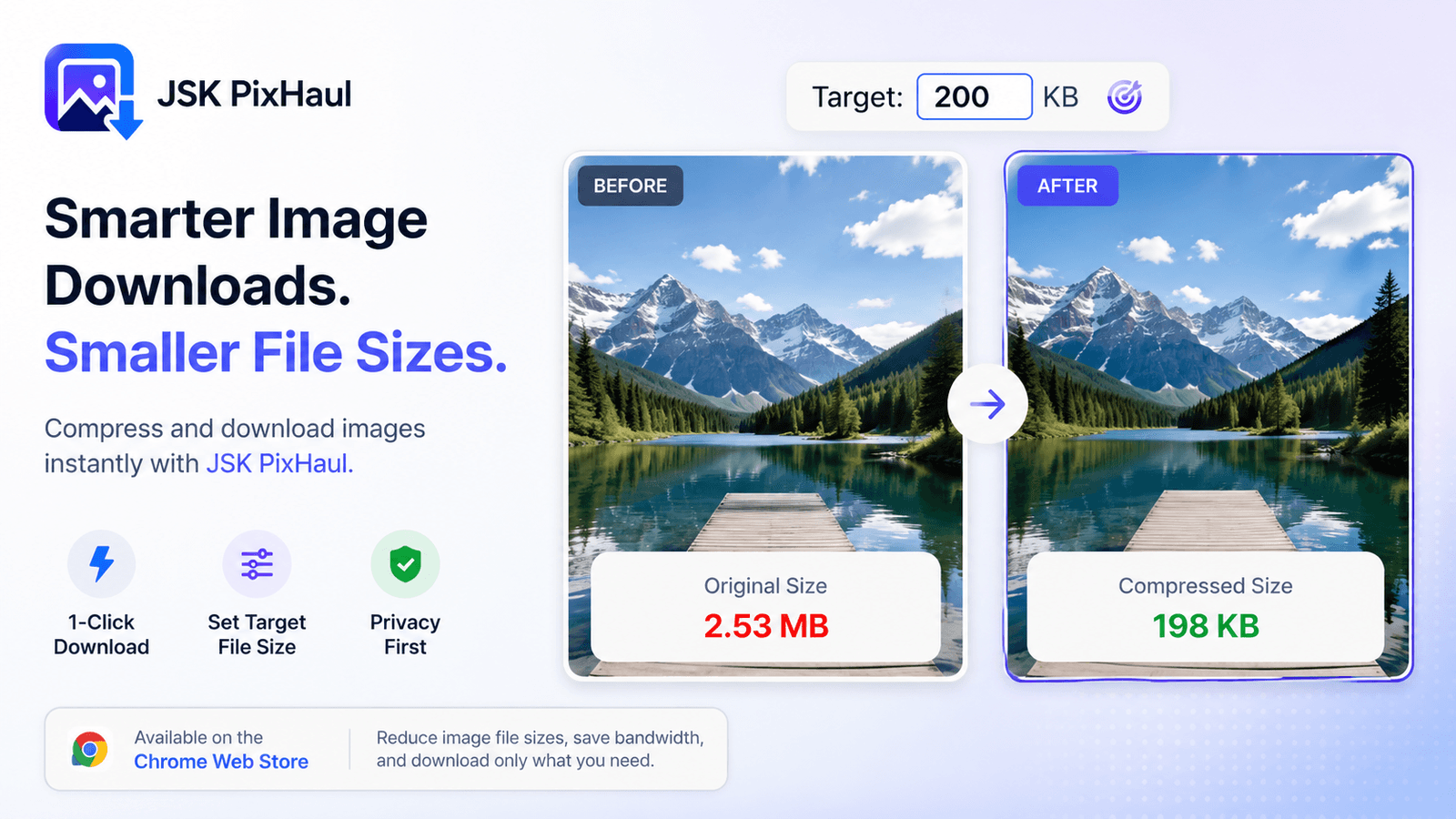
Compress images to an exact target file size — in your browser
upload limits are everywhere. Instead of guessing at quality sliders, aim straight for a file-size budget — locally, with real codecs, no upload required. Here's how target-size compression works.
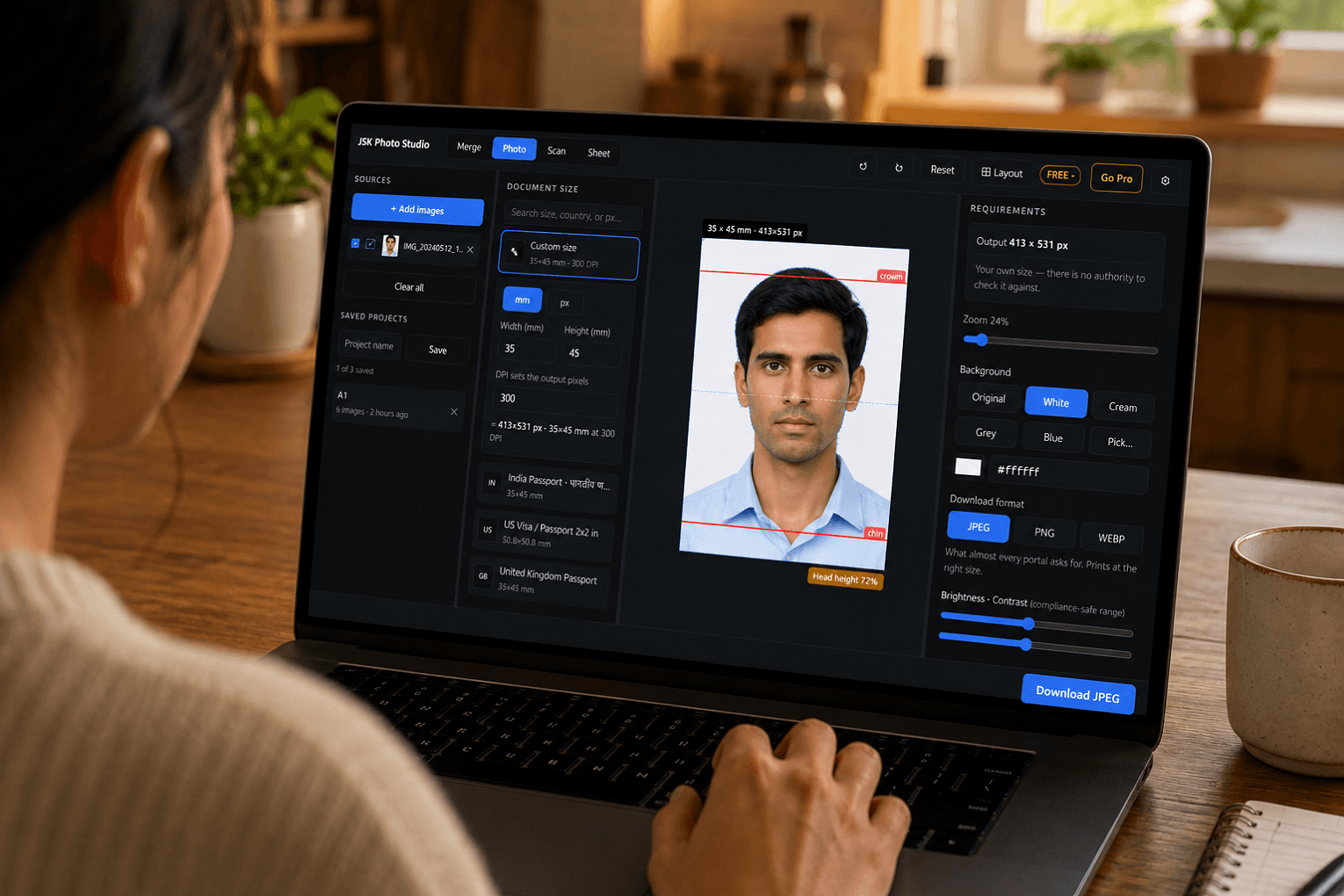
How to make a passport-size photo for free — without uploading it anywhere
Most free passport photo tools want your face on their server first. Here is how to make a correctly sized photo entirely on your own machine, in about two minutes, and check it against the actual specification before you submit it.
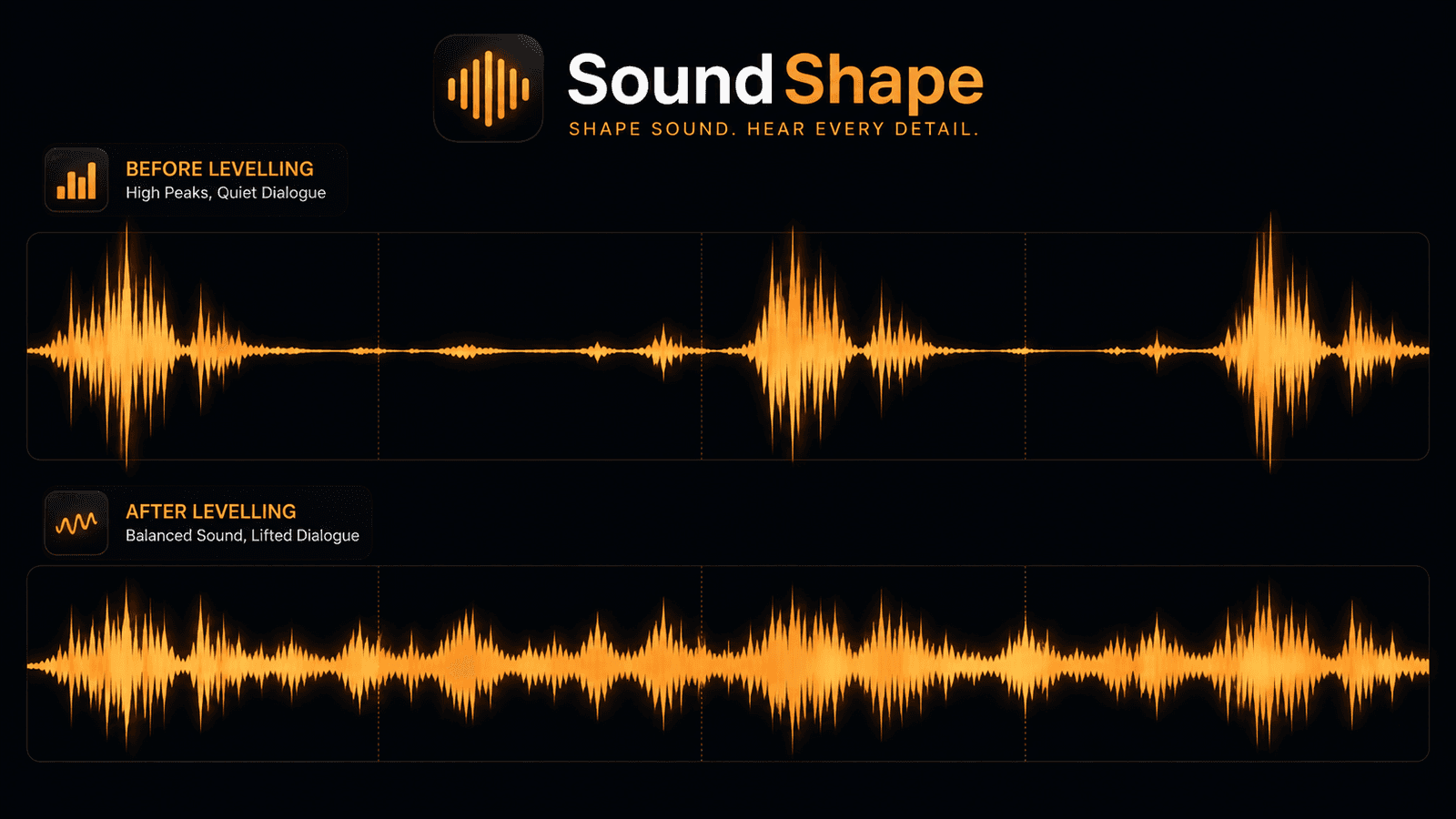
Loudness Levelling: Why Dialogue Is Quiet, Ads Are Loud, and Volume Cannot Fix It
You turn it up to hear the dialogue, then an advert nearly takes your head off. No volume setting is right for both, because the problem is the distance between them. Here is what loudness levelling actually does, and how it differs from an equalizer.
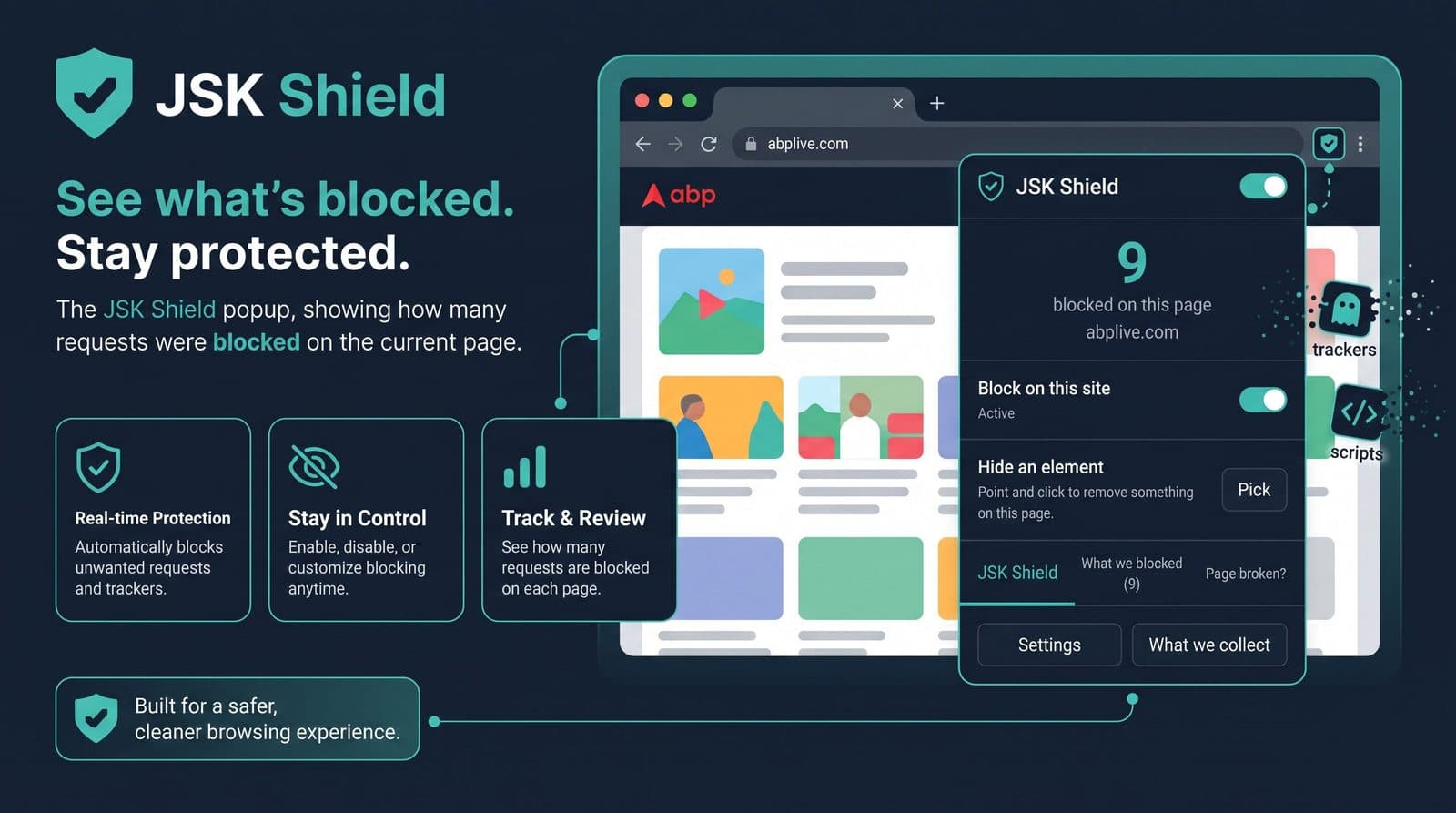
"Why was this blocked?” — the feature every ad blocker should have
Most blockers give you a number — '14 blocked'. Fourteen what, by which rule, from which list? JSK Shield shows the exact request, the rule that matched, and the list it came from, then lets you allow just that one thing on just that one site.
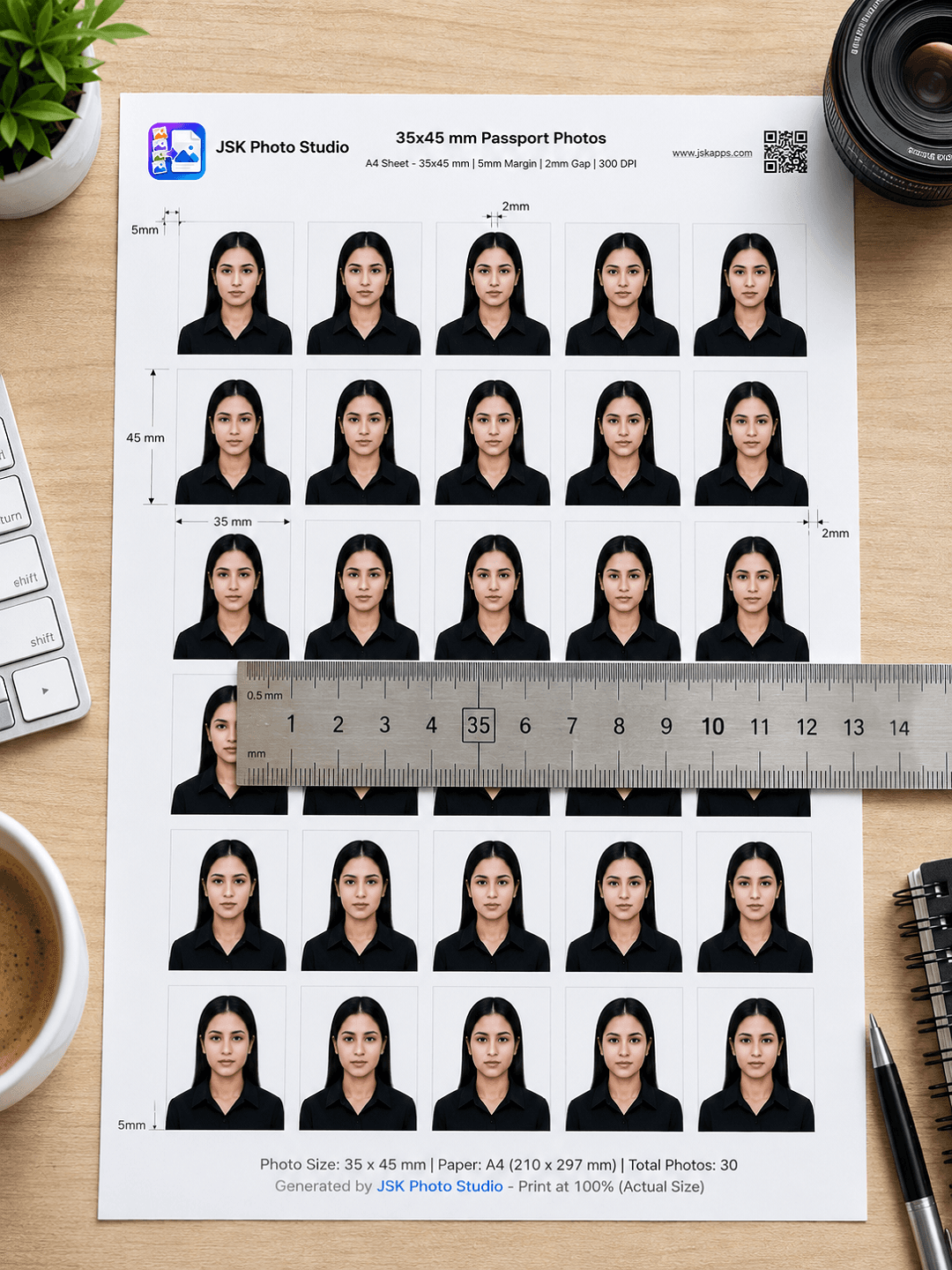
How many passport photos fit on an A4 sheet? (And why yours print the wrong size)
The answer is 30 — but only at the right margin, and only if the file you print carries a real print resolution. Here is the arithmetic, the six paper sizes compared, and the reason most home-printed passport photos come out too big.
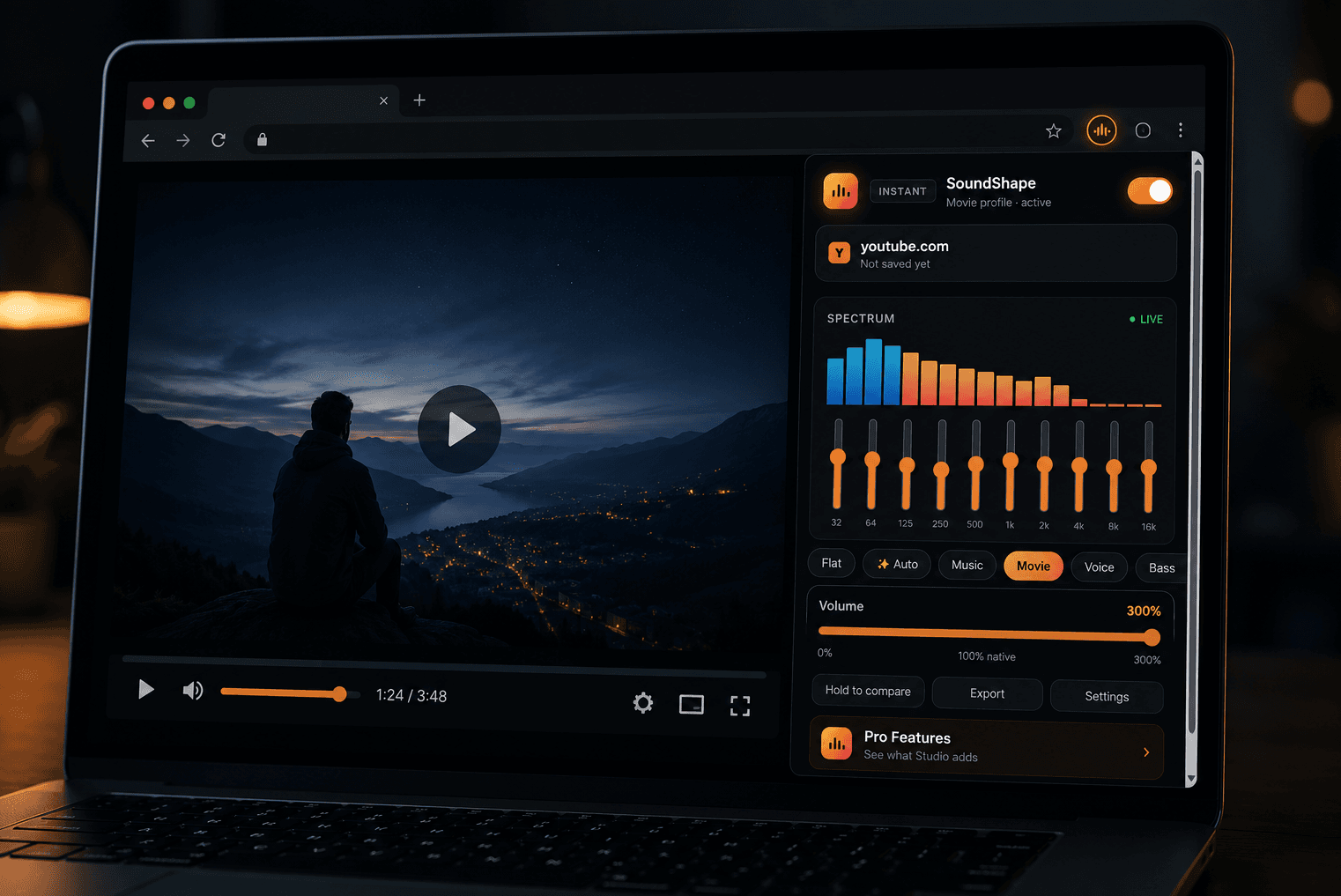
How to Boost Volume in Chrome Beyond 100% — Without Wrecking the Sound
Your system volume is maxed and the video is still too quiet. Here is how browser volume boosting actually works, how to push a tab past 100% without turning it to mush, and how to tell a safe volume booster extension from one you should not install.
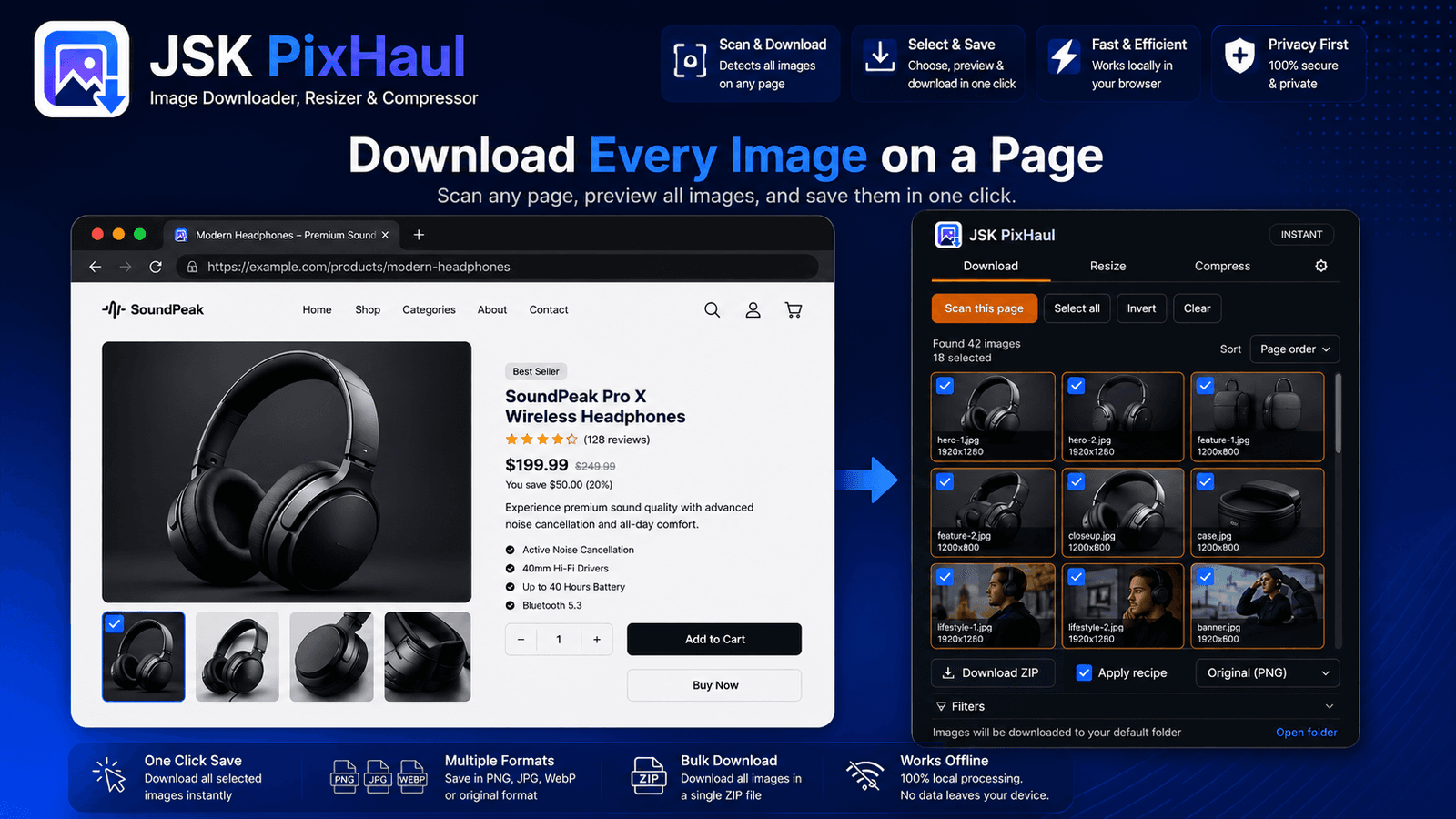
How resellers pull full-resolution product photos from AliExpress and Amazon
Store pages show you thumbnails; your own listing needs the originals. Here's a repeatable workflow for grabbing full-resolution product images from marketplaces — cleanly, and without a hundred right-clicks.
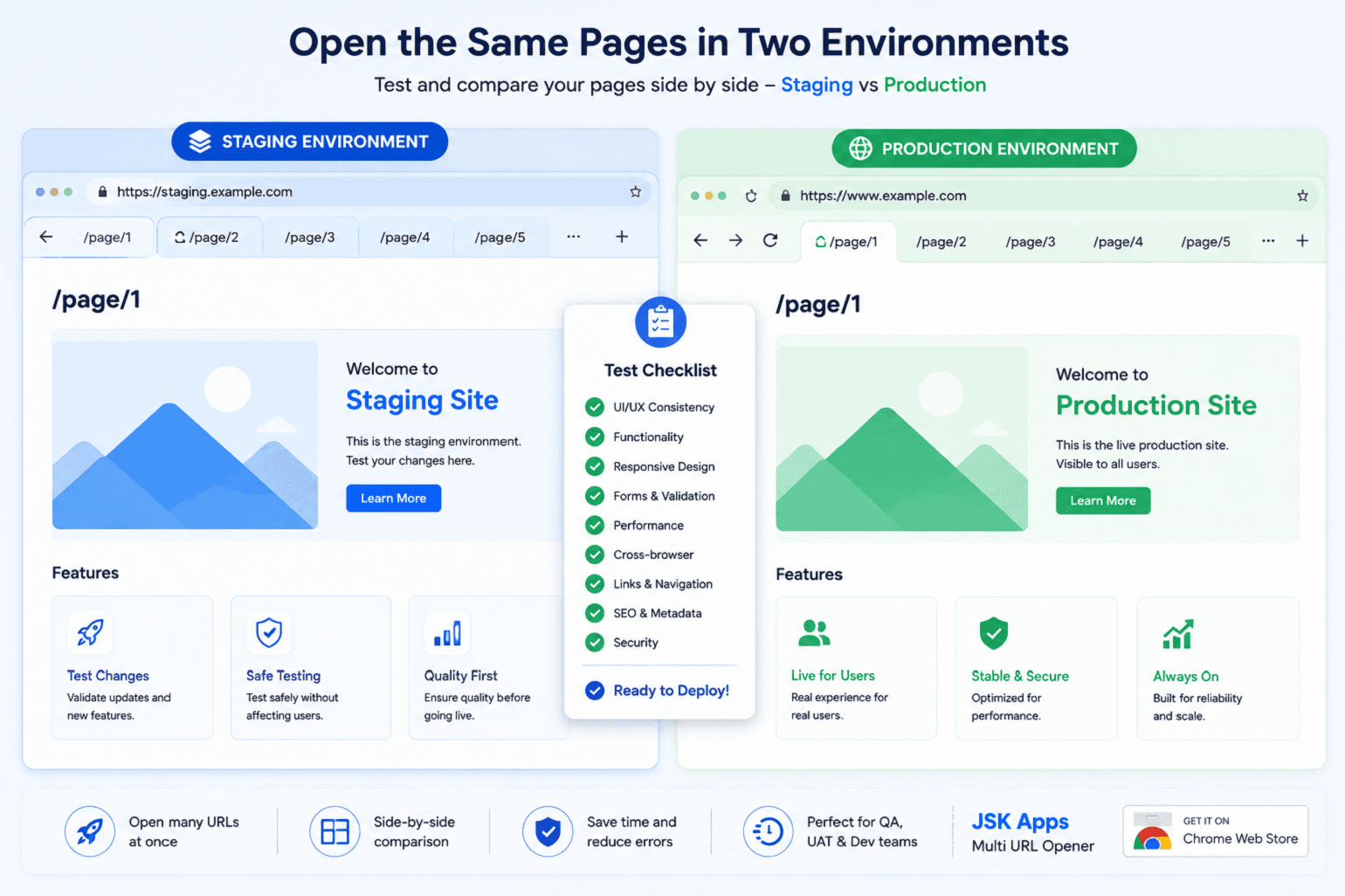
How QA teams smoke-test 200 URLs across staging and production
Every release, someone has to eyeball the key pages on staging, then again on production. Here's how to turn that spreadsheet-and-copy-paste ritual into one saved list you can run in under a minute — on both environments at once.
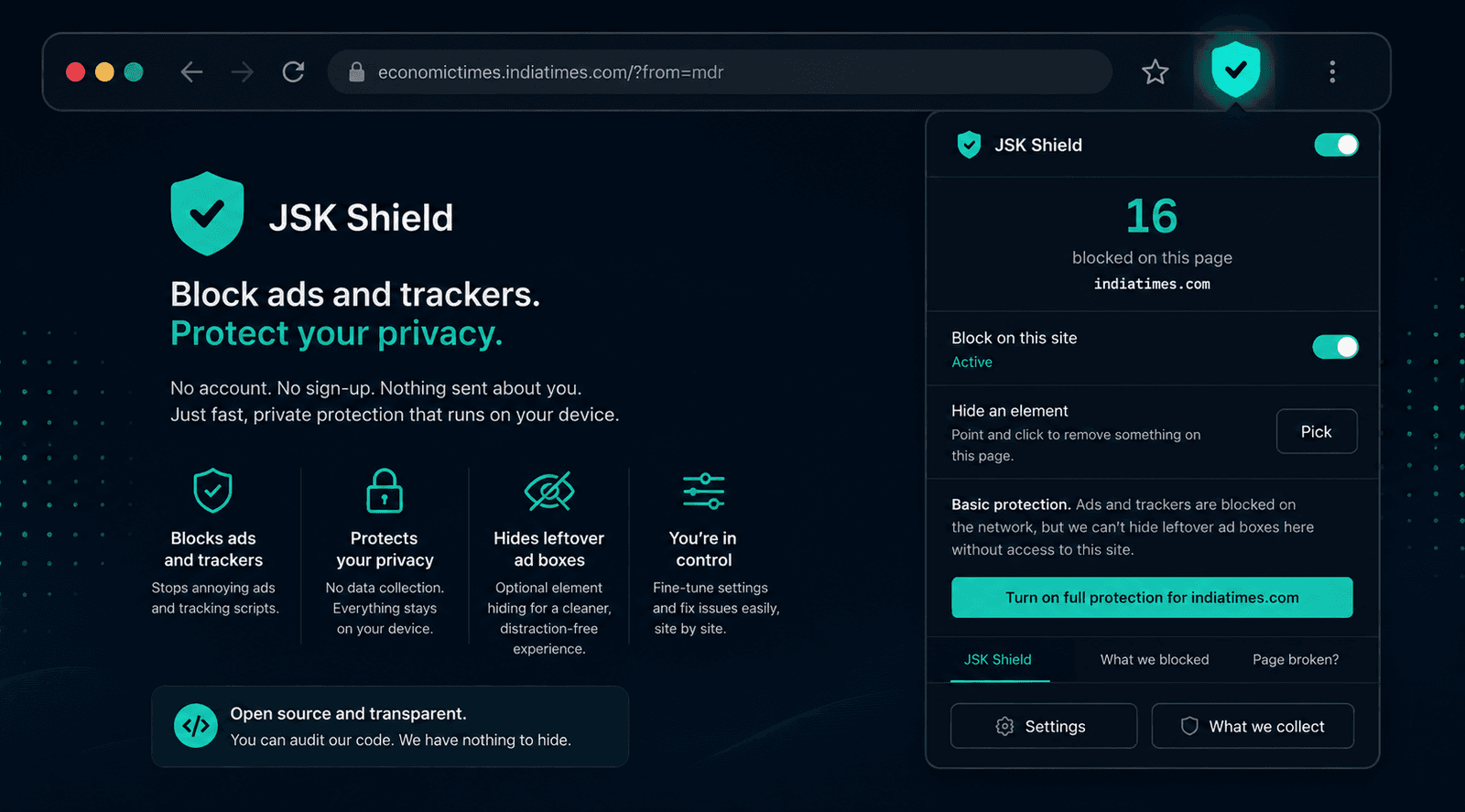
How to block ads on Chrome without creating an account
Most ad blockers ask for an account, an 'acceptable ads' programme, or your 'anonymous' usage data before they'll work. You need none of it. Here's how to set up ad and tracker blocking in about two minutes, with nothing sent about you.
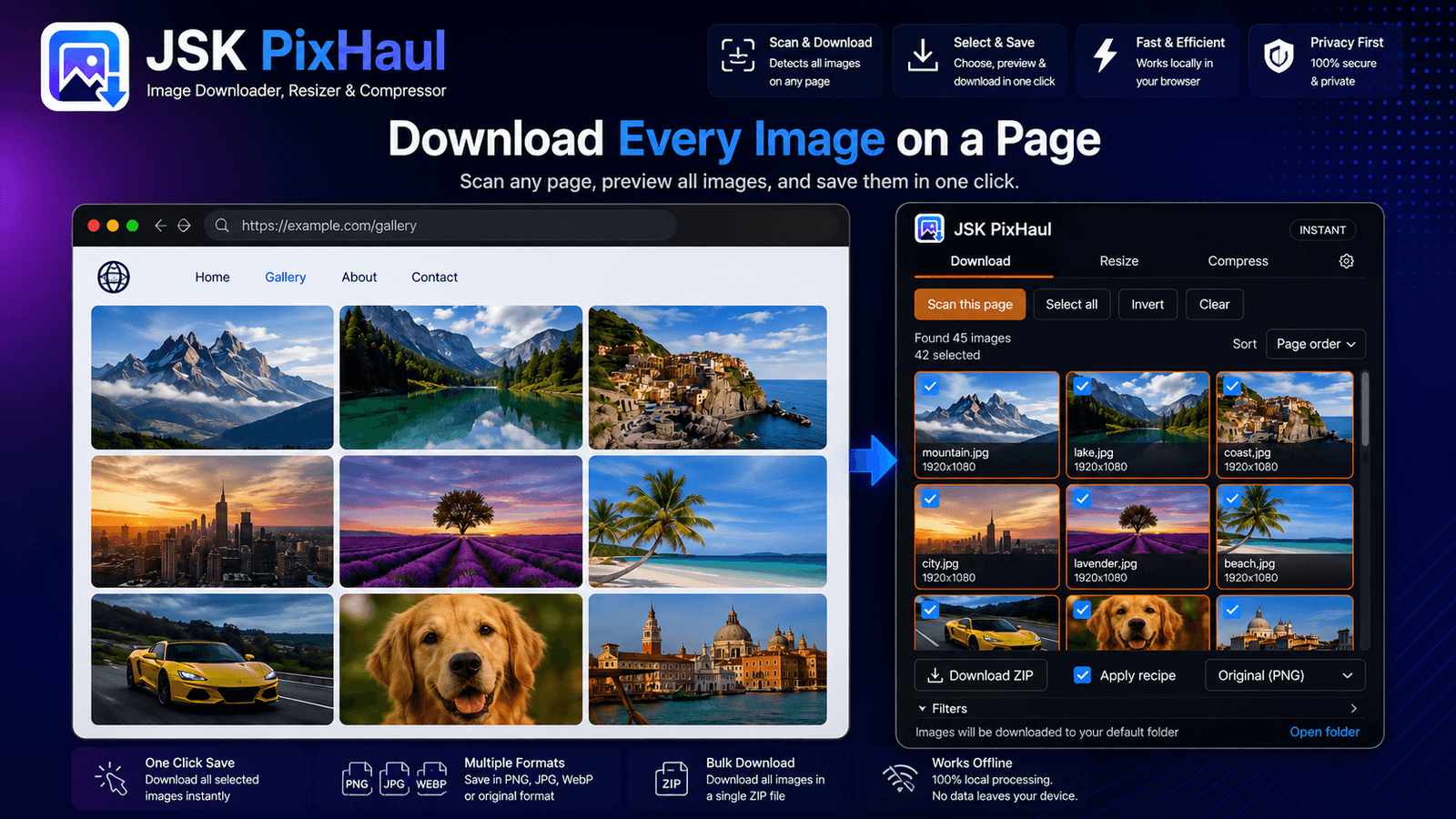
How to download all the images from a web page at once (Chrome)
Right-clicking *Save as* forty times is nobody's idea of fun. Here's how to find and download every image on a page in one pass — with filters, bulk ZIP and custom names — without uploading anything.
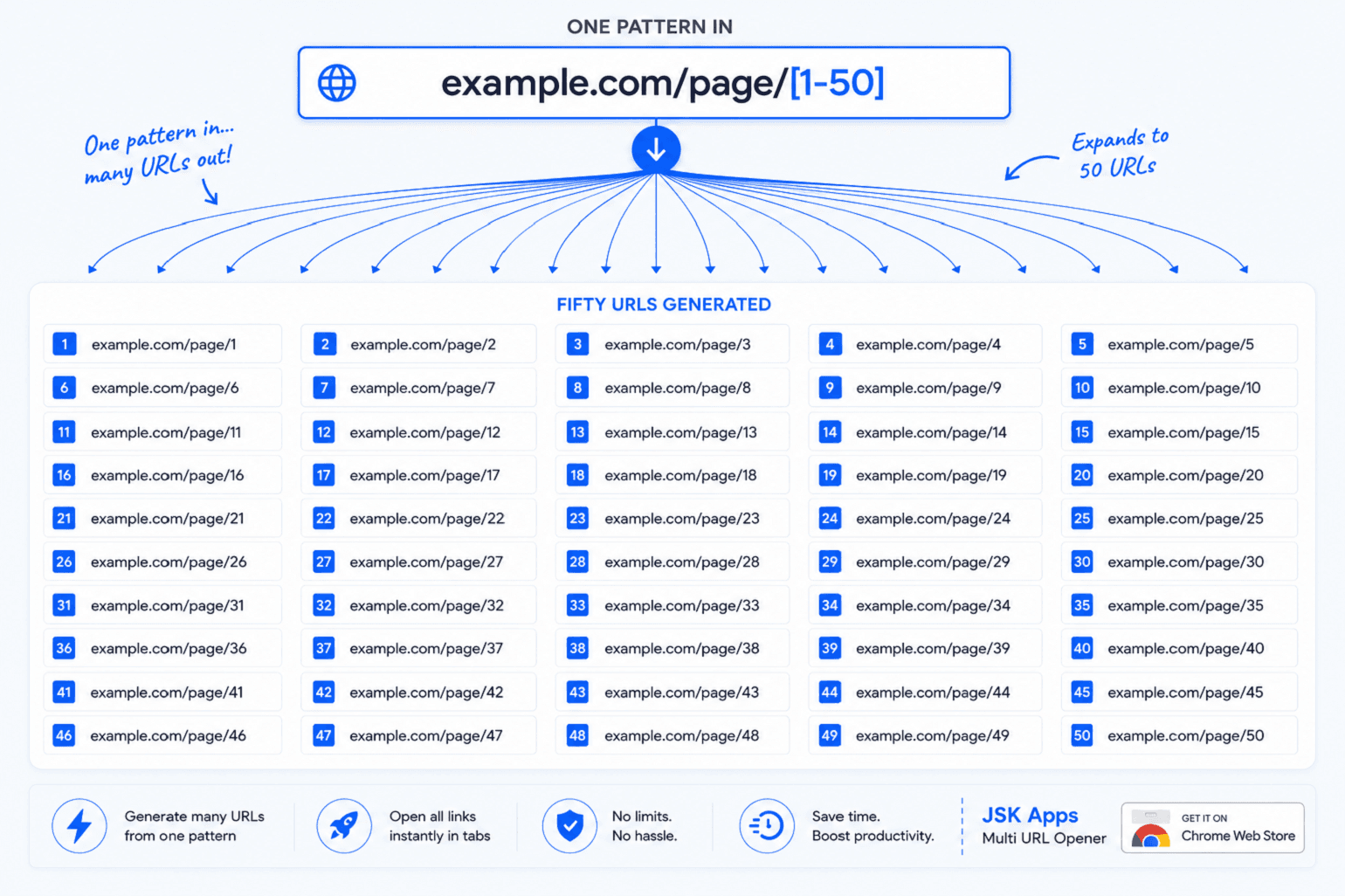
URL templating: generating hundreds of links from one pattern
Stop building URL lists in a spreadsheet. One line like example.com/page/[1-50] becomes fifty links — and with value lists and date ranges you can sweep every country, every ID, or every day of a month from a single pattern.
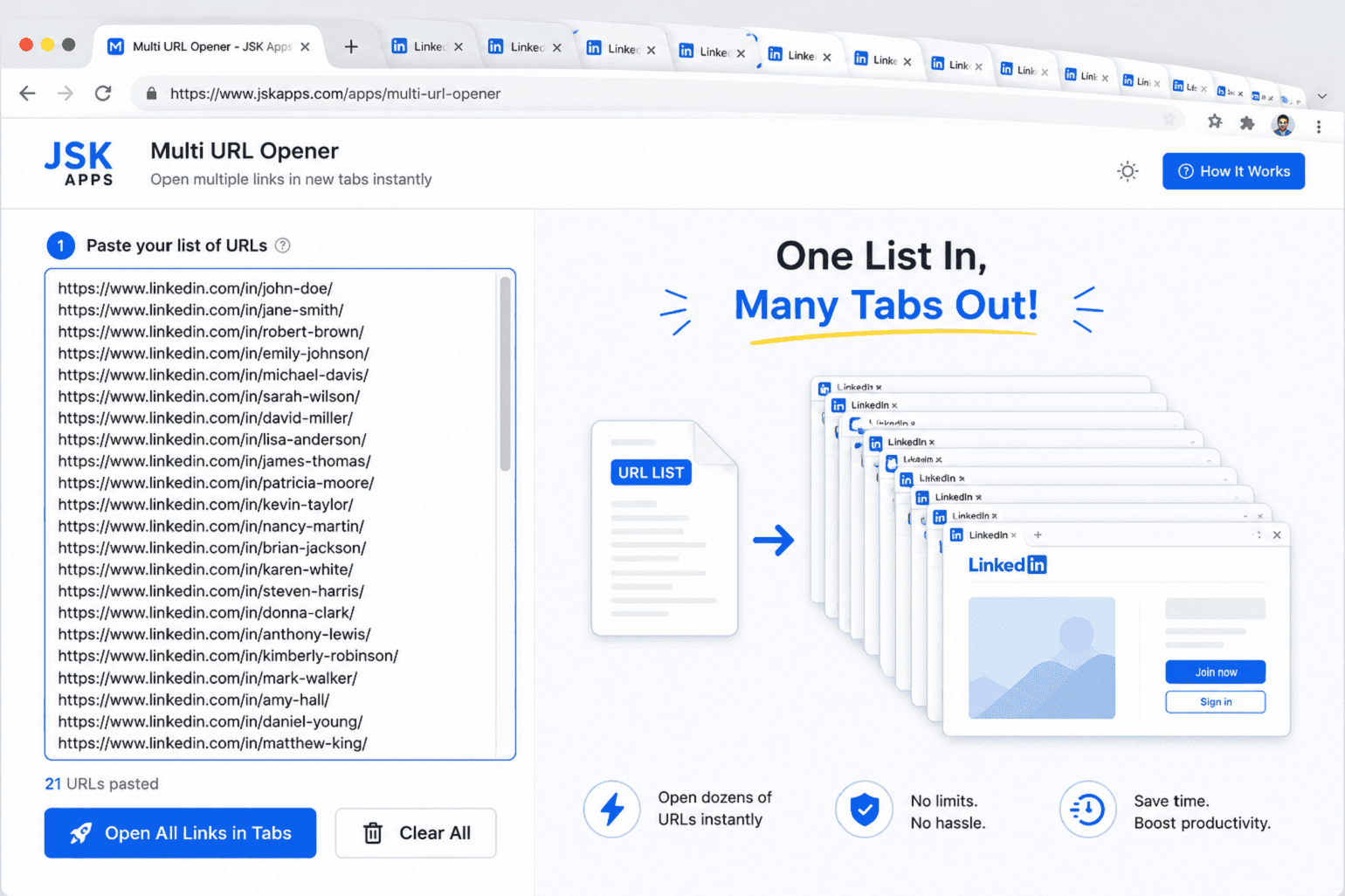
How to open 100 URLs at once in Chrome (without killing your browser)
Middle-clicking a hundred links is miserable, and opening them all at once will freeze your browser. Here's how to open a whole list of URLs in one click — and the two settings that stop 100 tabs from grinding your machine to a halt.
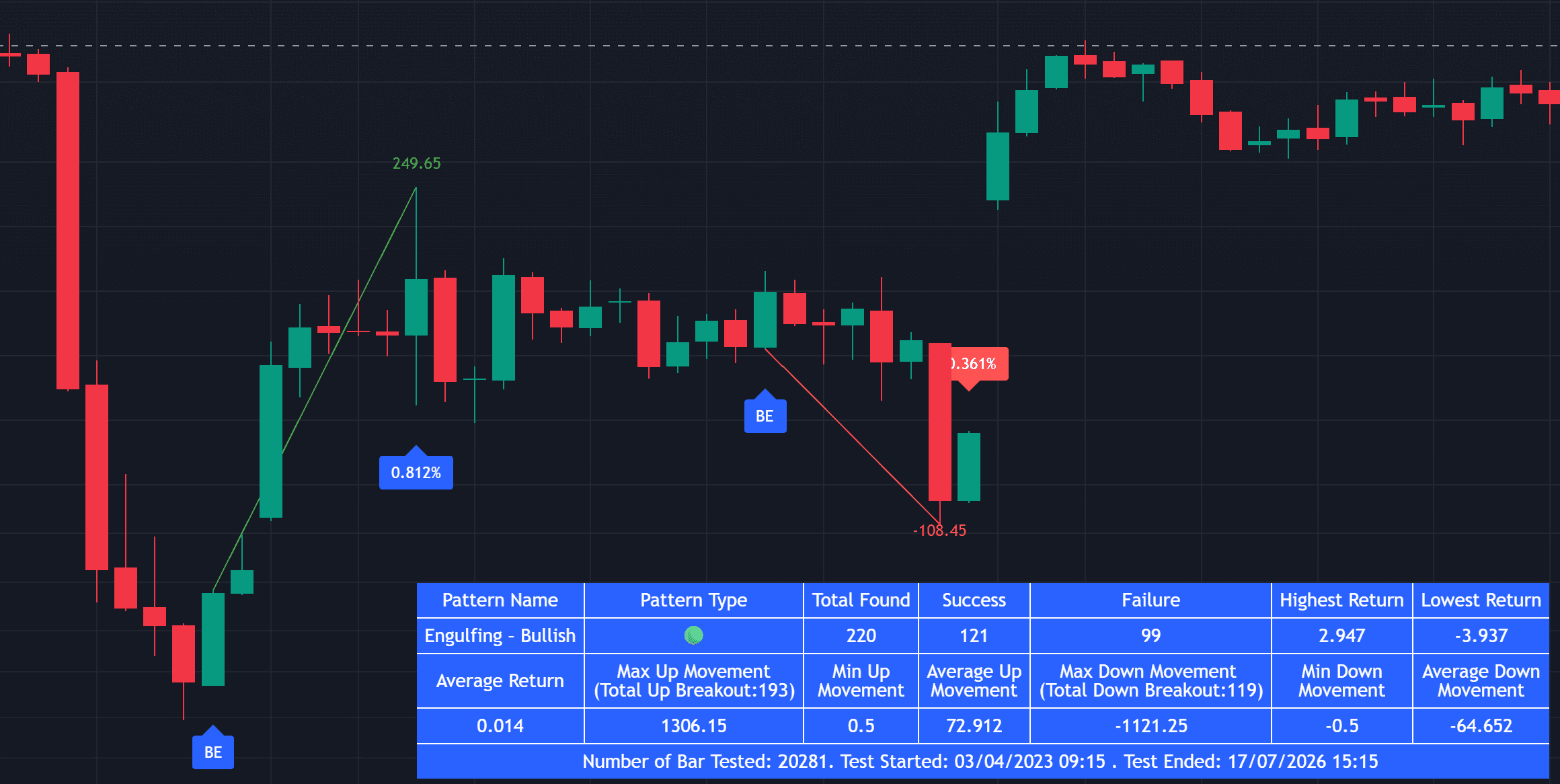
Do Candlestick Patterns Actually Work? How to Test Them on Your Own Chart
Candlestick patterns are taught as universal signals — but their reliability changes with the market, timeframe and trend. Here's what to measure, and how to test which patterns actually work on your chart.