 JSKAPPS
Step-by-step guide
Compress images to an exact target file size — in your browser
Subhankar Jana · August 28, 2026
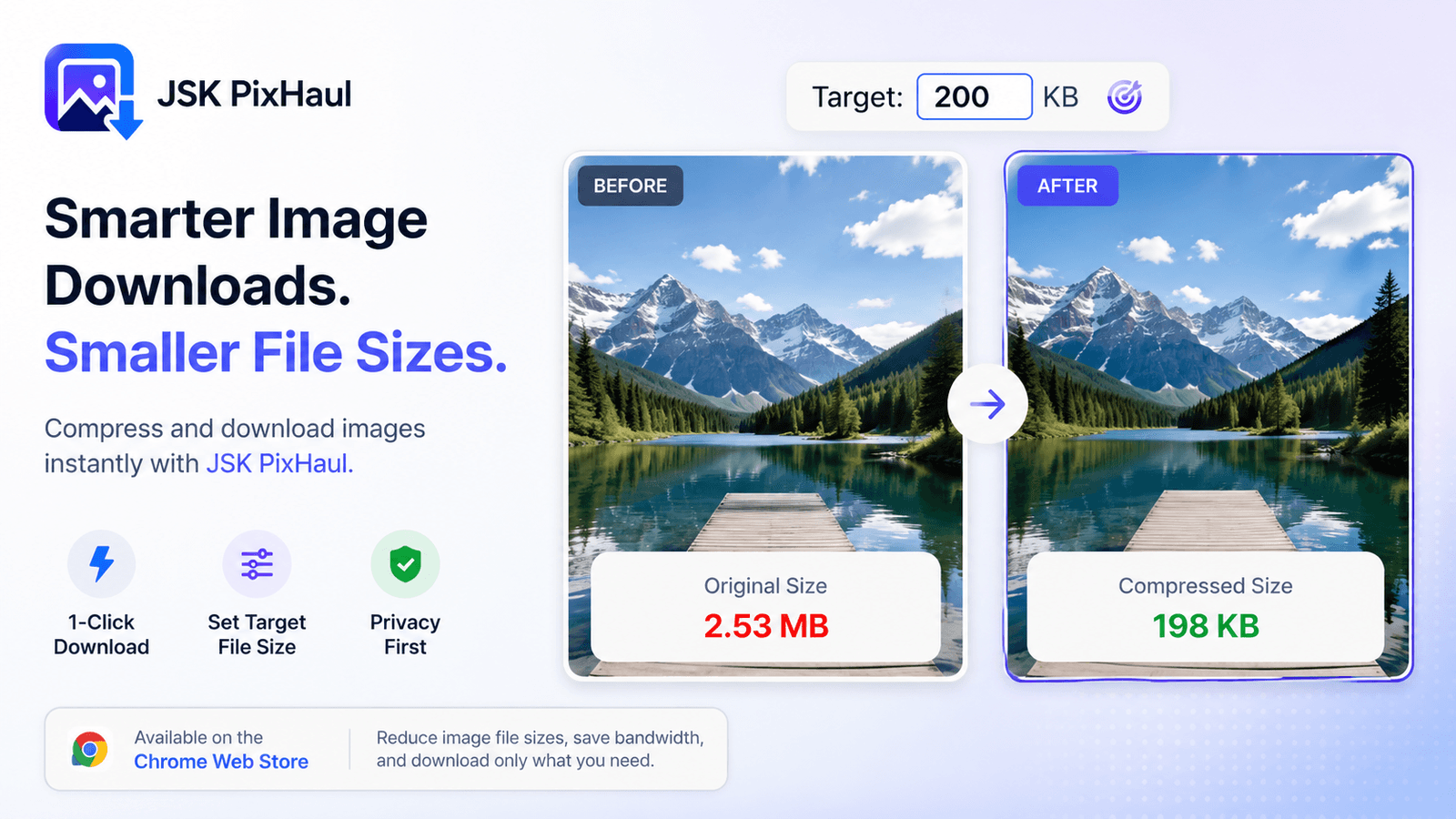
Every upload form has a limit hiding in it. "Images must be under 200 KB." "Max 2 MB." "Logo: 500 KB." And every compressor answers the wrong question: it gives you a quality slider (0–100) and leaves you to guess which number lands under the limit. So you export at 80, it's 240 KB, you try 65, now it's 150 KB but looks rough, you settle for 72 and move on, slightly annoyed.
The question you actually have is the reverse: make this fit in 200 KB, and use as much quality as that allows. That's what target-size compression does — and JSK PixHaul does it locally, so the image never leaves your machine.
Quality-first vs. size-first
Most tools are quality-first: you pick a quality number, and the file size falls out of it — different for every image. That's backwards when you have a hard size ceiling.
Target-size is size-first: you name the ceiling, and the tool searches for the highest quality that stays under it.
- Quality-first: "quality 80" → some size (could be 90 KB, could be 900 KB).
- Size-first: "≤ 200 KB" → the best-looking version that fits.
For anything with an upload cap — marketplace listings, forums, CMS uploaders, email — size-first is simply the right model.
How JSK PixHaul hits the number
Under the hood, JSK PixHaul runs real WebAssembly codecs — MozJPEG for JPEG, libwebp for WebP, OxiPNG for PNG, and libavif for AVIF — in an offscreen document, so encoding doesn't block the page and nothing is uploaded.
To hit a target, it:
- Binary-searches the quality. It encodes the image, checks the size against your budget, and adjusts quality up or down, converging quickly on the highest quality that fits.
- Falls back to resolution if it has to. If even the lowest sensible quality still overshoots — a huge photo squeezed into a tiny budget — it re-renders the image smaller and tries again, rather than shipping something unusable.
You get back the largest, best-looking image that respects your ceiling, and the result line shows the before/after sizes and the percentage saved.
Using it, step by step
Target-size compression is a Pro feature. Here's the flow:
- Open the Compress tab and drop in (or choose) an image. A live preview appears.
- Pick an output format. WebP is the usual sweet spot for photos; AVIF (also Pro) squeezes further where you know the destination supports it; PNG stays lossless for flat graphics.
- In the target field, type your budget and choose KB or MB — for example,
200 KB. - Click Process. The result line shows the original vs. output size and how much smaller it is.
- Download. The file is named for the resolved format, so a JPEG target downloads as
.jpg.
Want the same budget applied to a batch? Add several files in the Batch panel and process them into one ZIP with the target applied to each.
Which format for which job
A rough guide, no hype:
| You have | Try | Why |
|---|---|---|
| A photo for the web | WebP | Good quality at small sizes, near-universal support |
| A photo where you control the audience | AVIF (Pro) | Smaller again, if the destination supports it |
| A logo, icon or screenshot with flat colour | PNG | Lossless; target-size mainly trims metadata and palette |
| An upload form that only takes JPEG | JPEG | MozJPEG gets more out of the format than a stock encoder |
There's no universal "40% smaller" promise here, because it isn't true for every image — a busy photo and a flat graphic compress completely differently. Target-size sidesteps the whole argument: you say the size, JSK PixHaul gives you the best it can within it.
A word on transparency
If your source has transparency (a PNG or WebP) and you export to JPEG, that transparency has to be flattened — JPEG can't store it. JSK PixHaul warns you before it does, so you're not surprised by a black or white box where the transparent area was. If you need to keep the alpha, stay on WebP, PNG or AVIF.
Why local matters here
Upload-based compressors work, but they mean sending your image to someone else's server to shrink it. For a meme, who cares. For a client's unreleased artwork, an internal screenshot, or a product photo you're under contract about, "it never left my browser" is a feature, not a footnote. JSK PixHaul's compression is entirely local — the only thing it ever sends to a server is a licensing check, and that carries your API key, not your images.
Next steps
Target-size, AVIF and compression presets are Pro (a $4.99/month or $29/year subscription, or a $49 one-time lifetime, with a 7-day trial). The full format and settings reference — including the free WebP/JPEG/PNG compression that needs no account — is in the JSK PixHaul documentation.
If you got here from downloading a batch of images, pair this with How to download all the images from a web page at once: grab the set, then compress every file to fit your upload limit in one pass.
About this tool
JSK PixHaul — Image Downloader, Resizer & Compressor