 JSKAPPS
The case for an ad blocker that sends nothing about you
Tanmoy Sambhav · September 7, 2026
Think about what an ad blocker is in a position to see. To block ads and trackers, it has to sit in the path of your browsing — every site, every request. That’s more visibility into your online life than almost any other software you run. Which makes one question more important for a blocker than for nearly anything else you install: what does it send back?
It’s an uncomfortable question because the honest answer, for a lot of blockers, is “more than you’d guess.” Usage analytics. “Anonymous” telemetry. Acceptable-ads arrangements where certain advertisers pay to reach you. None of that is required to block an ad. All of it involves the one piece of software that can see everything you browse.
This is the case for the opposite: a blocker that collects nothing, sends nothing about you, and can prove it.
What “sends nothing” actually means
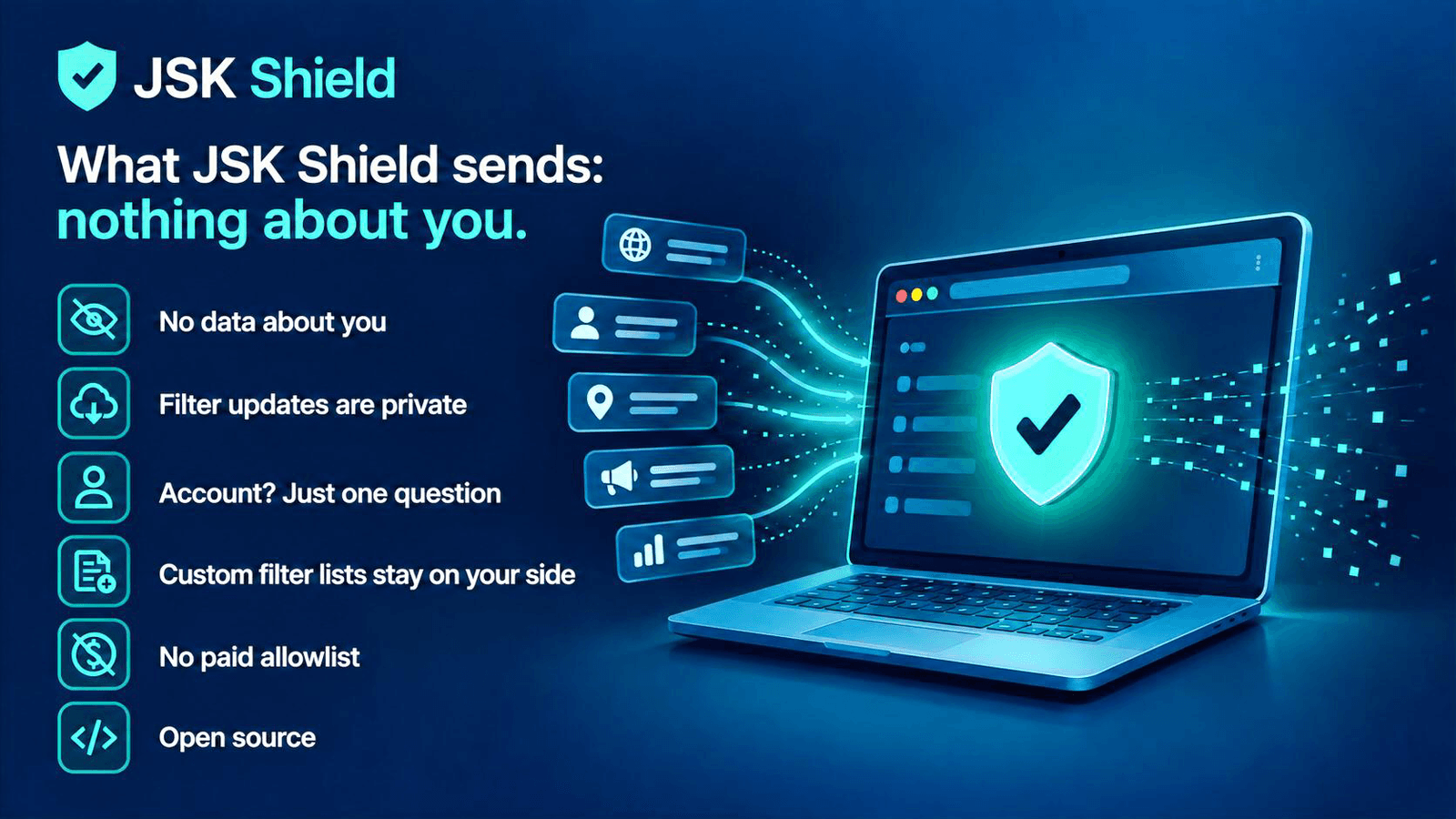
It’s easy to say “we respect your privacy.” The useful version is specific. For JSK Shield, “sends nothing about you” means:
- No analytics and no telemetry. There is no usage tracking, no event reporting, no advertising identifier. There’s no server collecting how you use it, because there’s no such server.
- It never sends what you browse. Not a URL, not a domain, not anything it blocked. Blocking happens entirely on your device.
- No paid allowlist. No advertiser can pay to have their ads shown to you. There is no such programme, so there’s no incentive to know who you are.
- No account required. The whole blocker works with no sign-in, so there’s no profile for your activity to attach to.
“But every extension makes some network requests”
True — and pretending otherwise would be the dishonest kind of privacy claim. So here’s exactly what does — and doesn’t — cross the network, and why none of it is about you:
The filter lists don’t. The blocklists are bundled inside the extension, not fetched from us while you browse. They update the way the extension itself does — through the browser’s store — so there’s no periodic filter-update call phoning home. The lists live on your device and are matched there.
An optional subscription check. JSK Shield lets you connect a JSKAPPS account if you want to, to unlock the optional premium Family features — content-category blocking, per-child profiles and scheduled blocking. If you connect one, JSK Shield asks the service a single question — “is this subscription active?” — sending your account key and the product name. It never sends a URL, a domain, or anything it blocked. And if you never connect an account, this request never happens at all.
That’s it — with one exception you control: if you add your own custom filter list, your browser fetches it directly from the address you chose. Naming all of this precisely is the point: a real privacy claim survives being specific.
Why you shouldn’t have to take our word for it
Here’s the part that separates a promise from a fact: JSK Shield is open source, under the GPL-3.0 licence. Anyone can read the code and check that the claims above are true — that there’s no hidden analytics call, no quiet beacon, no allowlist. Security researchers can audit it. You can, too.
“Trust us” is what you’re offered by software you can’t inspect. Open source replaces it with “check for yourself.” For the one program that can see all of your browsing, that difference is the whole game.
What you give up: nothing that matters
A common assumption is that the privacy-respecting option must be the weaker one. It isn’t. A blocker that sends nothing still blocks ads, trackers, and cookie-notice clutter using the same well-established community filter lists everyone else uses. It still hides leftover ad elements when you let it. It still cleans tracking parameters out of your links. Collecting nothing about you doesn’t cost you protection — it just costs the blocker a revenue stream it never should have had.
The bar to hold your blocker to
You don’t have to switch anything to take one thing from this: ask your current blocker what it sends, and see whether you can verify the answer. If it collects “anonymous” usage data, runs a paid allowlist, or simply can’t be inspected, you’re trusting the software with the widest view of your browsing to also be the most discreet about itself.
Or start from the other end — a blocker built so that “what does it send about me?” has a short, checkable answer: nothing. That’s JSK Shield. The full detail of every permission and every request is in the privacy page and the documentation.
About this tool
JSK Shield - Ad Blocker & Privacy