 JSKAPPS
"Why was this blocked?” — the feature every ad blocker should have
Tanmoy Sambhav · August 23, 2026
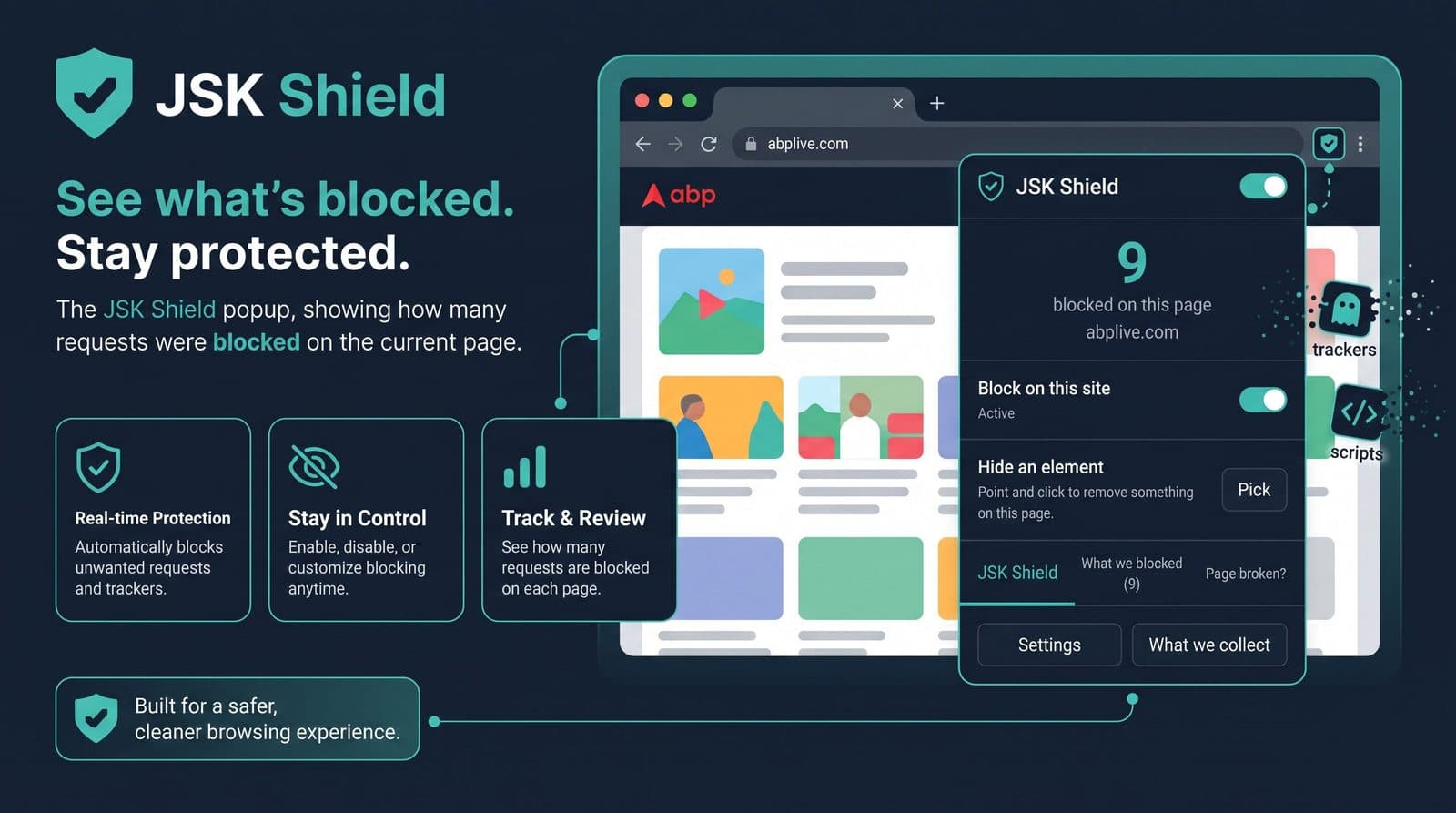
Here’s a familiar moment. A page is subtly broken — a login button does nothing, an embedded video spins forever — and you suspect your ad blocker. So you turn the whole thing off, reload, and… now it works. Great. But you’ve just switched off protection for the entire site to fix one button, and you still have no idea what was actually blocking it.
Almost every blocker leaves you here, because almost every blocker only tells you a number: “14 blocked.” Fourteen what? Blocked by which rule? From which list? You can’t tell, so your only tool is the sledgehammer — pause everything.
JSK Shield was built around fixing exactly this. Its request log answers the question blockers usually leave hanging: why was this blocked, and how do I undo just this?
From a count to an answer
Click the JSK Shield button and open What we blocked. Instead of a single tally, you get the list of requests blocked on the current page. Click any one of them and JSK Shield shows you three things:
- The request that was blocked — what was actually trying to load.
- The exact rule that matched it — the specific filter, not a vague category.
- The list that rule came from — EasyList, EasyPrivacy, or a cookie-notice list.
That turns “something was blocked” into a specific, checkable fact. If a widget you wanted is missing, you can usually see the culprit request sitting right there in the log.
Then undo only that
Seeing the cause is half of it. The other half is fixing it without collateral damage. From that same expanded entry, choose Allow this on this site. JSK Shield lets that one request through — on the current site only — and leaves everything else blocked. Other trackers on the page stay blocked. Every other site is untouched.
This is the surgical alternative to the off switch. Instead of “no protection on this whole site,” you get “this one thing is allowed here, nothing else changed.”
How it works under the hood
Two design choices make this honest rather than a guess.
Blocking uses Chrome’s own engine. JSK Shield expresses its filters as declarative rules that Chrome itself evaluates and enforces. That’s what makes it fast and private — but it also means JSK Shield needs a reliable way to know, after the fact, which rule Chrome actually applied. It uses Chrome’s official reporting for exactly that, so the rule shown in the log is the rule that really matched, not JSK Shield’s reconstruction of what it thinks happened.
The exception is scoped, not global. When you allow one request on one site, JSK Shield adds a narrow, dynamic rule for that site only. It doesn’t disable a list, and it doesn’t weaken protection anywhere else. Because the exception is tied to the site, visiting the same tracker elsewhere is still blocked.
Guided recovery: the least-destructive fix first
The request log powers a broader recovery flow. When a page misbehaves, Page broken? offers fixes in order of how much protection they cost you:
- Allow a single request — the scalpel; usually enough.
- Turn off element hiding for the site — ads and trackers stay blocked; JSK Shield just stops rearranging the page’s layout.
- Pause the site — the last resort, and still only this one site.
The ordering is the point. Other blockers make “disable everything” the easy first move. JSK Shield makes the smallest fix the first move, so you keep the most protection that still gets you a working page.
Why this matters beyond convenience
A blocker you can’t inspect is a blocker you have to trust blindly. When you can see the exact rule and list behind every block, three things change:
- Breakage stops being a mystery. You fix the cause, not the whole site.
- You learn what’s actually on the pages you visit — how many trackers, and from where.
- The blocker becomes accountable. Claims you can check beat claims you can’t, which is also why JSK Shield is open source: you can read how the log is built.
A number tells you a blocker did something. “Why was this blocked?” tells you what — and hands you a precise way to change it.
Try it on your noisiest site: open JSK Shield, click What we blocked, and expand a few entries. For the full reference, see the documentation.
About this tool
JSK Shield