 JSKAPPS
Step-by-step guide
Minimum QR Code Size Is a Module Size, Not a Code Size
Team JSKAPPS · September 29, 2026
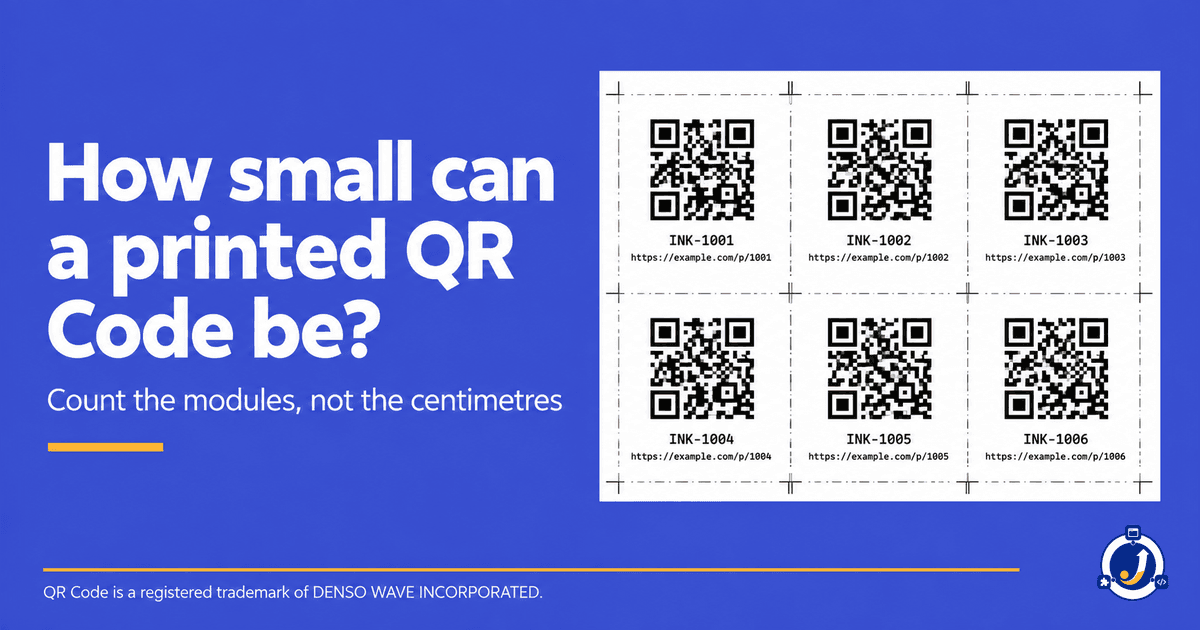
The smallest QR Code you can print is not a fixed size. It is 29 modules wide at the very least, and each of those modules needs to come out at roughly 0.4 mm or more. That makes about 11.6 mm the floor for the simplest code there is, and nearly every real code is bigger than the simplest one.
A module is one square of the grid. The code's physical width is only the module count multiplied by the module size, so the question "how small can I print it?" is really two questions: how many modules does this code have, and how small can one of them get before a phone camera gives up?
Why a single answer is wrong
Most answers to this question give one size for every code. That works until the content changes.
A QR Code comes in 40 versions, and the version decides how many modules it has on each side: four times the version number, plus 17. Version 1 is 21 by 21. Version 5 is 37 by 37. Version 40 is 177 by 177. Longer content, or a higher error correction level, pushes the same message into a higher version, and a higher version at the same printed width means smaller modules.
So two codes printed at exactly the same width can behave completely differently. A short URL at low error correction might scan comfortably at that width. A long tracking URL at high error correction, printed at the same width, has more and smaller modules, and it is the one that fails at the printer.
Then there is the quiet zone: the clear margin around the code that scanners use to find its edges. The standard asks for four modules of it on every side. That is where the 29 comes from in the smallest case (21 modules of code, plus 4 on each side). Cut into the quiet zone to save space, and the code gets harder to read at any size.
Working it out for your own code
This is the part worth doing properly, because it is the part that changes from one code to the next.
1. Find the version. Your generator knows it. It depends on how much content you are encoding and which error correction level you picked. If you cannot see it, count the modules along one side of the finished code and subtract 17, then divide by 4.
2. Add the quiet zone. Take the module count on one side and add 8, four modules each side. A Version 5 code becomes 37 + 8 = 45 modules wide.
3. Multiply by your minimum module size. At 0.4 mm per module, that Version 5 code needs about 18 mm, quiet zone included. At the same 0.4 mm, the Version 1 code needs only 11.6 mm. Same rule, two different answers, which is the whole point.
4. Treat 0.4 mm as a starting point, not a guarantee. It is a rule of thumb for where phone cameras start to struggle. Your printer, your paper and the distance people scan from all move it. Uncoated stock spreads ink and softens the edges of small modules. A glossy label under a shop light throws glare. A poster read from across a room needs far larger modules than a business card read at arm's length.
5. Print it before you print hundreds of it. Run a sheet of the same code at several sizes on the real printer and the real stock, and scan each one with two or three different phones. The smallest one that every phone reads is your minimum for that code, on that material. This takes ten minutes and it is the only test that settles it.
Three things make a code fail at a size that looked fine on screen:
- More content than you thought. A long URL with tracking parameters can push a code up several versions. Shortening the URL shrinks the code more than any design choice.
- A logo in the middle. A logo covers modules, and the code only survives because error correction can rebuild what is hidden. Too big a logo, or too low an error correction level for the logo you chose, and the code stops scanning at every size.
- Low contrast. Dark modules on a light background. A pale brand colour on white, or reversed colours, cost you readability that no amount of size gives back.
Where JSK Inkstone fits
We built these checks into JSK Inkstone, a desktop QR Code generator for Windows, because the failure always shows up after the print run rather than before it.
Its preflight measures the things above before you export: minimum print size, contrast, the quiet zone, and whether a logo has destroyed too much of the code to recover. Preflight is part of the free version, along with unlimited codes, bulk generation from a CSV or TSV, and PNG or SVG export with no watermark and no row limit. Everything runs on your own PC, so the URLs and data you encode never leave it.
The proof sheet at six sizes, sheet layouts with cut marks, CMYK output and EPS or PDF export are print production, which is a one-time purchase. The documentation covers what each check measures.
What it cannot do is know your printer. Preflight will tell you a code is below the size where scanning gets unreliable. Only a printed test on your own stock tells you it works.
About this tool
JSK Inkstone