 JSKAPPS
Did Chrome Kill Ad Blockers? What Manifest V3 Changed
Team JSKAPPS · October 11, 2026
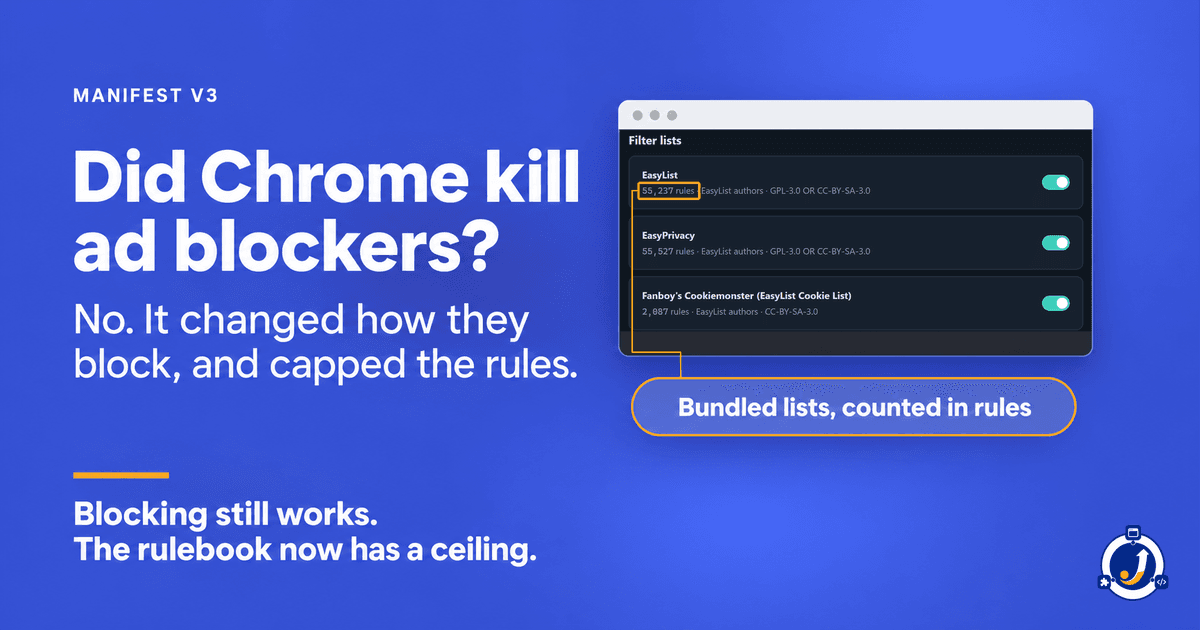
The short answer is no. Ad blockers still block ads in Chrome. What Manifest V3 changed is how they block, and how much they are allowed to say. A blocker no longer inspects each request itself. It hands Chrome a list of rules, and Chrome does the matching. Chrome also caps those rules: for rules an extension adds while it is running, its own documentation sets the ceiling at 30,000, of which at most 5,000 may be anything other than the block, allow and upgrade rules Chrome calls "safe".
That is a real limit. It is not the same thing as "killed", and the difference is worth knowing before you believe either headline.
What a blocker could do before
Under Manifest V2, a blocker registered a listener on Chrome's webRequest API, and Chrome asked it about each request before sending it. The extension's own code looked at the request and answered: let it through, or cancel it. Anything a programmer could write, a blocker could decide, request by request.
Chrome's documentation is direct about why that went. The webRequest namespace "supports nine potentially blocking events, each of which takes an unlimited number of event handlers", one page could be held up by several extensions at once, and "the permissions required for this are invasive." (Chrome: Replace blocking web request listeners)
What Manifest V3 does instead
In Manifest V3, the permission that let an extension hold a request and decide, webRequestBlocking, "is no longer available for most extensions". Only extensions installed by an organisation's policy keep it. (Chrome: webRequest)
The replacement is declarativeNetRequest. The extension declares its rules up front (block this, allow that, upgrade this to https) and Chrome matches every request against them itself. In Chrome's words, it lets extensions modify network requests "without intercepting them and viewing their content, thus providing more privacy." (Chrome: declarativeNetRequest)
And Manifest V2 is not coming back. Chrome's own timeline: from Chrome 138, on 24 July 2025, Manifest V2 extensions were disabled for every user with no way to turn them back on, and on 31 August 2026 the remaining ones were removed from the Chrome Web Store. (Chrome: Manifest V2 support timeline) Any blocker you install from the store today is a Manifest V3 blocker.
The limits, as Chrome states them
This is the part the headlines skip, and it is where the real constraint lives. Chrome's declarativeNetRequest reference sorts rules by where they come from, and gives each kind its own limit:
- Rules shipped inside the extension (static rulesets). Up to 100 rulesets, 50 enabled at a time, guaranteed at least 30,000 rules between them. Beyond that, extensions draw on a global pool shared by every extension in your browser, so how much more one blocker gets depends on what else you have installed.
- Rules added while the extension runs (dynamic rules). From Chrome 121, up to 30,000, of which at most 5,000 may be "unsafe": anything other than block, allow, allow-all-requests or upgrade-to-https.
- Rules that last only for the current browser session. Up to 5,000.
- Regular-expression rules. No more than 1,000 of each kind.
Read those together and two things follow.
First, a blocker's built-in lists sit in the static bucket, where 30,000 is a floor rather than a ceiling. That is why the lists that ship with a blocker have the most room.
Second, anything you add after installing (a filter list you subscribe to by URL, rules you write yourself) cannot be one of the files shipped in the extension, so it has to fit in the runtime bucket. There, 30,000 is a hard ceiling.
Where the usual take goes wrong
The loud version says Manifest V3 killed ad blocking. The reassuring version says nothing really changed. Both are wrong in a way you can check.
Blocking works, and on Chrome it can now work with less access to your pages than before: Chrome's migration guide notes that blocking content "doesn't require host permissions" any more. JSK Shield's documentation says that on Chrome and Edge it blocks ads and trackers with no permission to read the pages you visit. That is the declarative model doing what Chrome said it would.
What did change is what a blocker can express, and how much of it. A blocker cannot run its own logic on each request any more. It can only say what a rule can say, and the rules it adds at runtime have a fixed ceiling. That shows up in two places:
- Some hiding happens a moment late. Shield's docs: rules that match page elements by class or id can only be applied once the page has started building, so a few ad slots may appear briefly before they are hidden. They describe this as a limitation of how Manifest V3 extensions work, which affects blockers generally.
- Big custom lists may not fit. That is the runtime ceiling, and it is where a blocker's honesty gets tested.
So the useful question is not "does it still block?" It is "what does my blocker do when a rule does not fit?"
What it looks like from inside a Manifest V3 blocker
JSK Shield is a Manifest V3 extension, built for Chrome, Edge and Firefox. Its built-in lists are bundled inside the extension rather than fetched while you browse, which is the reason an ad blocker can send nothing about you.
The runtime ceiling bites on custom filter lists, and Shield's documentation names both limits plainly:
- Lines it cannot express are skipped and counted. Shield's custom lists take domain-style rules, in Adblock Plus syntax or hosts format. "Any line we cannot express exactly as a browser rule is skipped and counted rather than guessed at, and the count is shown on the list." A line written to hide a page element rather than block a domain is one example: custom rules apply domain rules only.
- A list too large to fit is refused, with the numbers. "Chrome caps how many rules an extension may add at runtime, so JSK Shield reserves a fixed allowance for your lists. If a list is too large to fit, it is refused with the exact numbers rather than half-applied." The reason it gives: "a partly-applied blocklist would tell you that you are protected when you are not."
That is Manifest V3's trade-off seen from inside. Under a ceiling, a blocker has three choices when something does not fit: guess, quietly apply part of it, or tell you. Shield tells you. It is the same idea behind its request log, where you can click any blocked request and see the exact rule and the list it came from.
One honest exception: on Firefox, Shield blocks through the browser's webRequest engine instead, which needs website access, granted at the install prompt. Its docs are explicit that nothing about your browsing leaves your device on any browser.
What this does not fix
- Shield cannot make an oversized list fit. Very large community lists can exceed the allowance it reserves. Its docs call that a limit of Manifest V3, shared by every extension of this kind.
- A skipped line still does not run. The count tells you what did not take effect. It does not make it work.
- The brief flash of some ad slots before element hiding catches up is still there.
- Custom lists need a free account. Blocking itself needs none: Shield's page says the ad and tracker blocker works with no account, no sign-up and no configuration. Custom filter lists, custom rules and the element picker need a free account.
So, did Chrome kill ad blockers?
No. It took away a blocker's ability to run its own code on every request, and gave it a declared rulebook with a ceiling instead. Inside that rulebook, blocking works, and it can work with less access to your pages than before.
The test worth applying to any blocker now is what it does at the edge of the rulebook. JSK Shield is free, and its documentation tells you exactly where that edge is.
About this tool
JSK Shield - Ad Blocker & Privacy