 JSKAPPS
Ideas, guides & product news
Notes on browser tools, credits, and getting more done — from the team and our contributors.
Showing posts tagged chrome extension · clear

The YouTube Equalizer Problem: One Curve Cannot Fit Every Tab
A curve that rescues a quiet lecture ruins a mastered album. If you keep adjusting the same equalizer every time you switch tabs, the problem is not the curve — it is that you only have one. Here is how per-site audio profiles fix it.
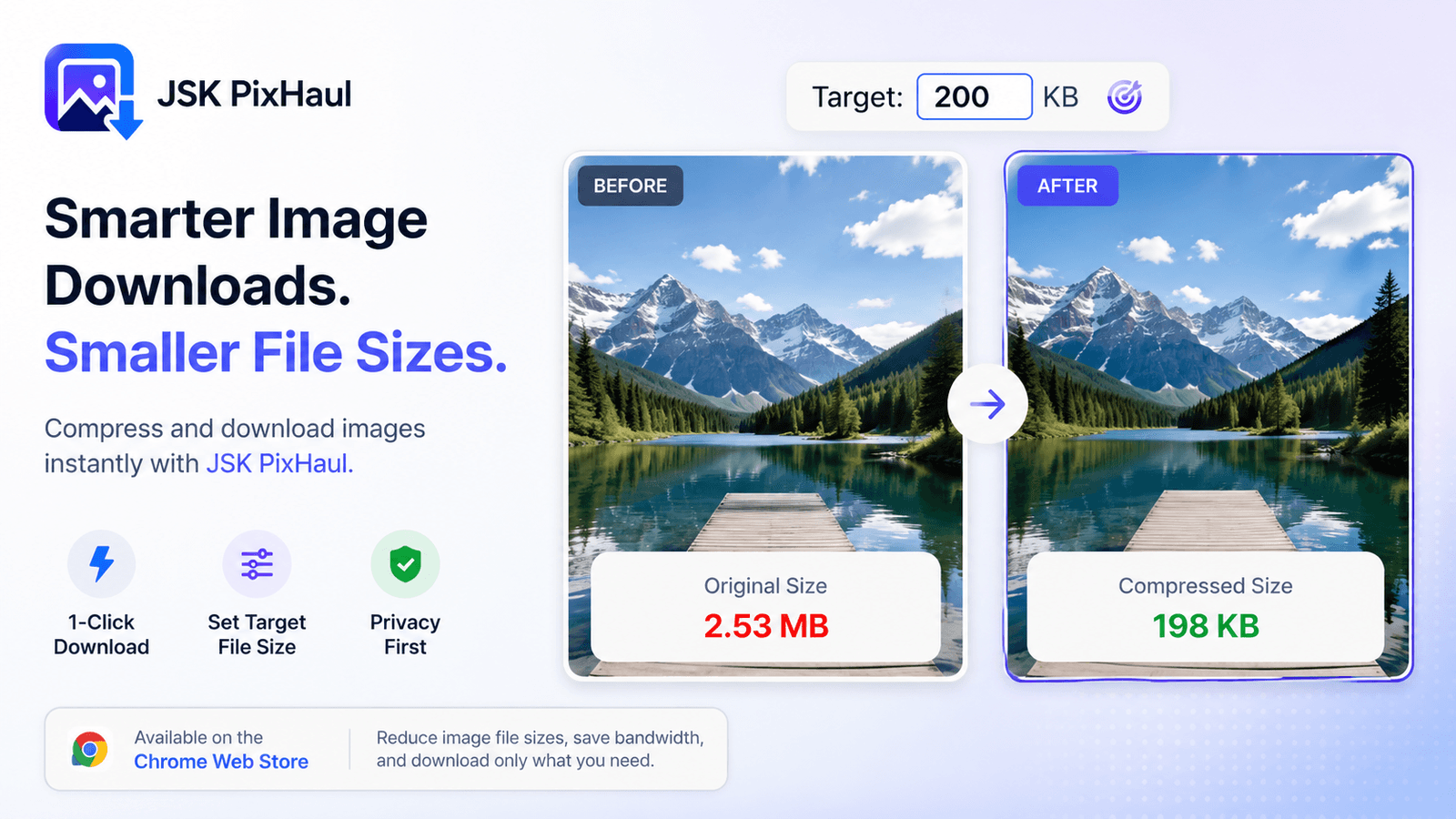
Compress images to an exact target file size — in your browser
upload limits are everywhere. Instead of guessing at quality sliders, aim straight for a file-size budget — locally, with real codecs, no upload required. Here's how target-size compression works.
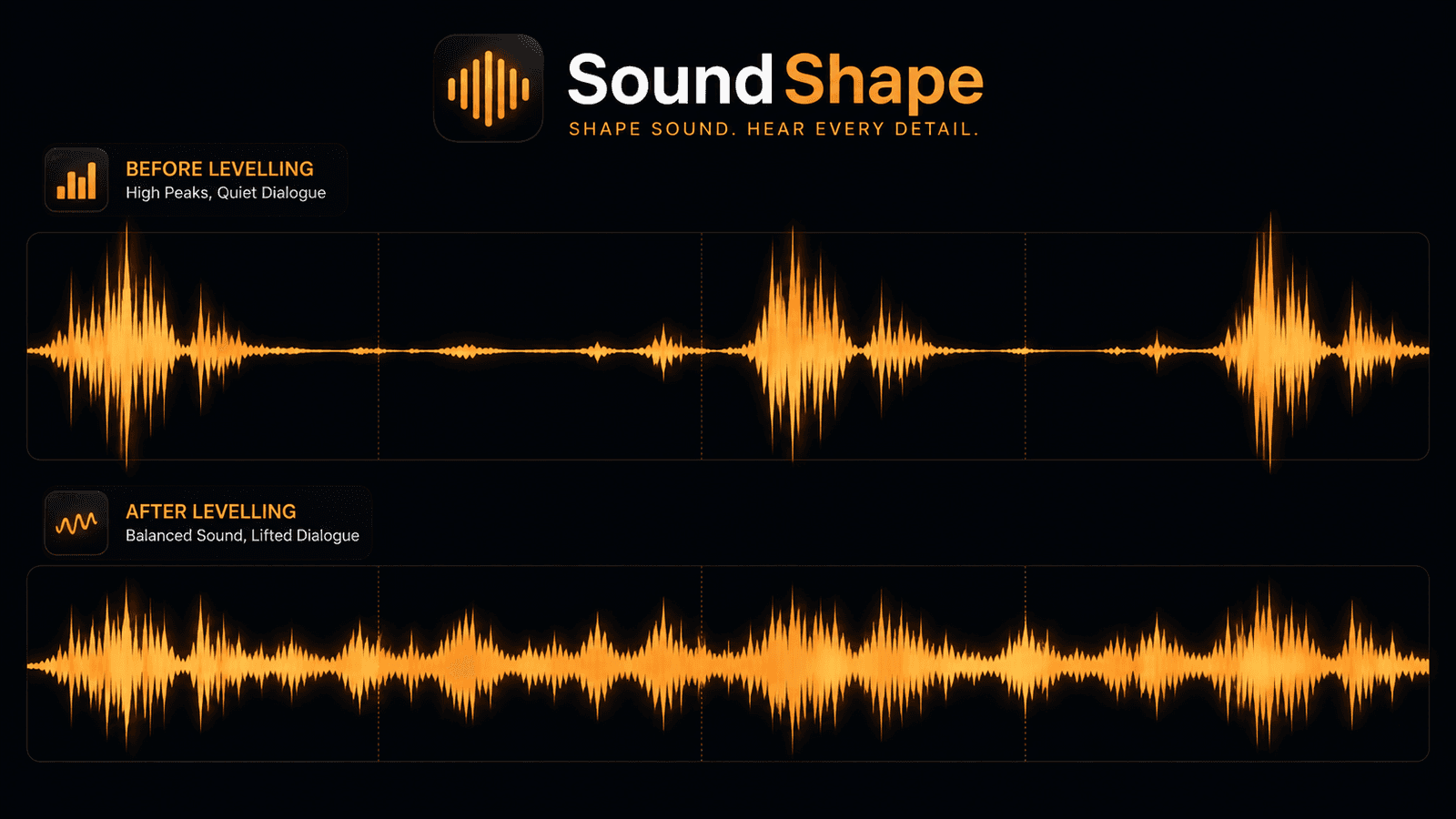
Loudness Levelling: Why Dialogue Is Quiet, Ads Are Loud, and Volume Cannot Fix It
You turn it up to hear the dialogue, then an advert nearly takes your head off. No volume setting is right for both, because the problem is the distance between them. Here is what loudness levelling actually does, and how it differs from an equalizer.
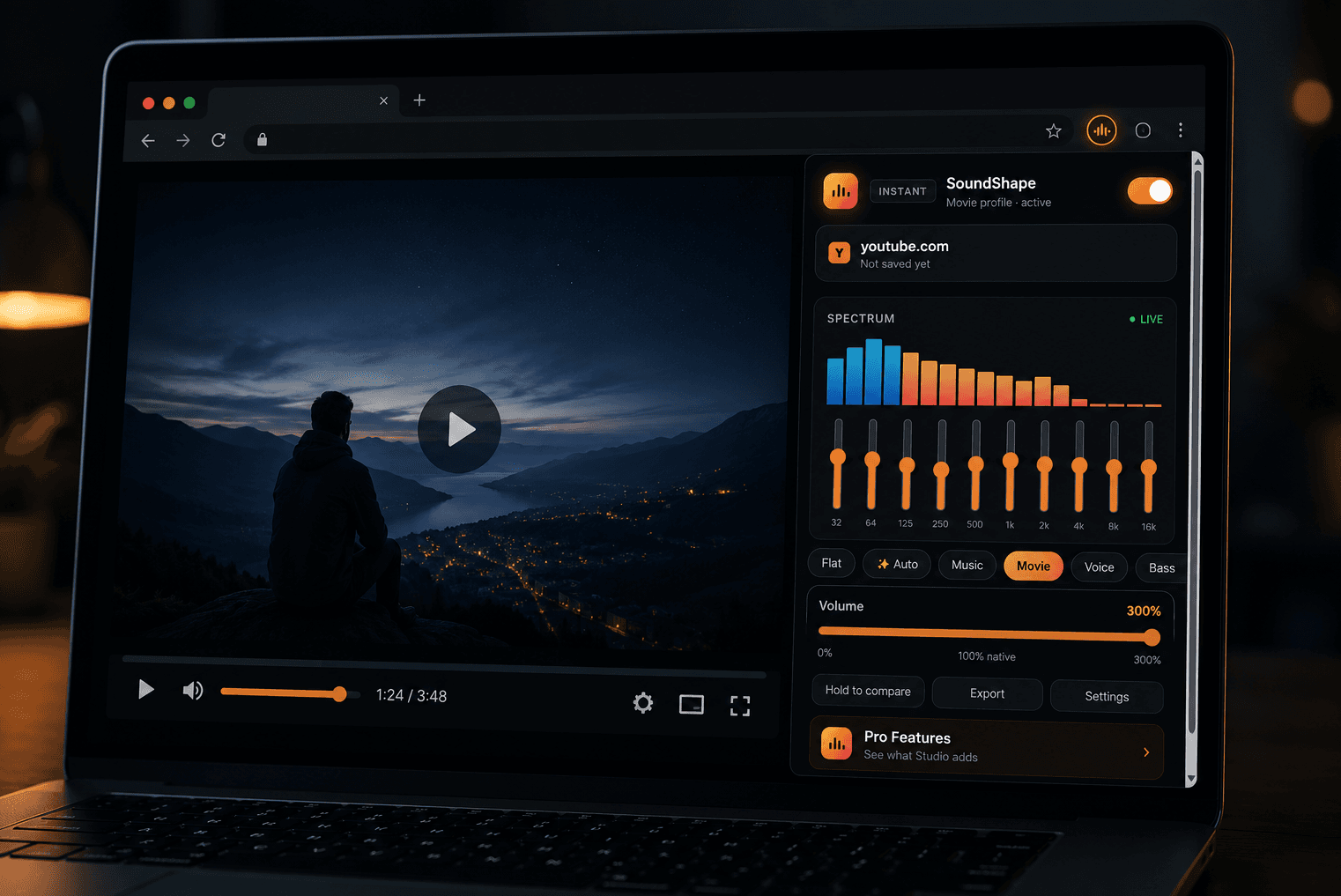
How to Boost Volume in Chrome Beyond 100% — Without Wrecking the Sound
Your system volume is maxed and the video is still too quiet. Here is how browser volume boosting actually works, how to push a tab past 100% without turning it to mush, and how to tell a safe volume booster extension from one you should not install.

How to download all the images from a web page at once (Chrome)
Right-clicking *Save as* forty times is nobody's idea of fun. Here's how to find and download every image on a page in one pass — with filters, bulk ZIP and custom names — without uploading anything.