 JSKAPPS
Download, resize and compress every image on a page — without uploading a thing
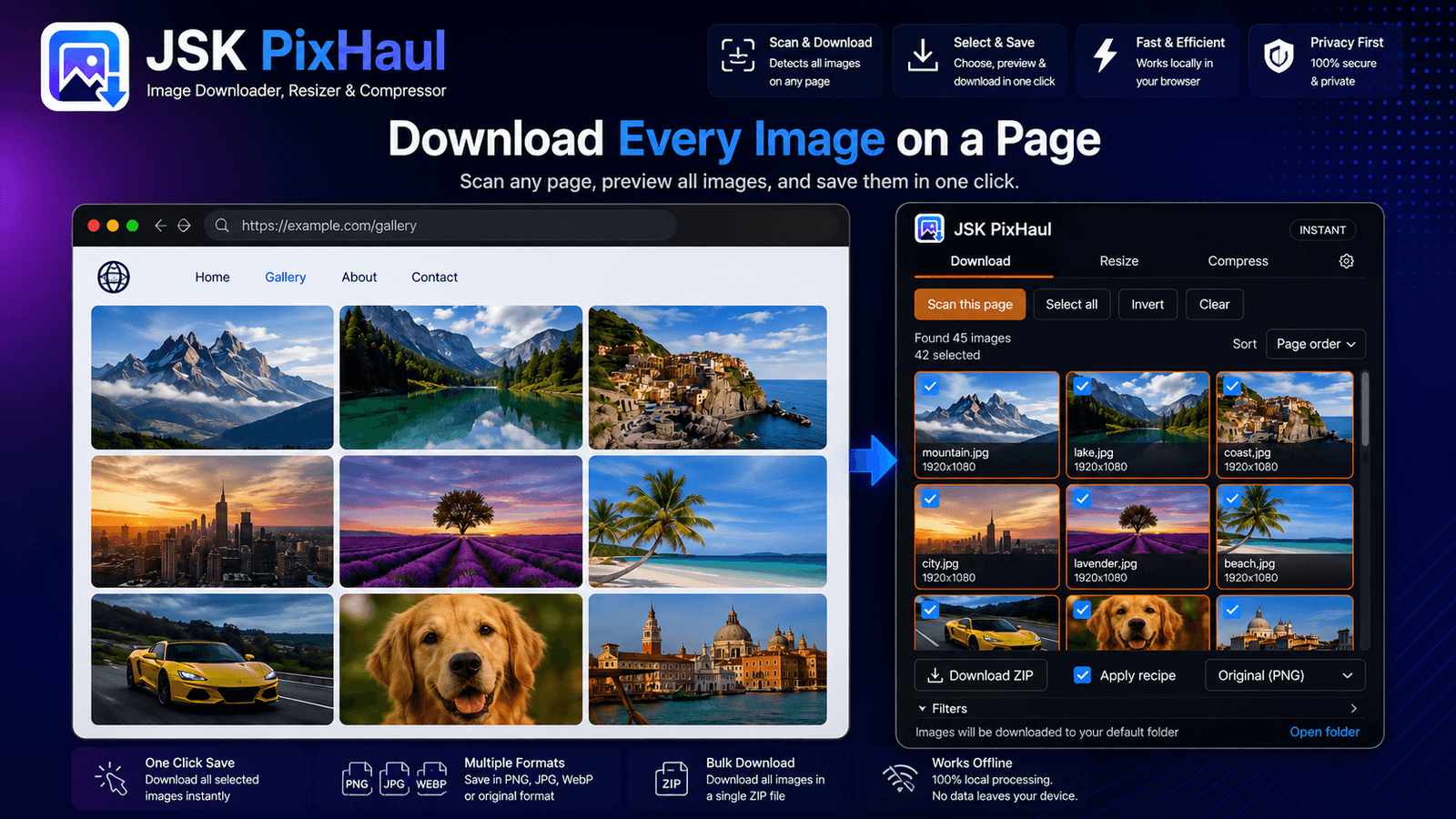
JSK PixHaul scans any web page, shows you every image it finds, and downloads the ones you choose — one at a time or as a single ZIP. Resize and compress them in the side panel with real in-browser codecs. It's free to use with no account, and every image is processed entirely on your device — nothing is uploaded.
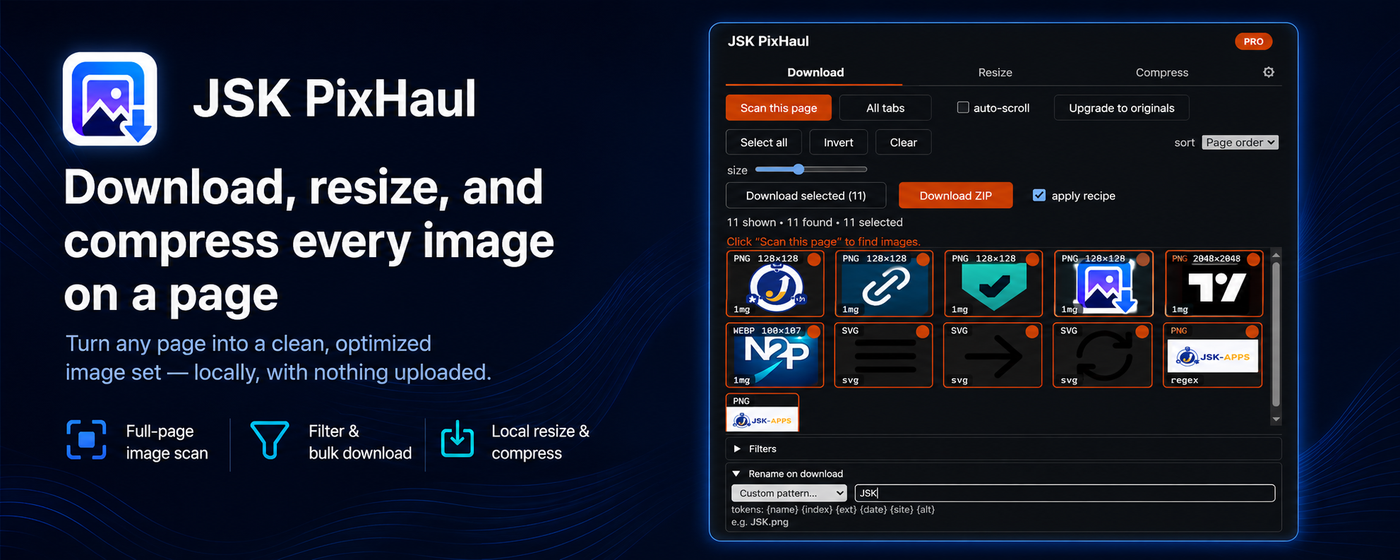
Saving images from the web usually means right-click, Save as, repeat — dozens of times — and then a round-trip through some upload-based compressor to shrink them. JSK PixHaul does the whole job in one place, in your browser.
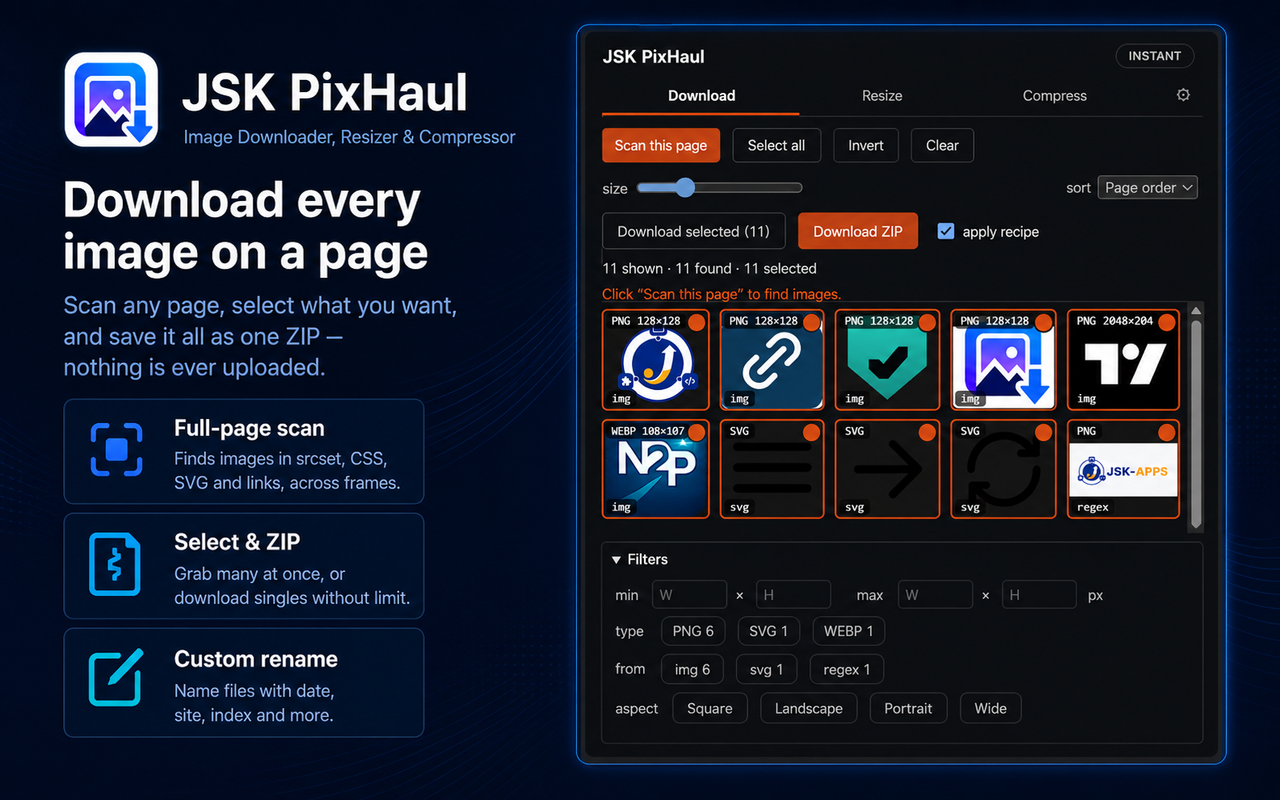
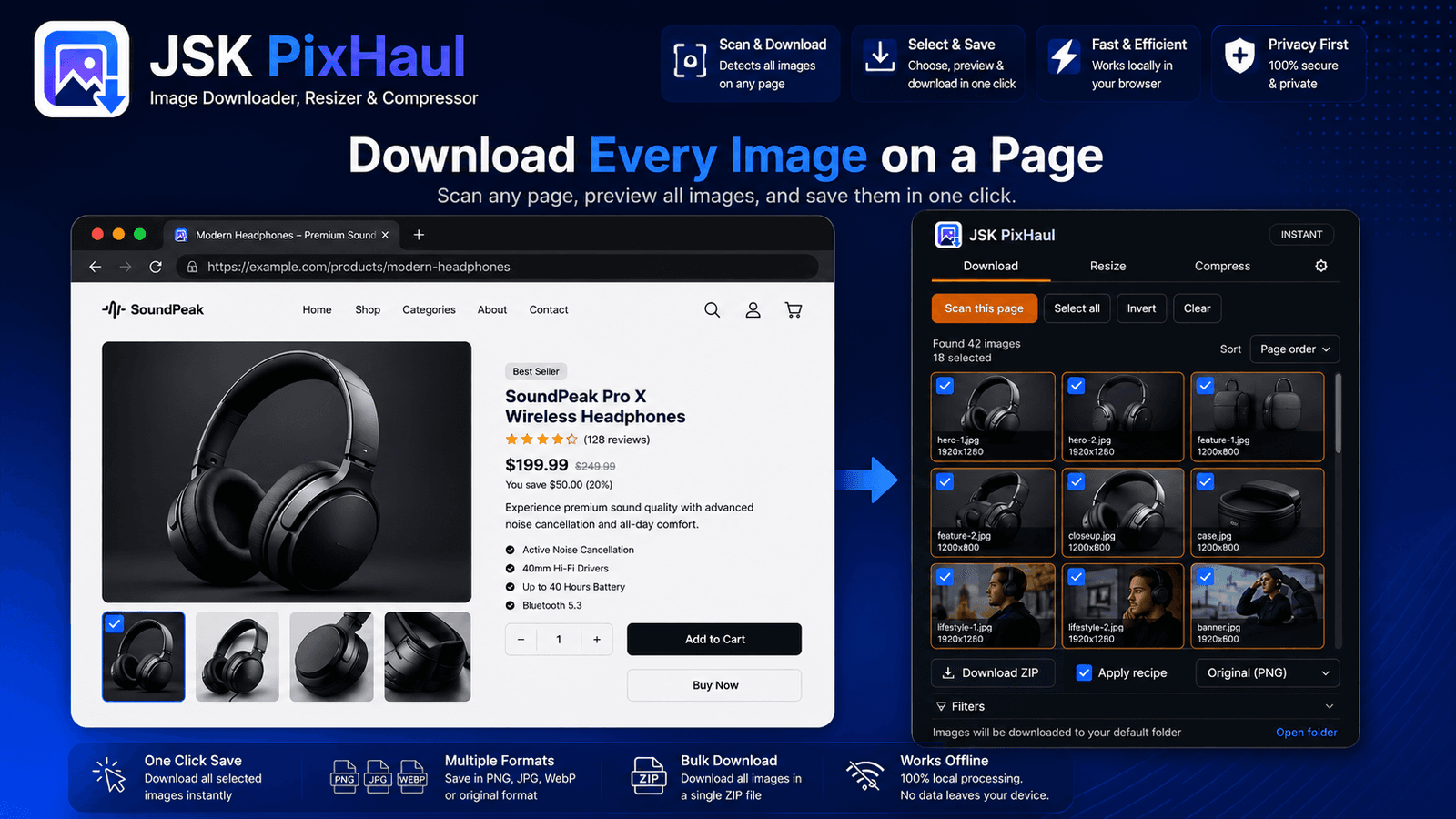
Open the side panel on any page and JSK PixHaul finds the images for you — including ones in srcset, CSS backgrounds, SVG and links, across frames. Filter the results, select what you want, and download individually or as a ZIP with a custom naming pattern. Then switch to the Resize or Compress tab to change dimensions, crop, or shrink file size — all locally.
What you can do:
- Scan any page and preview every image in a filterable grid
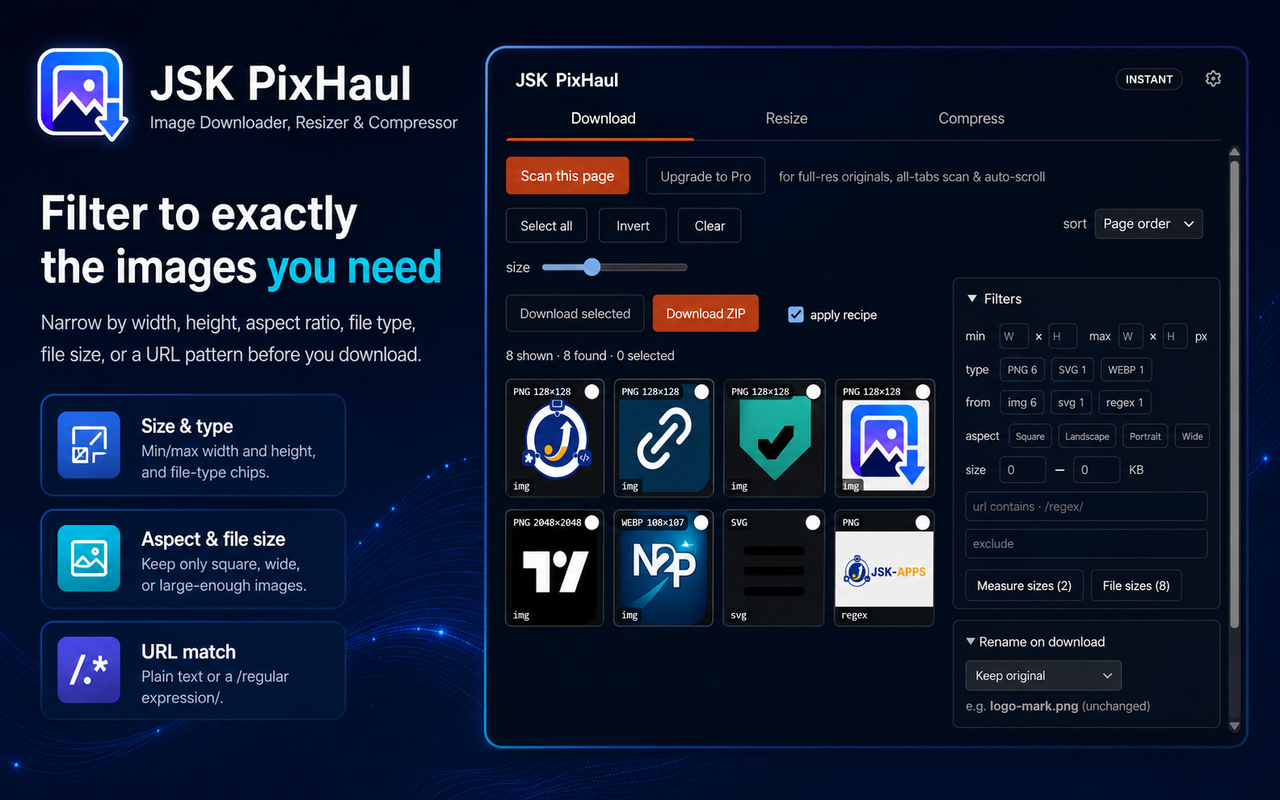
- Filter by dimensions, type, aspect ratio, file size, or URL (plain text or /regex/)
- Download individually — unlimited — or bulk-download as a ZIP
- Rename on download with {name}, {index}, {ext}, {date}, {site} and {alt} tokens
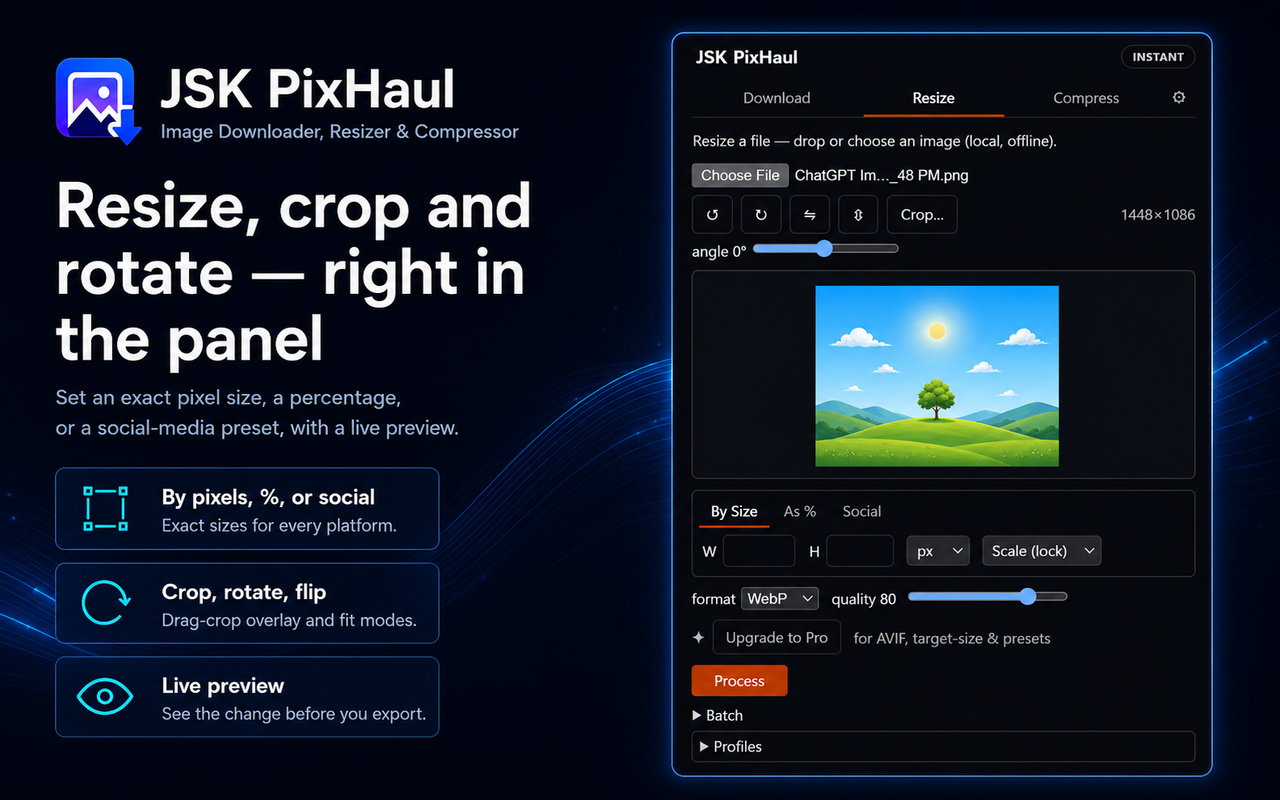
- Resize by pixels, percentage, or exact social-media sizes; crop, rotate and flip
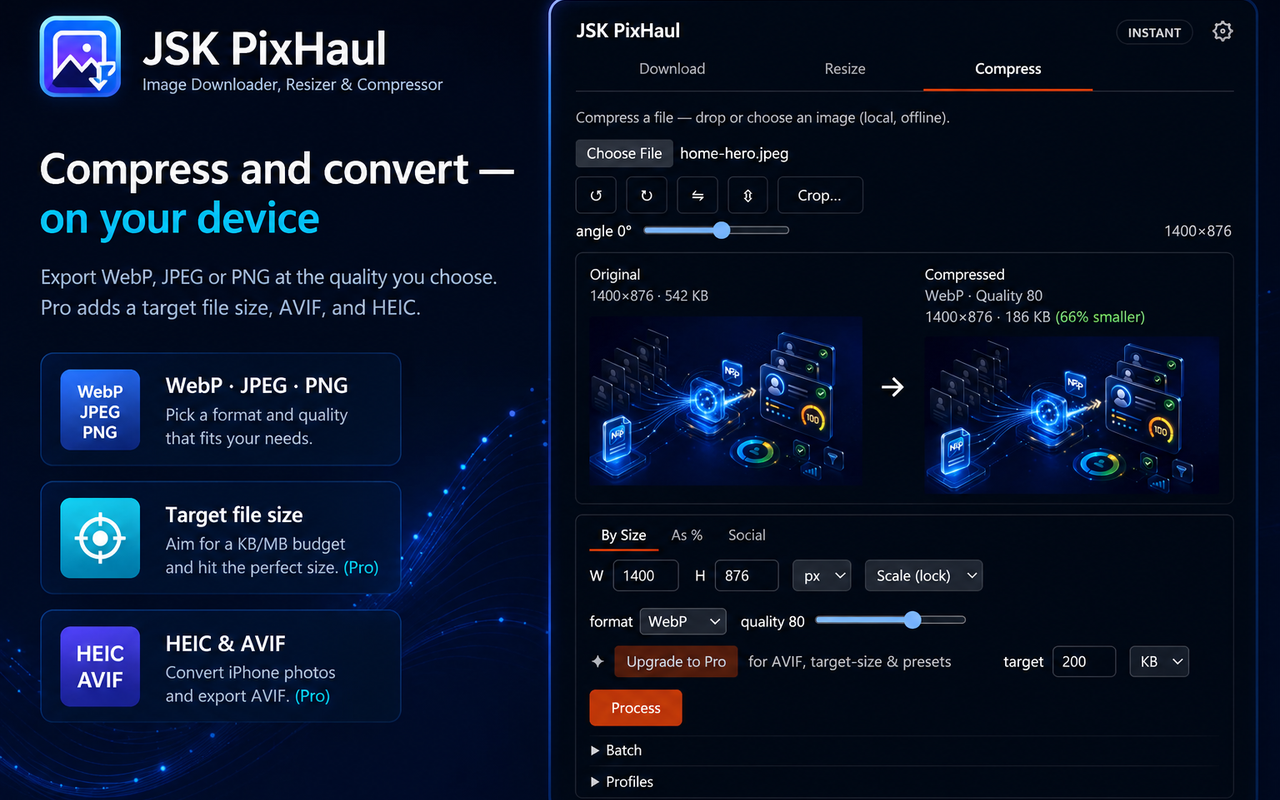
- Compress to WebP, JPEG or PNG (AVIF on Pro) with a quality slider or a target file size
- Convert Apple HEIC/HEIF photos to WebP, JPEG or PNG, and check the result with an SSIM quality score (both Pro)
- Everything runs on real WASM codecs (MozJPEG, OxiPNG, libwebp, AVIF) — no image leaves your device
See JSK PixHaul — Image Downloader, Resizer & Compressor in action
A quick, interactive walkthrough — no install needed.
Scan & bulk download
How it works
Open JSK PixHaul
click the toolbar icon on any page to open the side panel (or the popup for a quick grab).
Scan the page
every image appears in a grid; filter by size, type or URL and select the ones you want.
Download
save selected images one by one, or bundle them into a single ZIP with your naming pattern.
Resize or compress
switch to the Resize or Compress tab to change size, crop, or shrink file size, then download the result.
Features
Full-page image scan
Finds images in <img>, srcset, CSS backgrounds, SVG and links, across frames — not just what you can right-click.
Precise filters
Narrow by width/height, file type, aspect ratio, file size, or a URL pattern before you download a thing.
Bulk download + rename
Grab many images as one ZIP and name them with a custom pattern like {date}/{site}-{index}.
Resize & crop
Resize by pixels, percentage, or exact social-media presets, with a drag-crop overlay, rotate and flip.
Local compression
Real WASM codecs (MozJPEG, OxiPNG, libwebp) let you pick a format and quality — or aim for a target file size on Pro. Pro also converts Apple HEIC/HEIF photos and reports an SSIM quality score.
Private by design
Images are processed on your device with WebAssembly; nothing is uploaded to JSK PixHaul or anyone else.
Store-ready extraction
Finds product images on shopping pages; Pro upgrades store thumbnails to full-resolution originals.
Re-run history
Recent ZIP downloads are saved; repeat any of them with one click, and switch between light and dark themes.
Pricing
Choose the option that fits — pay once, subscribe, or start a free trial.
No account needed — pay now and we'll email you a link to set a password and access your purchase. Already have an account?
Instant — no account
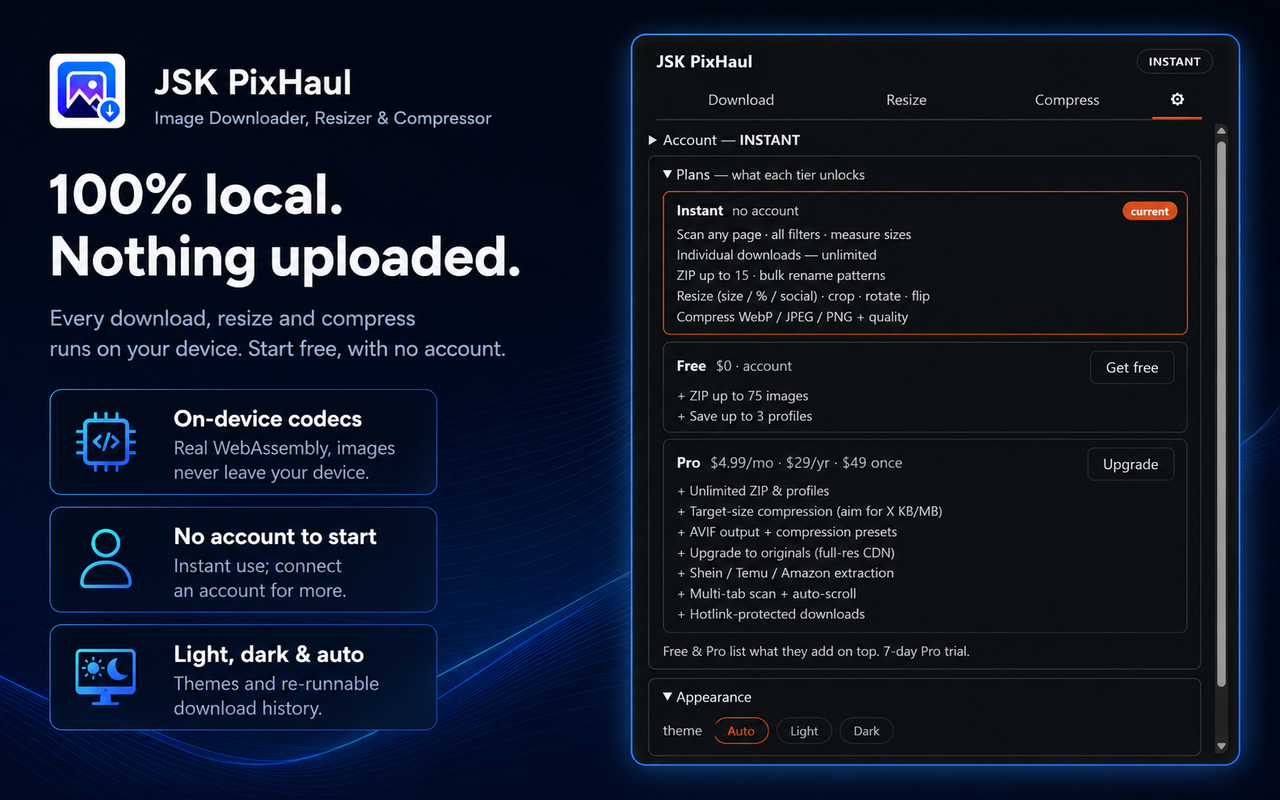
Free
Lifetime access
- Scan any page and download images individually — unlimited
- Bulk-download up to 15 images as a single ZIP
- Filter by size, type, source, aspect ratio and URL, with custom rename patterns
- Resize by pixels, percentage or social presets; crop, rotate and flip
- Compress to WebP, JPEG or PNG with a quality slider
- 100% local — images never leave your device
No account needed — just install
Free — $0 (account)
Free
- Everything you can do without an account, plus:
- Bulk-download up to 75 images per ZIP
- Save up to 3 reusable profiles
Pro Plan
$4.99/mo
15-day free trial
- Everything in Free, plus:
- Unlimited images per ZIP and unlimited saved profiles
- Compress to a target file size (KB or MB) and export AVIF
- Convert Apple HEIC/HEIF photos to WebP, JPEG or PNG
- Check compressed quality with an SSIM score against the original
- One-click compression presets (email, web, high quality, lossless)
- Upgrade store thumbnails to full-resolution originals
- Multi-tab scanning and auto-scroll for large, lazy-loaded galleries
- Download hotlink-protected images
Frequently asked questions
Does JSK PixHaul upload my images anywhere?+
No. All resizing and compression happen locally with WebAssembly codecs. The only network call JSK PixHaul makes on its own behalf is a licensing check to JSKAPPS when you connect an account — that request carries your API key and a random install ID, never your images.
Do I need an account?+
No. Scanning, individual downloads, resizing and compressing all work with no account. A free account raises the ZIP limit and adds saved profiles; Pro unlocks premium features.
How many images can I download at once?+
Individual downloads are unlimited at every tier. For a single ZIP: up to 15 images with no account, up to 75 on the free plan, and unlimited on Pro.
Which image formats does it handle?+
It reads JPG, PNG, WebP, AVIF, GIF and SVG, and writes WebP, JPEG and PNG. On Pro it also converts Apple HEIC/HEIF photos and can output AVIF. AVIF output, HEIC/HEIF conversion and target-file-size compression are Pro features.
Which browsers are supported?+
Chrome, Microsoft Edge and other Chromium browsers, and Firefox — all Manifest V3.
Is there a free trial of Pro?+
Yes — every Pro plan (monthly, yearly or lifetime) starts with a 15-day free trial.
Can it grab lazy-loaded or gallery images?+
Yes. Auto-scroll (Pro) triggers lazy-loading before scanning, and multi-tab scan (Pro) collects images across several open tabs.
Where do my downloads go?+
Into your browser's normal Downloads folder — individual files or a single ZIP.
Does it have a dark mode?+
Yes. In Settings → Appearance you can pick System (follows your system), Light or Dark. The choice is remembered.
Can I re-run a previous download?+
Yes. Your recent ZIP downloads are saved under Settings → Download history, and you can re-run any of them with one click.
From the blog
All articles →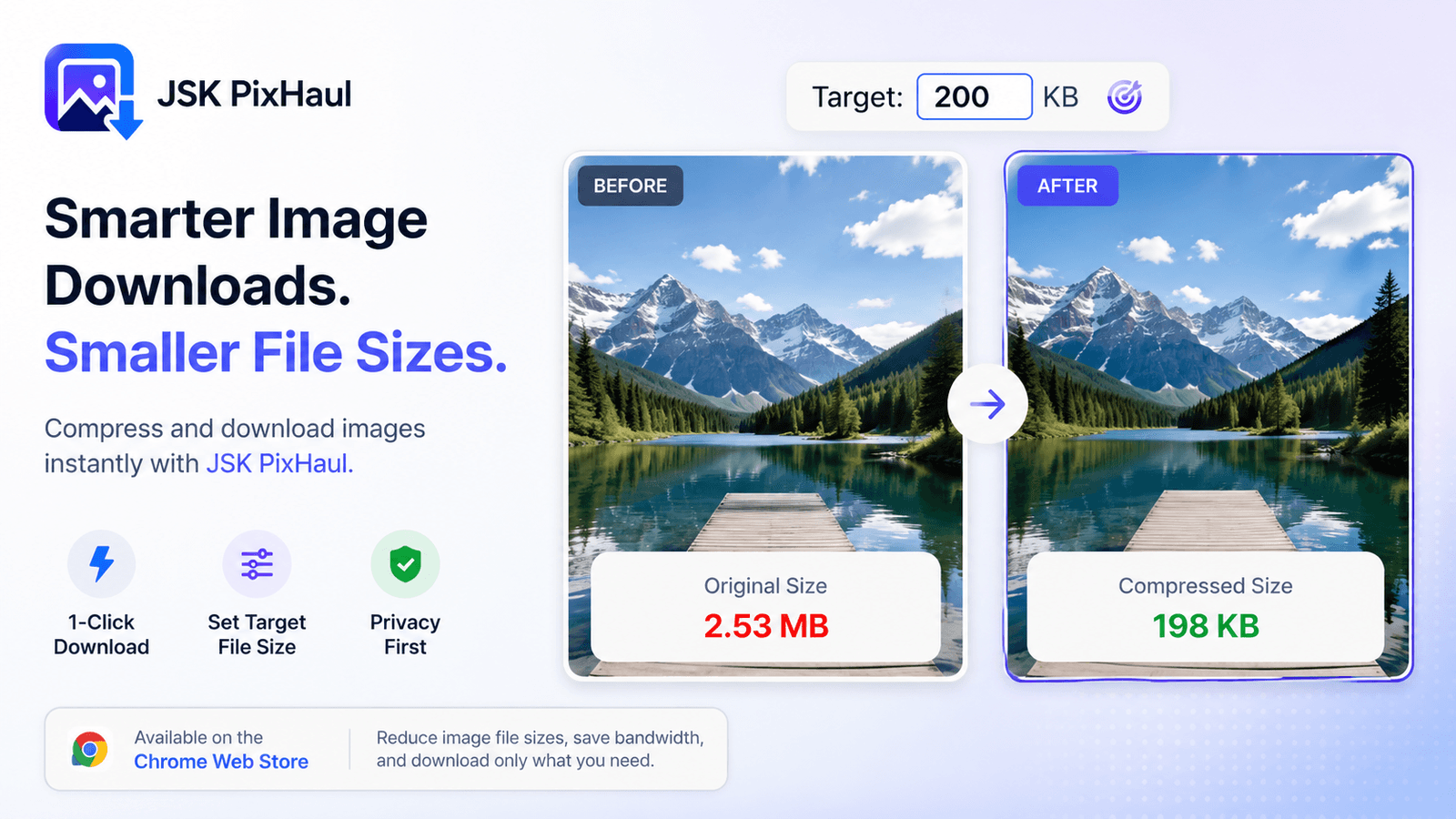
Compress images to an exact target file size — in your browser
upload limits are everywhere. Instead of guessing at quality sliders, aim straight for a file-size budget — locally, with real codecs, no upload required. Here's how target-size compression works.
Subhankar Jana · Aug 28, 2026
How resellers pull full-resolution product photos from AliExpress and Amazon
Store pages show you thumbnails; your own listing needs the originals. Here's a repeatable workflow for grabbing full-resolution product images from marketplaces — cleanly, and without a hundred right-clicks.
Subhankar Jana · Aug 19, 2026
How to download all the images from a web page at once (Chrome)
Right-clicking *Save as* forty times is nobody's idea of fun. Here's how to find and download every image on a page in one pass — with filters, bulk ZIP and custom names — without uploading anything.
Subhankar Jana · Aug 11, 2026
Grab, resize and compress — all in one place
Install JSK PixHaul and scan your first page in seconds. No account needed to start, and your images never leave your device.