 JSKAPPS
Block ads and trackers — and finally see exactly what your blocker is doing
JSK Shield is a free, open-source ad and tracker blocker for Chrome, Edge and Firefox. It works the moment you install it — no account, no sign-up, nothing sent about you. And when a blocker breaks a page, JSK Shield is the one that shows you why and fixes it in a click instead of leaving you guessing.
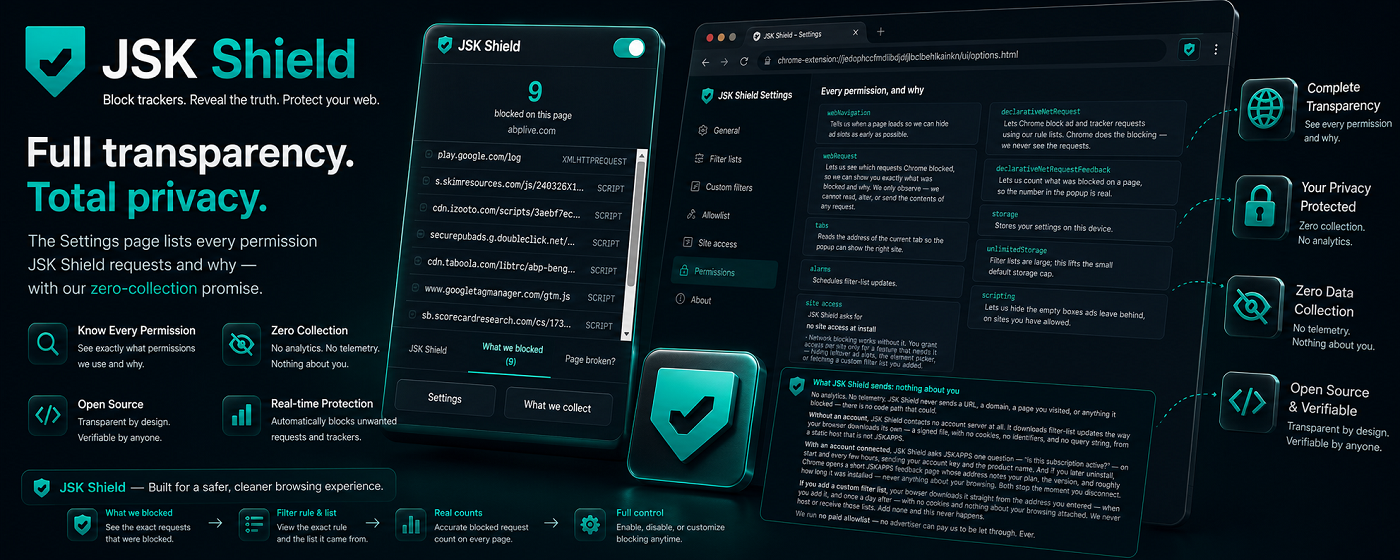
Most ad blockers ask you to trust them. JSK Shield lets you check. It runs entirely on your device, collects nothing, and its code is open source under the GPL-3.0 licence — so every claim on this page is verifiable, not marketing.
It blocks ads, trackers and cookie-notice clutter using well-established community filter lists, and it stays out of your way:
- No account required. Install it and it works. The core blocker never needs one.
- No data collection. No analytics, no telemetry, no tracking of you — there is no server for it to go to.
- No paid allowlist. No advertiser can ever pay to have their ads let through. Ever.
- No site access needed to block. JSK Shield blocks ads and trackers without permission to read the pages you visit. You grant per-site access only for the extras that need it — hiding the empty boxes ads leave behind, the element picker, or fetching a custom list.
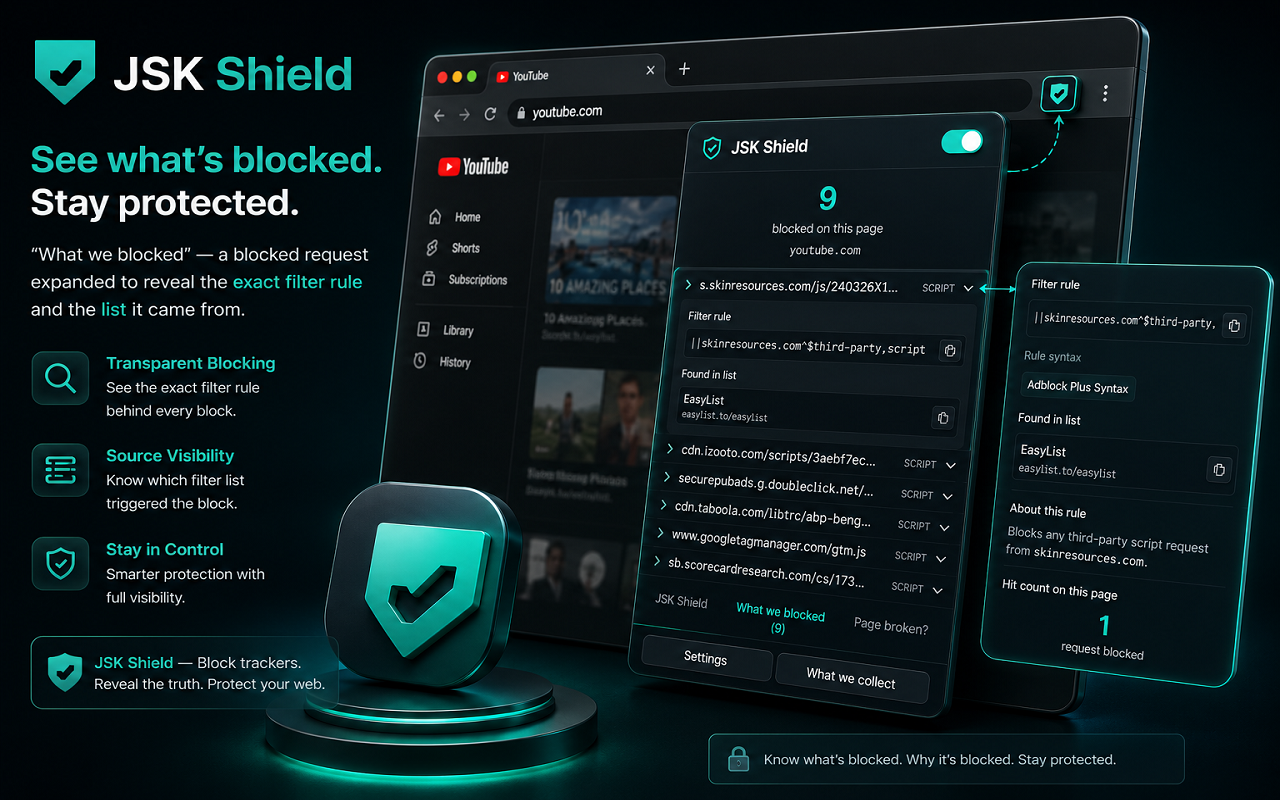
Where JSK Shield is genuinely different is what happens when something goes wrong. Every other blocker shows you a count. JSK Shield shows you the request that was blocked, the exact rule that blocked it, and the list that rule came from — and gives you a one-click way to allow just that one thing, on just that one site.
See JSK Shield - Ad Blocker & Privacy in action
A quick, interactive walkthrough — no install needed.
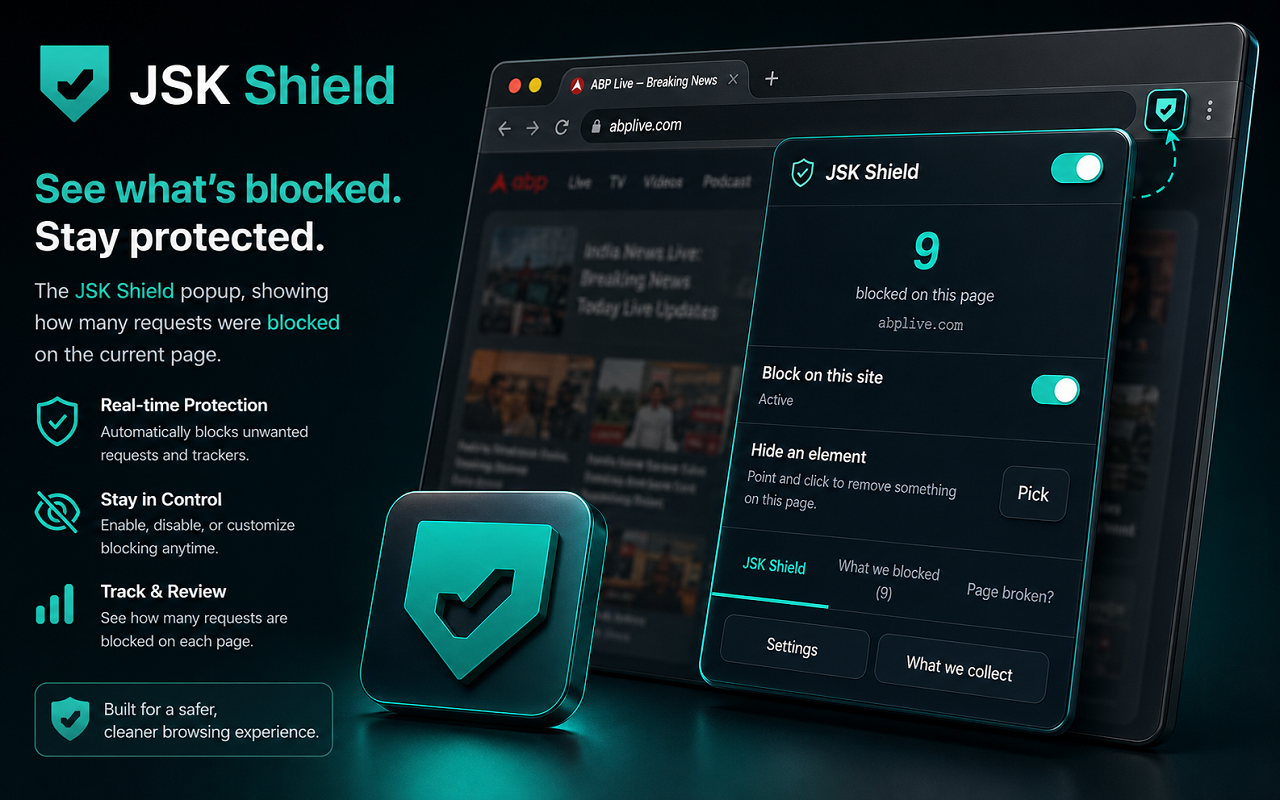
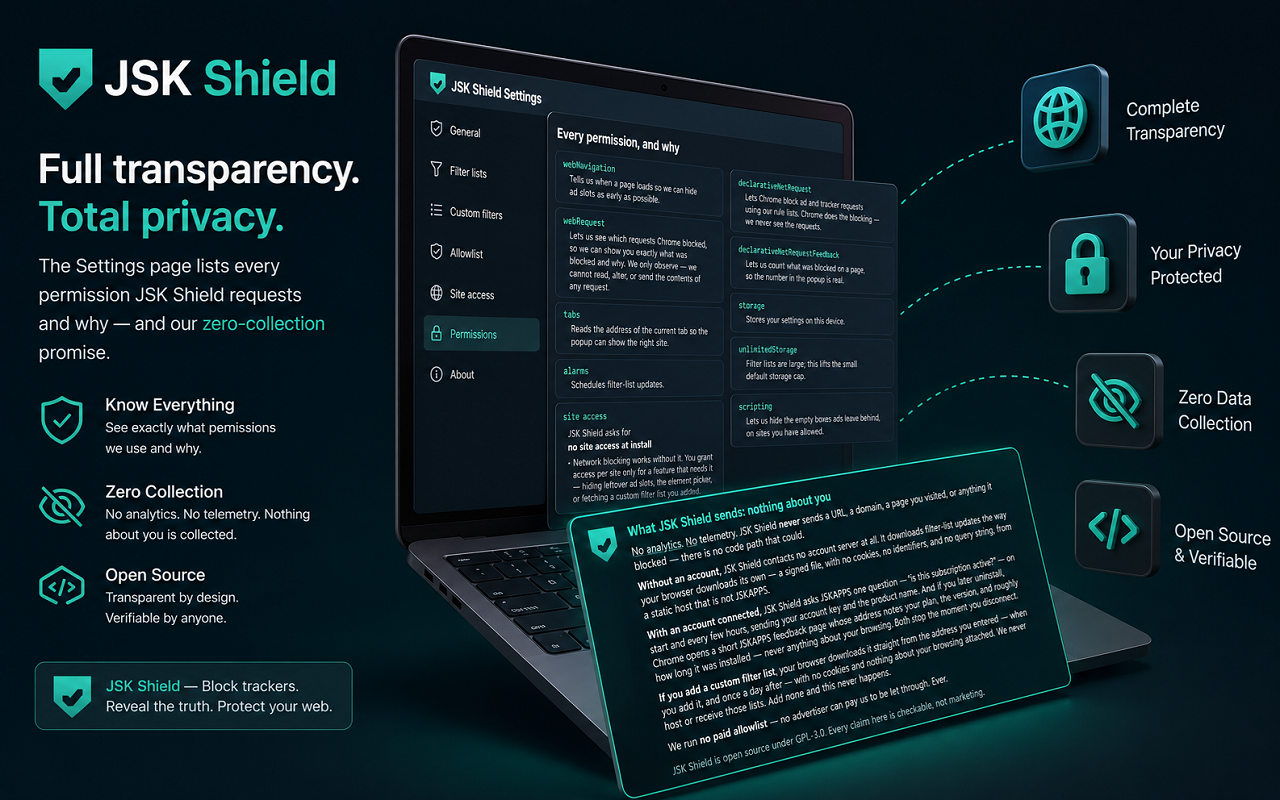
The popup showing how many requests were blocked on the current page.
How it works
Install it
JSK Shield starts blocking ads and trackers immediately, with no setup and no account.
Browse normally
the toolbar button shows how much it blocked on the current page.
Hit a broken page?
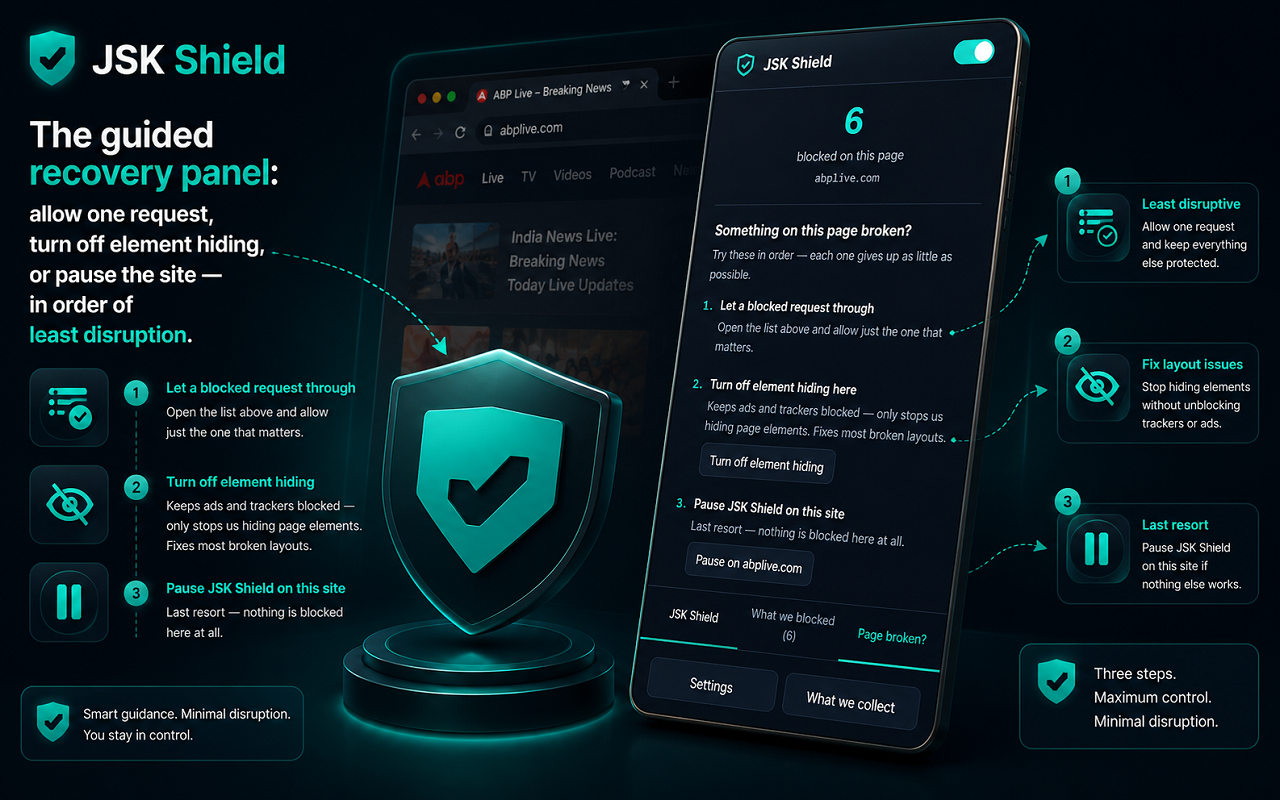
open “Page broken?” and JSK Shield walks you through the smallest fix first, keeping as much protection as possible.
Want to know why something was blocked?
open “What we blocked”, click any request, and see the exact rule and list behind it.
Features
Ad, tracker & annoyance blocking
Uses EasyList, EasyPrivacy and cookie-notice filters to block ads, tracking scripts and consent-banner clutter across the web.
“Why was this blocked?”
Click any blocked request to see the exact filter rule and the list it came from — then allow just that one request on just that one site.
Guided breakage recovery
When a page breaks, JSK Shield offers the least-destructive fix first: allow one request, then turn off element hiding while keeping ads blocked, and only then pause the site.
Nothing sent about you
No analytics and no telemetry. JSK Shield never sends a URL, a domain, or anything it blocked. There is no code path that could.
Blocks with no site access
Network blocking needs no permission to read your pages. Full element-hiding is opt-in, per site.
URL tracking-parameter cleaning
Strips known tracking tags like utm_*, fbclid and gclid from links, while leaving the parts a page actually needs.
Scam & ransomware blocking
A free account adds a curated safety layer that blocks known scam, fraud and ransomware domains — a second lock on top of your browser’s own protection.
Open source (GPL-3.0)
The whole extension is open source. You don’t have to trust the privacy claims — you can read them.
Pricing
Choose the option that fits — pay once, subscribe, or start a free trial.
No account needed — pay now and we'll email you a link to set a password and access your purchase. Already have an account?
Instant — Free · no account
Free
Lifetime access
The complete blocker, the moment you install it — no sign-up, nothing sent about you.
- Blocks ads, trackers and cookie-notice clutter across the web.
- Works instantly — no account, no sign-up, no configuration.
- No data collection: no analytics, no telemetry, nothing sent about you.
- No paid allowlist — no advertiser can ever pay to reach you.
- “Why was this blocked?” request log, with one-click per-site exceptions.
- Guided breakage recovery, URL tracking-parameter cleaning, and settings backup/restore.
- Open source (GPL-3.0) — you can read every line.
No account needed — just install
Free
Free
- Blocks ads, trackers and cookie-notice clutter across the web, using established community filter lists.
- Works instantly — no account, no sign-up, no configuration.
- No data collection: no analytics, no telemetry, nothing sent about you.
- No paid allowlist — no advertiser can pay to reach you.
- “Why was this blocked?” request log with one-click, per-site exceptions.
- Guided breakage recovery and URL tracking-parameter cleaning.
- Open source under the GPL-3.0 licence.
- Scam & ransomware domain blocking (needs a free account) — an extra layer that blocks known scam, fraud and ransomware domains, on top of your browser's built-in protection.
- Custom filter lists (needs a free account) — subscribe to any list you trust by URL; your browser fetches it directly from whoever maintains it.
- Blocking statistics (needs a free account) — see what’s been blocked over time and your most-blocked domains, all kept on your device.
- Element picker (needs a free account) — point and click to hide anything on a page, or remove it just once.
- Custom rules (needs a free account) — write your own domain block/allow rules.
- Backup & restore — export your settings to a file and import them on another computer; no account needed.
Family Plan
$3.99/mo
15-day free trial
Everything in Free, plus:
- Content-category blocking — block Adult, Gambling or Social media sites outright, using curated domain lists built into the extension.
- Per-child profiles — save a setup per child and switch between them in one click; each profile remembers its categories and any extra sites to keep out.
- Scheduled site blocking — block distracting or age-inappropriate sites during set hours (bedtime, homework, focus), on the days you choose, with overnight windows supported.
- Everything keeps working offline, and your profiles and schedules are preserved, not deleted, if a subscription lapses.
Ad and tracker blocking is identical on every plan — the Family plan adds control, it never blocks "better", and there is never a paid allowlist. Prices in USD; a 7-day free trial on the family plan.
Frequently asked questions
Do I need an account to use JSK Shield?+
No. The ad and tracker blocking is completely free and needs no account, no sign-up, and no configuration.
Does JSK Shield collect or sell my data?+
No. There is no analytics and no telemetry, and nothing about your browsing leaves your device. JSK Shield is open source, so you can verify this in the code.
Does JSK Shield run a “paid allowlist” like some blockers?+
No. No advertiser can pay to have their ads shown to you. There is no such programme and there never will be.
Why does it ask for permission to a website?+
It doesn’t need to, to block ads and trackers — that works with no site access at all. It asks for access to a specific site only when a feature you choose to use needs it: hiding the empty boxes blocked ads leave behind, using the element picker, or fetching a custom filter list you added. You can always decline.
A website broke — what do I do?+
Open the toolbar button and choose “Page broken?”. JSK Shield suggests the smallest fix first (allowing one request, or turning off element hiding while keeping ads blocked) so you give up as little protection as possible.
Is JSK Shield really free?+
Yes — the ad and tracker blocker is completely free and open source, and always will be. There is also an optional Family plan ($3.99/mo, $29.99/yr, or $69 lifetime, with a 15-day free trial) that adds content-category blocking, per-child profiles and scheduled blocking. Blocking quality is identical on every plan — Family adds control, it never blocks better.
Which browsers does it support?+
Google Chrome, Microsoft Edge and Firefox. It is a Manifest V3 extension built for cross-browser support.
From the blog
All articles →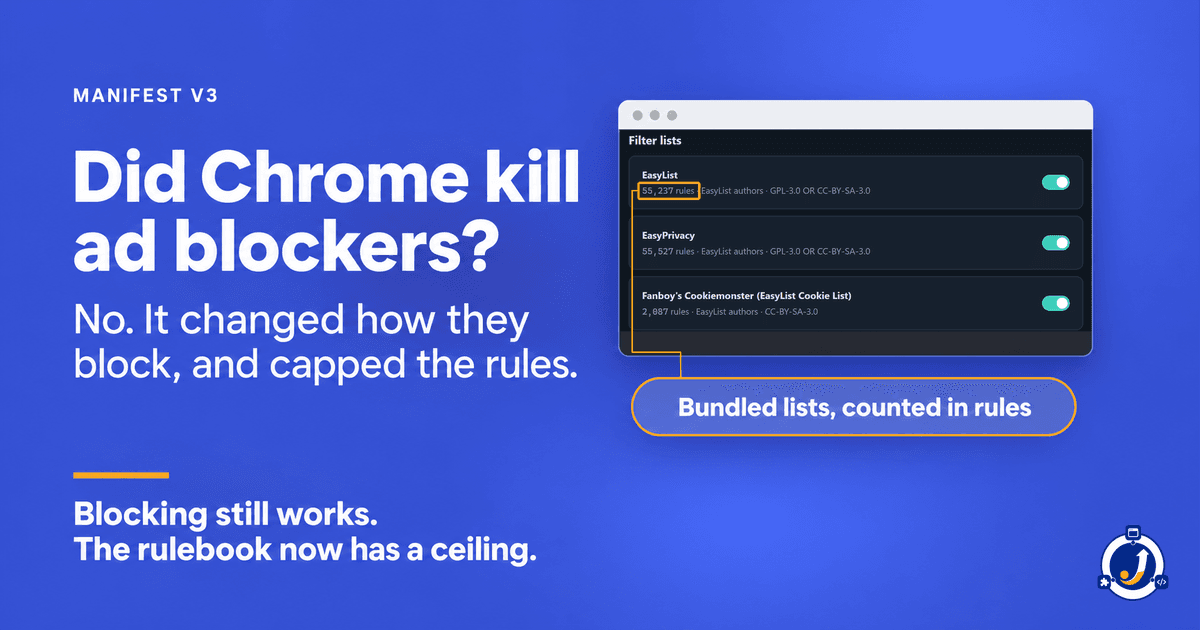
Did Chrome Kill Ad Blockers? What Manifest V3 Changed
Ad blockers still work in Chrome. Manifest V3 changed how they block and capped the rules they can add. The limits, from Chrome's own documentation.
Team JSKAPPS · Oct 11, 2026
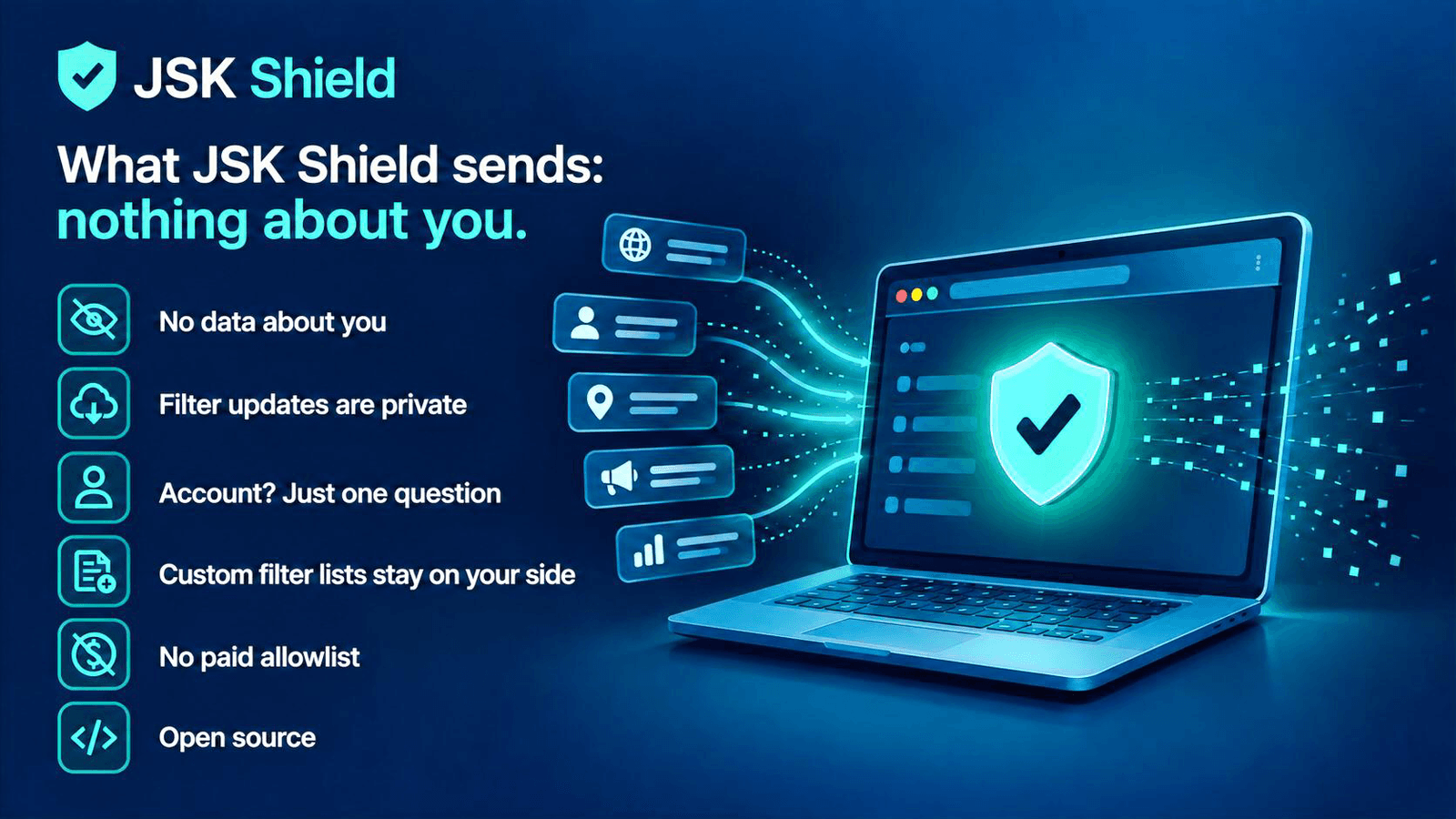
The case for an ad blocker that sends nothing about you
An ad blocker sits in the path of everything you browse — so the sharpest question isn't how well it blocks, but what it sends back. Here's what a zero-collection blocker looks like when you can actually check the claim.
Tanmoy Sambhav · Sep 7, 2026
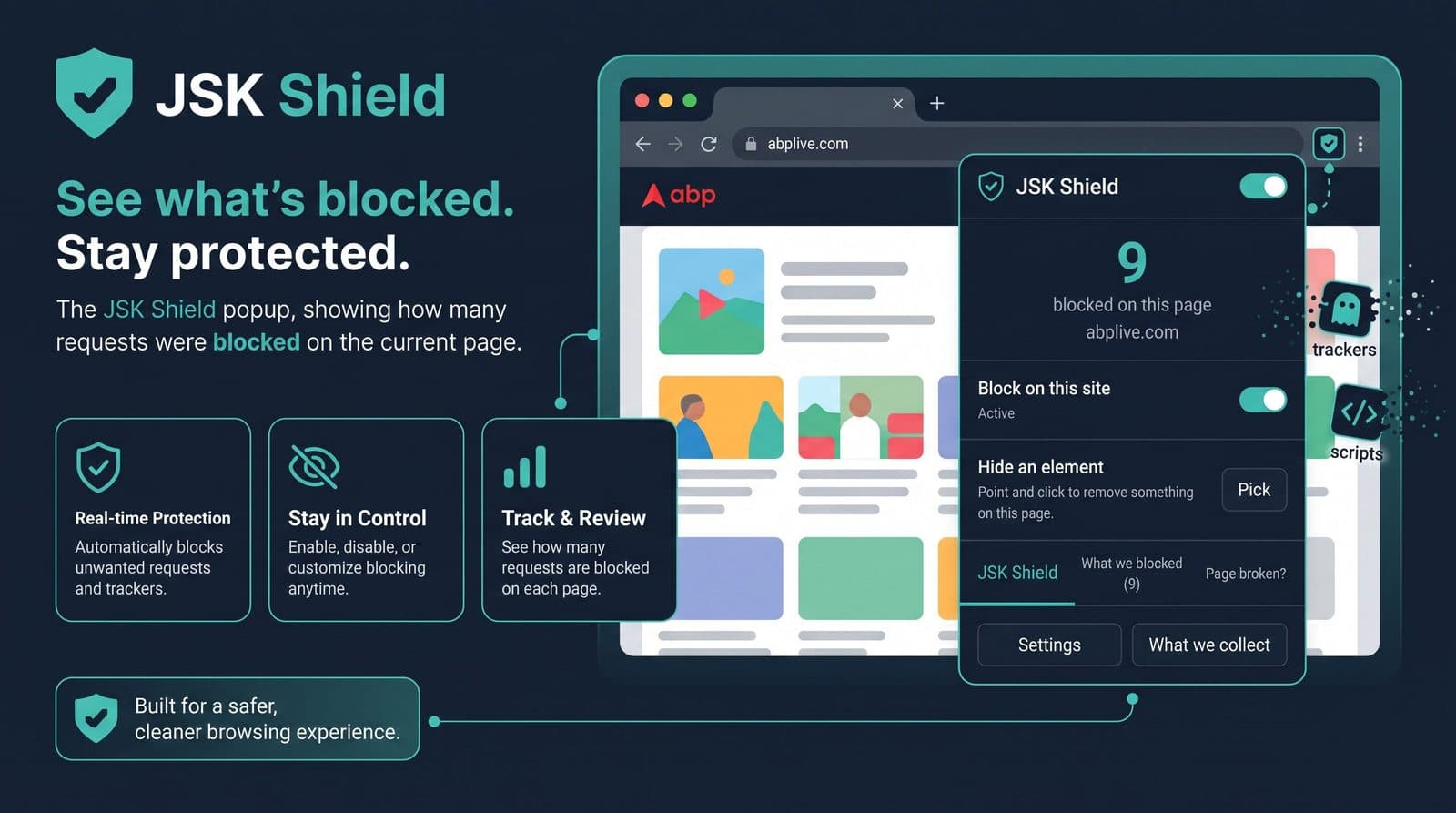
"Why was this blocked?” — the feature every ad blocker should have
Most blockers give you a number — '14 blocked'. Fourteen what, by which rule, from which list? JSK Shield shows the exact request, the rule that matched, and the list it came from, then lets you allow just that one thing on just that one site.
Tanmoy Sambhav · Aug 23, 2026
Blocking you can actually check
Free, open source, and honest about what it does. Install JSK Shield and see what your old blocker never told you.