 JSKAPPS
Open a whole list of links in one click — safely.
Paste your URLs, choose how they open, and go. JSK Multi URL Opener handles everything from a quick batch of tabs to hundreds of links without melting your browser — and it works the moment you install it, with no sign-in and no data leaving your device.
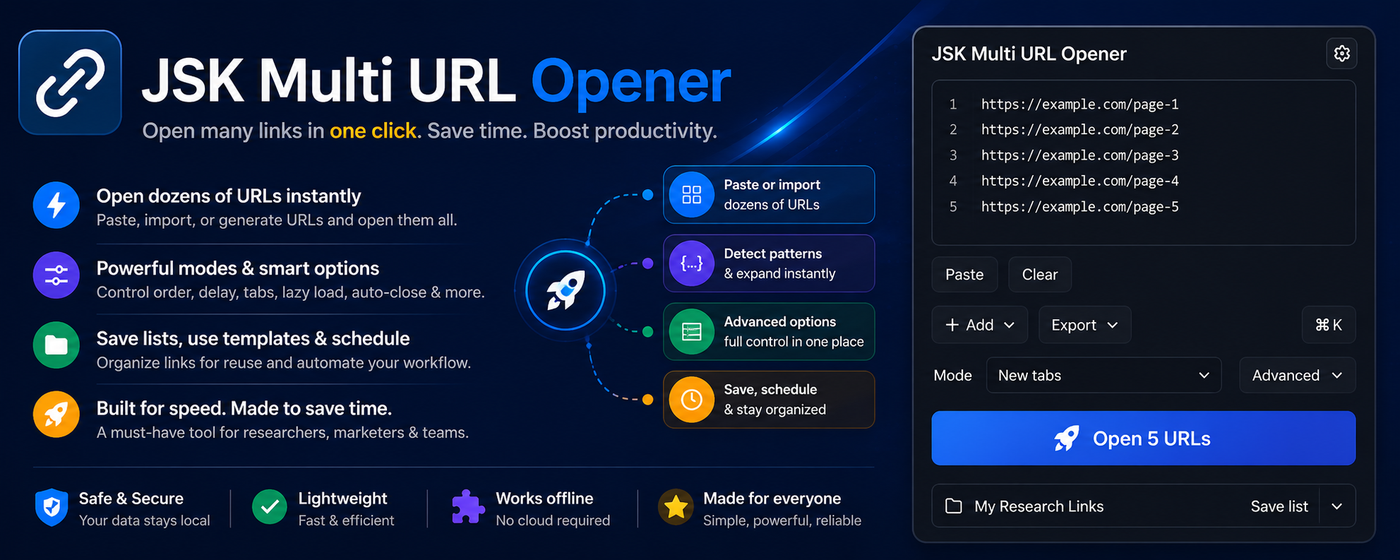
Opening links one by one is a tax on your day. JSK Multi URL Opener removes it: drop in a list, pick how to open it, and every link lands exactly where you want — in tabs, separate windows, or tidy Chrome tab groups.
It's built for people who really work with links — researchers, marketers, SEOs, QA and dev teams, VAs and ops — so it goes well beyond a plain opener:
- Open your way — new tabs, one window per link, all in one window, grouped by domain, or one-by-one for heavy pages.
- Big batches, safely — lazy loading, a delay between tabs, batching, a stop button, and pause/resume, so 200 links don't crash your browser.
- Clean input automatically — remove duplicates, skip junk lines, add https:// where it's missing, and strip tracking parameters.
- Save and reuse — keep named lists with tags and folders, search them, and sync them across your devices.
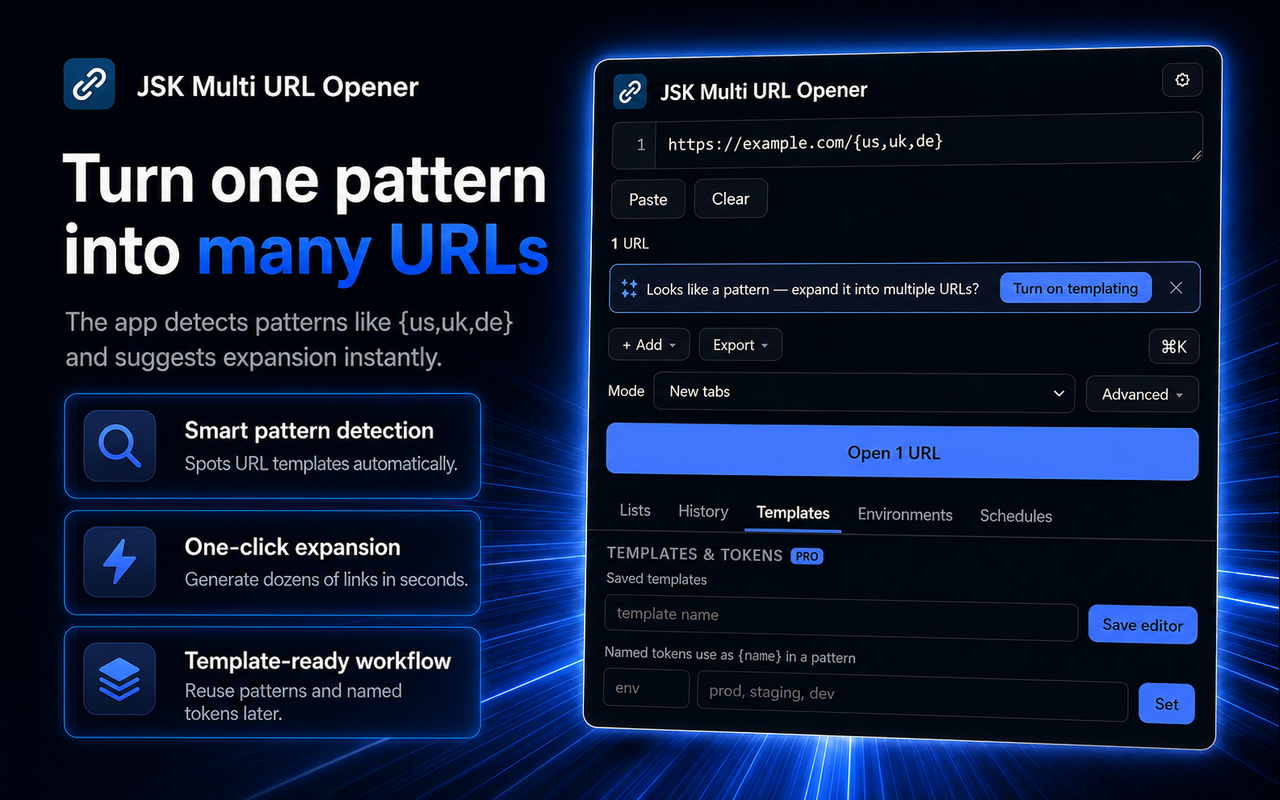
- Generate links from patterns — turn one line like site.com/page/[1-50] into 50 URLs; sweep IDs, dates, or environments without pasting hundreds of lines.
- Search and SEO tools — run non-URL lines as searches across engines, with site: and results-per-page controls.
- Automate — open a saved list on browser startup, on a timer, or once at a set time.
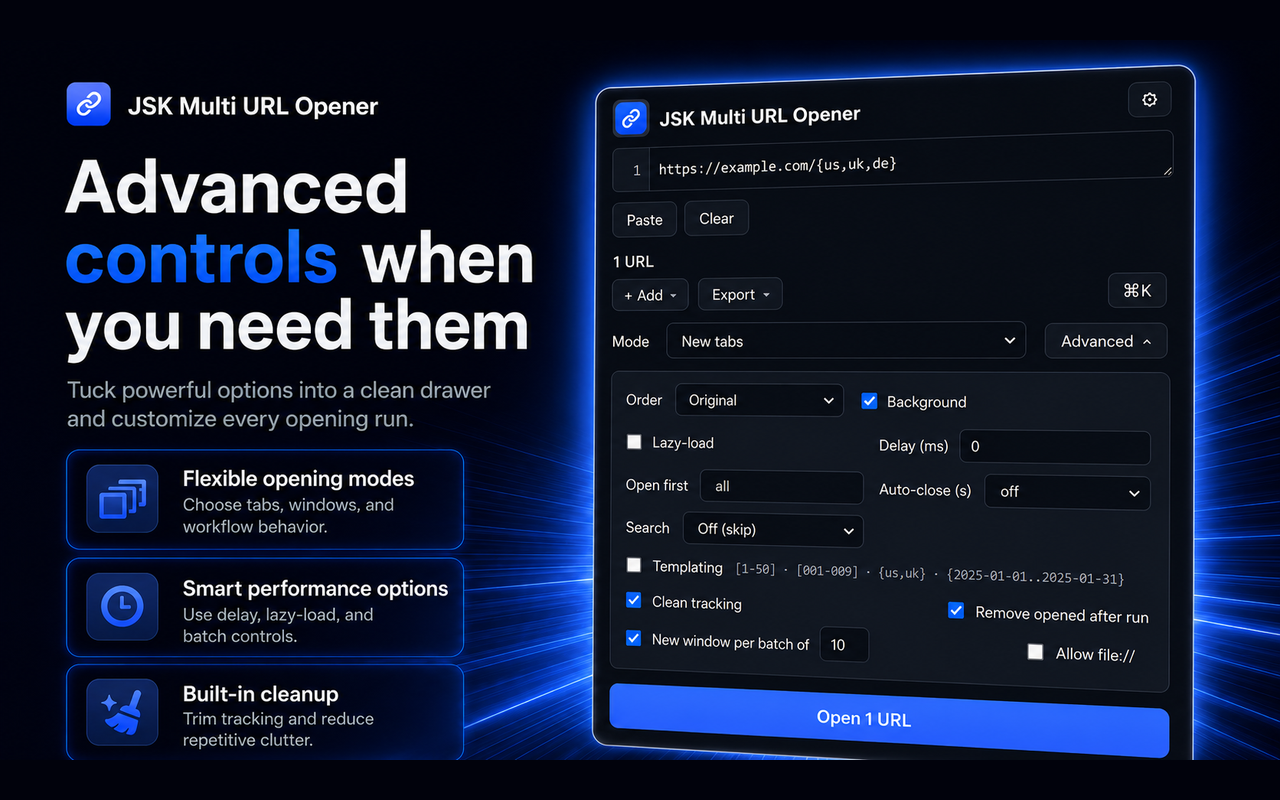
It stays out of your way. The main screen is just your list and an Open button — every advanced option tucks into a drawer. Paste something with a pattern, a tracking parameter, or a line that isn't a link, and the extension quietly offers the right tool for it. Switch off any feature you never use, and pick light or dark.
And it's private by design: no analytics, no trackers, and no access to the websites you visit. Everything you paste and save stays in your browser.
See JSK Multi URL Opener in action
A quick, interactive walkthrough — no install needed.
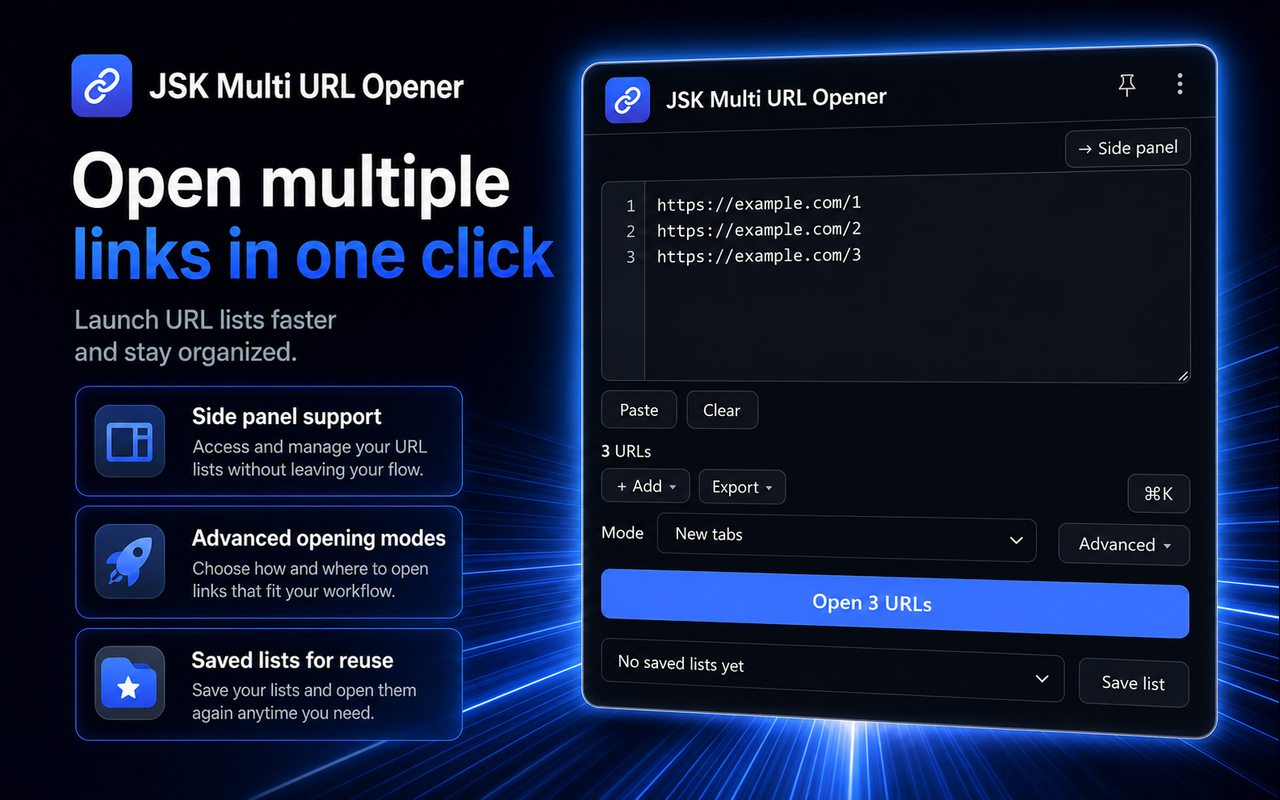
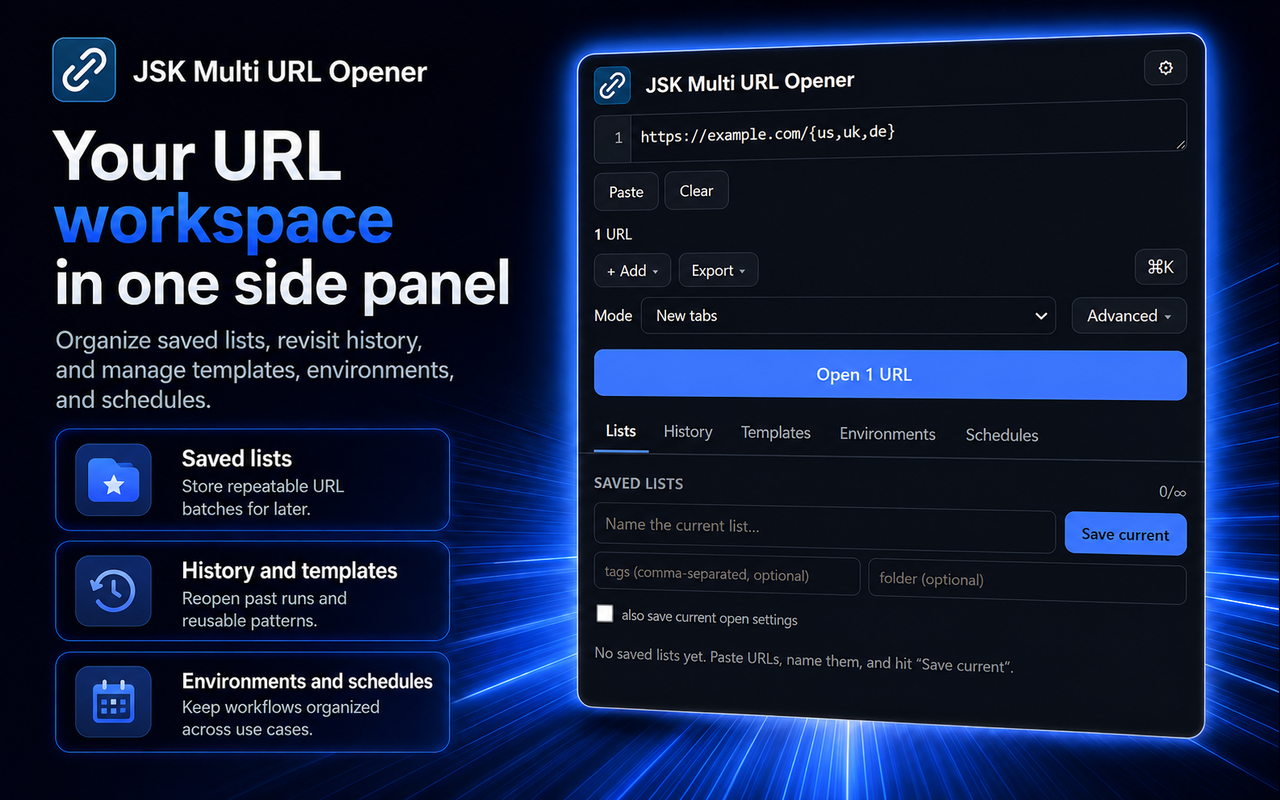
Paste a list of URLs, see the live count, and open them all in one click.
How it works
Paste your links
one URL per line, in the popup or the side panel. Bare domains get https:// added for you.
Choose how to open
pick a mode, and open the Advanced drawer for delay, lazy loading, ordering or cleanup.
Click Open
watch the progress bar, and stop, pause, or resume at any time.
Save it to reuse
name the list, add tags, and re-open it any time; sync it across your devices with a free account.
Level up
generate URLs from patterns, run bulk searches, and schedule opens.
Features
One-click bulk open
Paste any list and open every link at once, in tabs, windows, or grouped by domain.
Safe big batches
Lazy loading, delays, batching, and a stop button let you open hundreds of tabs without freezing your browser.
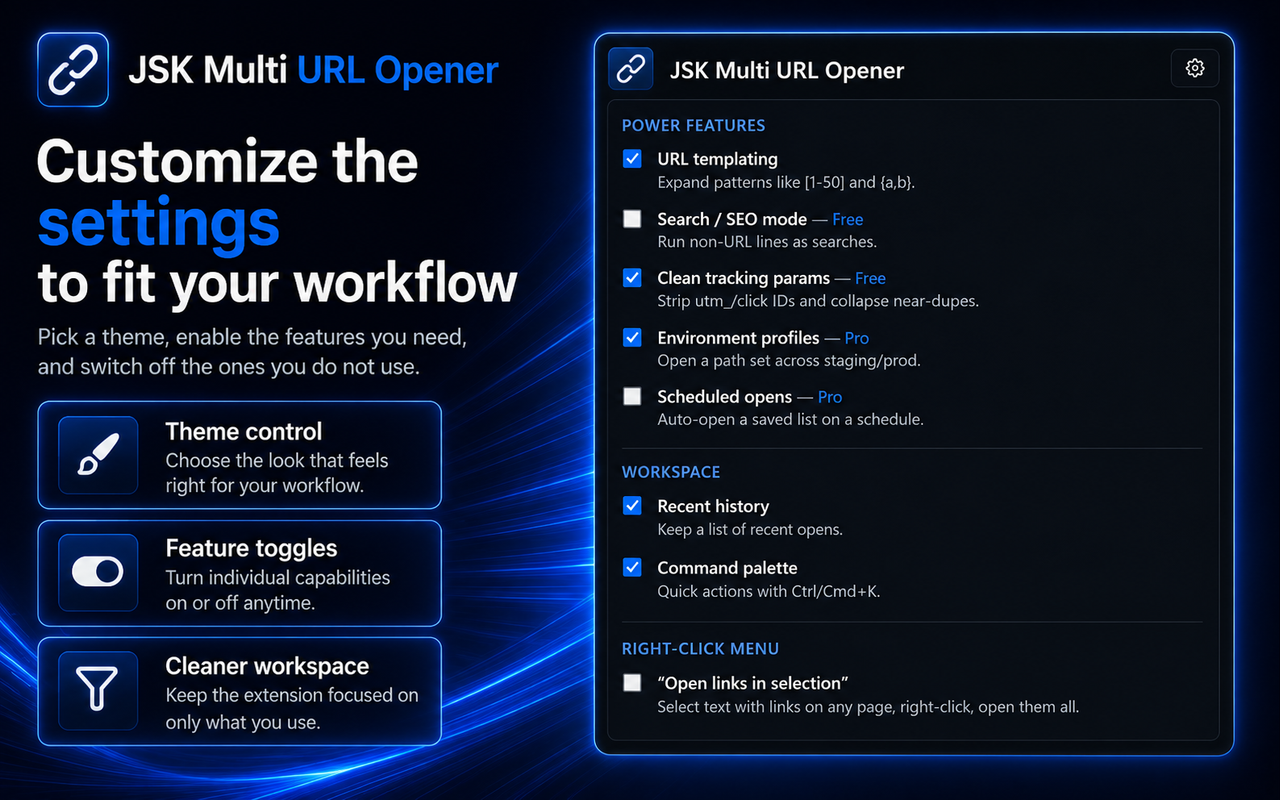
URL templating
Generate URLs from patterns like [1-50], {a,b}, or date ranges, so you never paste hundreds of near-identical links again.
Saved lists that sync
Keep named lists with tags and folders, search them, and sync across your devices.
Search & SEO mode
Run non-URL lines as searches across Google, Bing, or DuckDuckGo, with site: and results-per-page options.
Environments & schedules
Open a set of paths across staging and prod, or auto-open a list on startup, on a timer, or at a set time.
Suggests the right tool
Advanced options stay tucked away, and the extension spots patterns, tracking parameters and non-link lines as you paste.
Private by design
No trackers, no analytics, and no access to the sites you visit; your links stay in your browser.
Pricing
Choose the option that fits — pay once, subscribe, or start a free trial.
No account needed — pay now and we'll email you a link to set a password and access your purchase. Already have an account?
Instant — No account
Free
- Open as many links as you like in one click, in tabs, windows or tab groups
- Big-batch safety: lazy loading, delays, batching, stop/pause/resume
- Automatic cleanup: duplicates removed, invalid and unsafe links skipped
- Number-range URL patterns, such as site.com/page/[1-50]
- Import and export .txt, .csv, JSON, clipboard and bookmarks
- 3 saved lists
- Works entirely offline — no sign-in, no permissions, nothing leaves your device
No account needed — just install
Free Plan - Need account
Free
- Everything in Instant, plus:
- Search and SEO mode — run non-link lines as searches, with a site: filter
- Tracking-parameter cleanup — strip utm_*, gclid and similar automatically
- Folders for organising saved lists
- Cross-device sync for your saved lists
- 25 saved lists
Pro Plan
$1.99/mo
15-day free trial
- Everything in Free, plus:
- Advanced URL patterns: letters, value lists, date ranges and named tokens
- Environment profiles — open one set of paths across staging, production and more
- Scheduled opens — on startup, on a timer, daily, or once at a set time
- Unlimited saved lists
Frequently asked questions
Do I need to create an account to use it?+
No. In Instant mode you can open links with no sign-in and no extra permissions, and still save up to 3 lists. A free account (no payment) adds search mode, tracking cleanup, folders, cross-device sync and 25 saved lists; a subscription adds the advanced tools.
Does it track me or read the websites I visit?+
No. There are no analytics or trackers, and the extension requests no standing access to the pages you browse. If you sign in, it talks only to JSKAPPS to check which plan you're on — never the contents of your links.
How many URLs can I open at once?+
There's no per-plan limit on opening. A single batch is capped at 10,000 links as a safety guard, and you'll be asked to confirm before a large batch. For hundreds of links, turn on lazy loading and a small delay so tabs open instantly but only load when you focus them.
Which browsers are supported?+
Chrome, Microsoft Edge, Firefox (version 140 or newer, desktop) and Opera. Other Chromium browsers such as Brave can install it from the Chrome Web Store.
What's the difference between the plans?+
Instant (no account) gives you every way of opening, the big-batch safety controls, cleanup and ordering, import/export, and basic number-range patterns like site.com/[1-50], plus 3 saved lists. Free (sign in, no payment) adds search/SEO mode, tracking-parameter cleanup, folders, cross-device sync and 25 saved lists. Pro — $1.99 a month, $19 a year, or $59 once — adds advanced templating (letters, value lists, date ranges and named tokens), environment profiles, scheduled opens, and unlimited saved lists. Every Pro plan starts with a 15-day free trial.
Where are my saved lists stored?+
In your browser. If you turn on sync, they travel with your browser's built-in account sync across your devices. We never see or store your URLs on a server.
Can I open a big batch without loading every page at once?+
Yes. Turn on lazy loading and the tabs open immediately but only load when you click them, so a huge batch stays fast and light.
Can I hide features I don't use?+
Yes. In Settings you can switch off any individual feature — it disappears from the popup and side panel and stops running, so you only see the tools you actually want.
From the blog
All articles →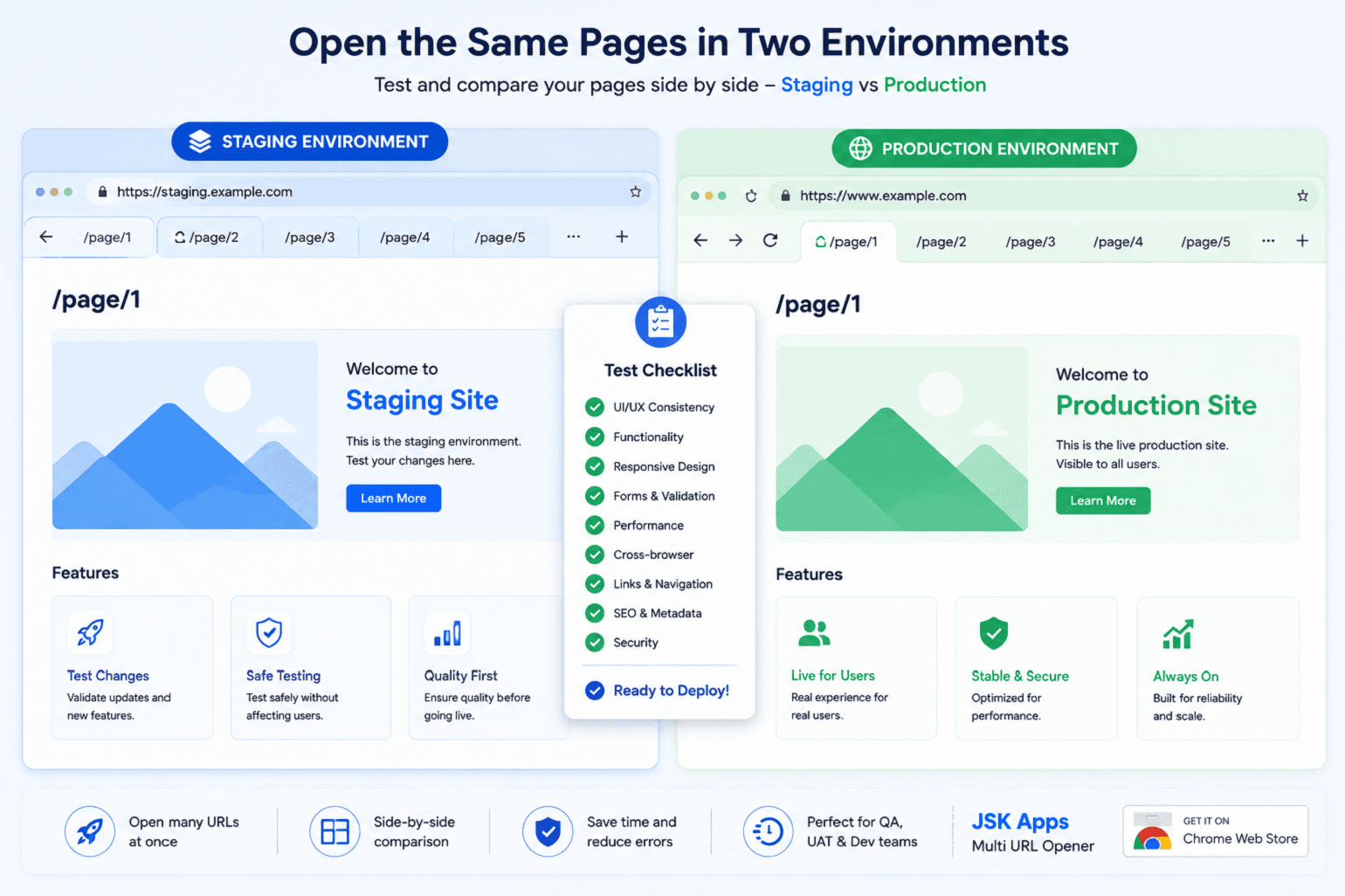
How QA teams smoke-test 200 URLs across staging and production
Every release, someone has to eyeball the key pages on staging, then again on production. Here's how to turn that spreadsheet-and-copy-paste ritual into one saved list you can run in under a minute — on both environments at once.
Somnath Roy · Aug 13, 2026
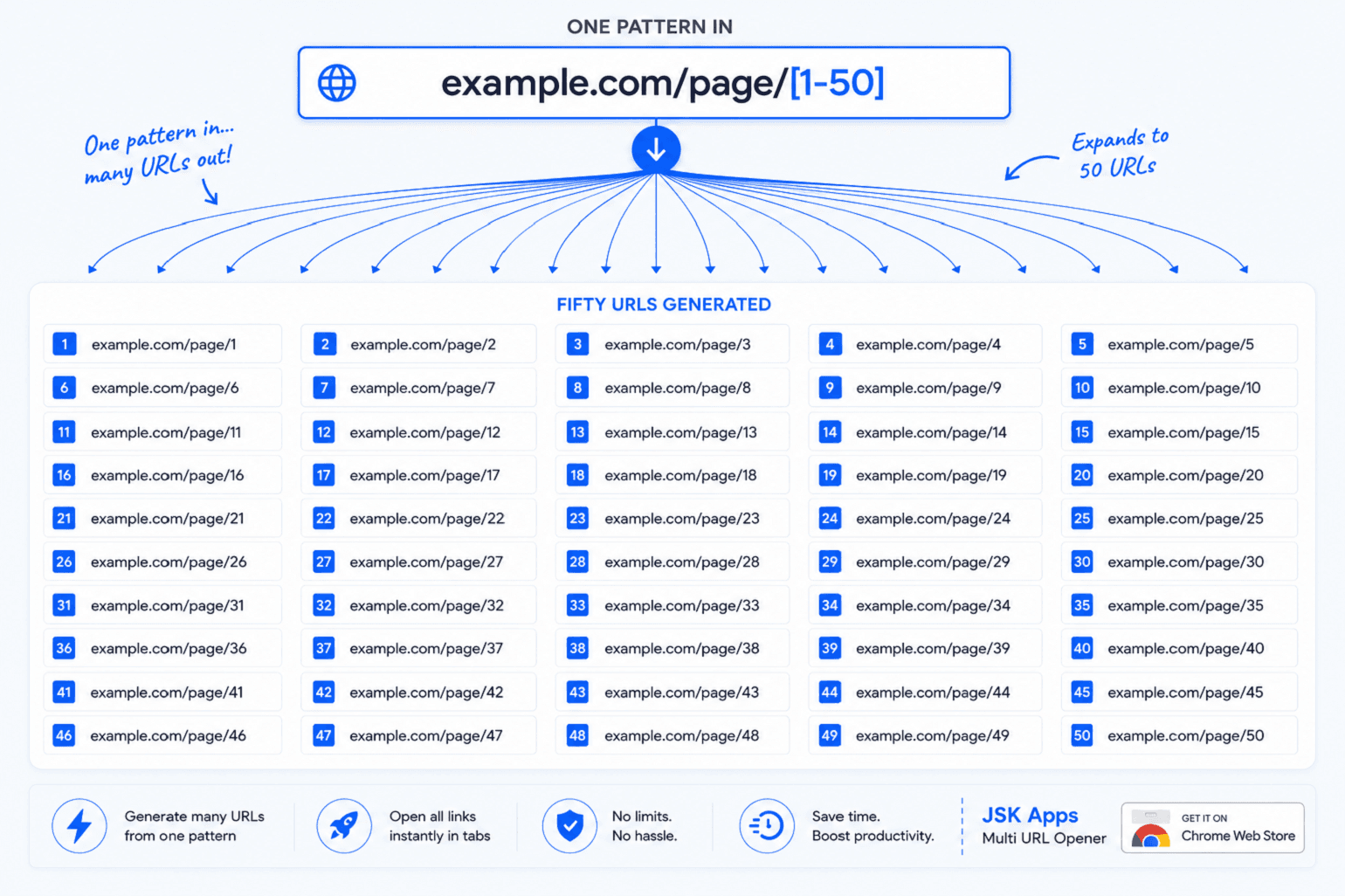
URL templating: generating hundreds of links from one pattern
Stop building URL lists in a spreadsheet. One line like example.com/page/[1-50] becomes fifty links — and with value lists and date ranges you can sweep every country, every ID, or every day of a month from a single pattern.
Somnath Roy · Aug 6, 2026
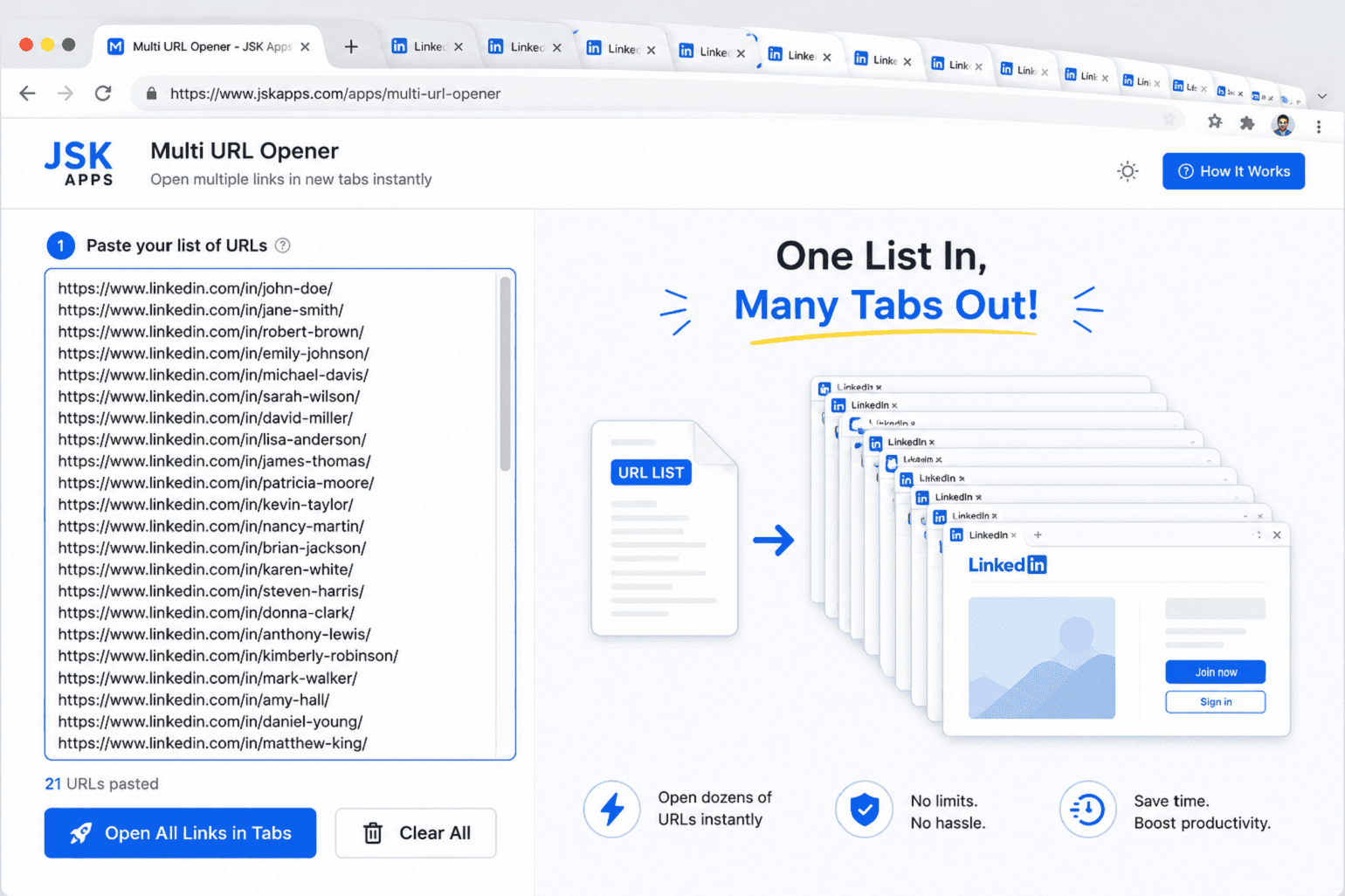
How to open 100 URLs at once in Chrome (without killing your browser)
Middle-clicking a hundred links is miserable, and opening them all at once will freeze your browser. Here's how to open a whole list of URLs in one click — and the two settings that stop 100 tabs from grinding your machine to a halt.
Somnath Roy · Jul 30, 2026
Ready to open smarter?
Install JSK Multi URL Opener and open your first batch in seconds — no account required to get started. Sign in free when you want saved lists and sync.